

Understanding the Importance of Rack Organization
In many Pakistani offices, the network rack is often treated as an afterthought—a dusty corner where cables are tangled and equipment is stacked haphazardly. However, a well-organized rack is the backbone of your business IT infrastructure. At NetBit, we frequently see how poor cable management leads to overheating, intermittent connectivity, and hours of wasted time during repairs. This guide will help you bring order to your server room.
1. Planning Your Layout
Before moving any cables, plan your physical layout. Place heavy equipment like UPS units and battery backups at the bottom of the rack to maintain a low center of gravity. Switches and patch panels should be placed at eye level or in the middle for easier access. Always leave at least 1U of empty space between heat-generating devices to ensure proper airflow.
2. Mastering Cable Management
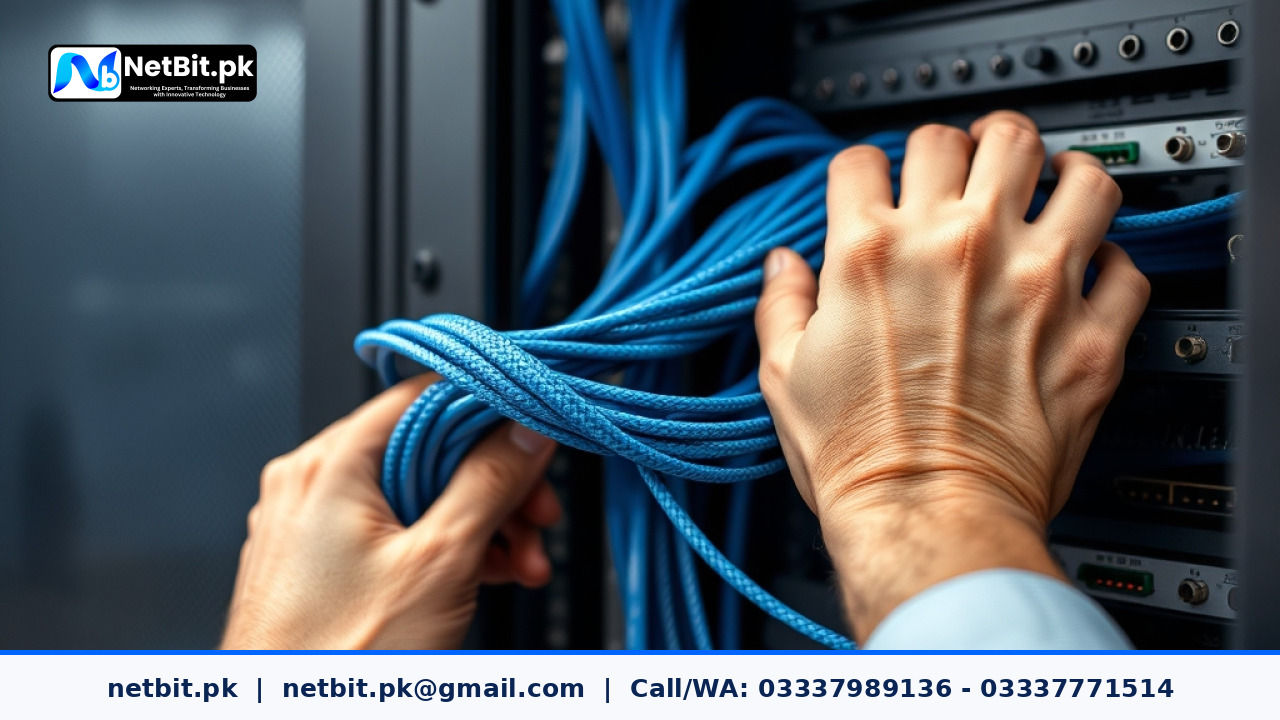
Cable clutter is the primary cause of airflow obstruction. Use horizontal and vertical cable managers to route your Cat6 or fiber patch cords. Never bundle power cables with data cables, as this can cause electromagnetic interference. Use Velcro ties rather than plastic zip ties; zip ties can pinch the delicate internal wires of your networking cables, causing signal degradation over time.
3. Labeling for Efficiency
If you cannot identify a cable in under ten seconds, your system is inefficient. Label both ends of every cable with a clear, consistent naming convention (e.g., SW1-PORT01-RM202). This simple step saves immense frustration when a specific workstation or CCTV camera loses connection.
4. Managing Airflow and Cooling
Active hardware like switches and routers generates significant heat. Ensure that your rack is positioned in a room with adequate ventilation. Use blanking panels to cover empty rack spaces; this forces cool air through your equipment instead of letting it bypass the devices. If your infrastructure is mission-critical, consider a dedicated cooling solution for your server room.
5. Regular Maintenance
Infrastructure is not a 'set and forget' system. Schedule a quarterly audit to check for loose connections, update firmware on your switches, and ensure that dust is cleared from intake fans. At NetBit, we emphasize that proactive maintenance is significantly cheaper than emergency downtime recovery.
Why Partner with NetBit Tech?
Managing professional IT infrastructure requires precision, the right tools, and deep technical knowledge. Whether you are a small business in Khuzdar or a growing enterprise across Pakistan, NetBit Software House provides end-to-end IT solutions. From professional Cat6 cabling and fiber optics installation to configuring complex network switches and deploying robust CCTV systems, our team ensures your business stays connected and secure. We do not just install hardware; we build reliable systems tailored to your specific operational needs. Let NetBit take the burden of IT management off your shoulders so you can focus on growing your business. Contact our team today to schedule a site audit or to discuss your upcoming infrastructure project.


Reader comments.
Share your question, suggestion or experience related to this article.
No comments yet
There are no approved comments on this article yet. You can be the first person to leave one.