
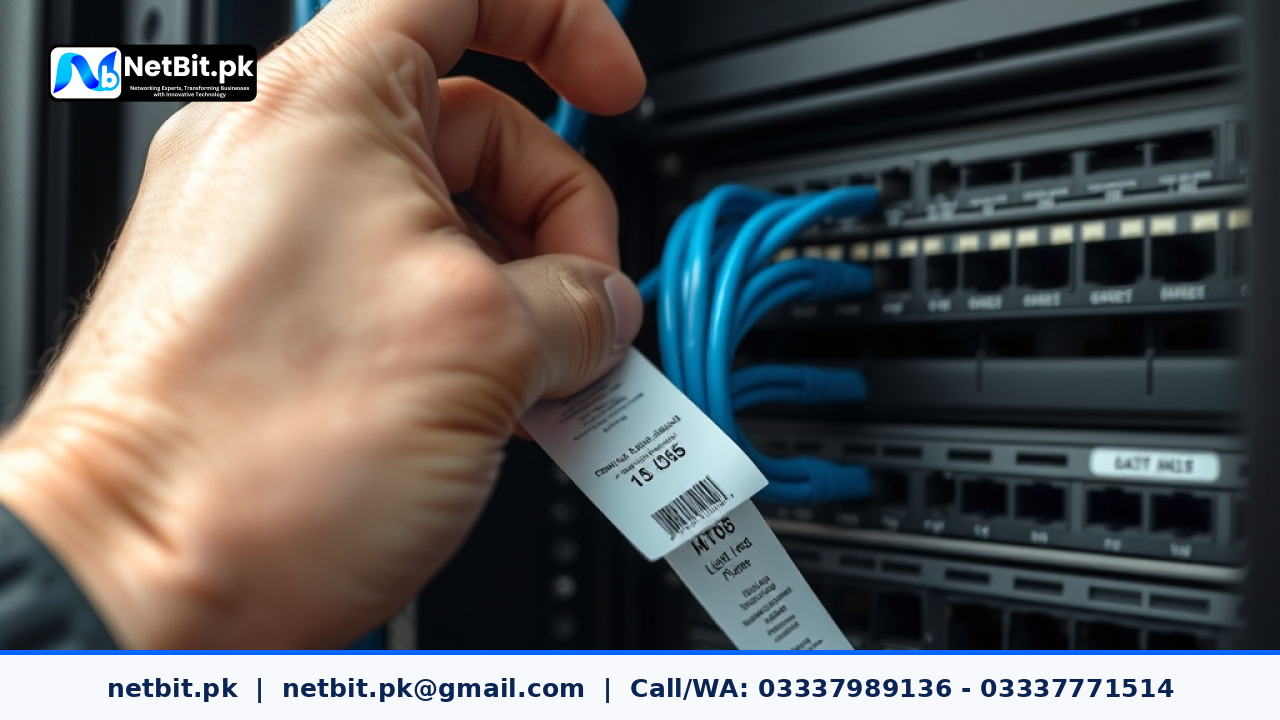
When setting up an office network in Pakistan, modern businesses invest heavily in high-performance hardware, managed network switches, and fast fiber connections. However, one simple detail is frequently overlooked: systematic cable labeling and documentation. In many server closets across Karachi, Lahore, Islamabad, and Khuzdar, network cabinets quickly transform into tangled nests of unidentifiable blue, grey, and yellow patch cords. When an internet drop occurs or a office port stops working, IT staff waste hours tracing individual lines manually.
Implementing a clear, standardized cable labeling system is one of the most cost-effective strategies to protect your IT infrastructure investment. Proper documentation speeds up troubleshooting, simplifies hardware upgrades, and prevents accidental disconnections during routine maintenance.
Why Unlabeled Cabling Costs Pakistani Businesses Time and Money
In a fast-paced work environment, network downtime directly impacts productivity. When patch cables inside a network rack are left unlabeled, simple routine tasks become major headaches for local IT teams:
- Extended Downtime During Outages: If a floor switch fails or a core router port needs swapping, technicians must manually trace every patch cord, extending service disruption from minutes to hours.
- Accidental Network Loops: Connecting the wrong patch panel port back into an unmanaged switch can trigger a broadcast storm, bringing down the entire local area network (LAN).
- Complicated Staff Handovers: When an in-house system administrator leaves a company, an unmapped network cabinet leaves incoming staff completely blind regarding network topography.
- Wasteful Upgrades: Companies often purchase duplicate Cat6 patch cables or add unnecessary switches simply because they cannot identify existing, unused port connections.
Essential Tools for Office Cable Documentation
You do not need expensive specialized machinery to build a clean cable identification system. Basic, durable supplies available across Pakistan will suffice:
- Self-Laminating Vinyl Cable Labels: Standard paper tape falls off due to heat inside server racks. Use wrap-around flexible vinyl labels designed to resist warmth and dust.
- Handheld Thermal Label Printer: Portable label makers allow technicians to print clear, legible alphanumeric codes right at the server cabinet.
- Color-Coded Patch Cords: Assigning specific cable colors to distinct network segments simplifies visual inspection. For example:
- Blue Cables: Standard desktop workstations and IP phones.
- Yellow Cables: Security cameras (CCTV) and NVR connections.
- Red Cables: Critical server connections, firewalls, and gateway routers.
- Green Cables: Wireless Access Points (WAPs) and network printers.
- Port Mapping Spreadsheets: Keep an updated physical or digital document recording patch panel port numbers, switch port allocations, room locations, and connected devices.
Step-by-Step Guide to Labeling Your Network Infrastructure
To establish an organized system that any technician can easily understand, follow this straightforward structure:
1. Define a Logical Naming Scheme
Avoid ambiguous descriptions like "Boss Desk" or "Printer 2". Instead, use an alphanumeric code indicating the building location, floor level, rack ID, and port position. A common format recommended for office networks includes:
[Floor]-[Room/Rack]-[Patch Panel Port]
For example, a label marked F1-R01-P24 clearly indicates: Floor 1, Rack 01, Patch Panel Port 24. This consistent format ensures that any external technician or remote support engineer can locate the exact line without confusion.
2. Label Both Ends of Every Cable
Every single network line—whether it is a short 1-meter patch cord inside a cabinet or an drop running through a ceiling conduit—must have a matching label at both ends. Place the wrap-around label approximately two to three inches away from the RJ45 connector so it remains easily visible when plugged into a switch or wall outlet.
3. Standardize Wall Outlet Faceplates
Do not stop inside the server room. Ensure that the wall faceplates installed at employee workstations match the corresponding entry on your main patch panel. If faceplate port A-12 links to Patch Panel 1, Port 12, write PP1-12 on the wall plate using a clean printed insert.
4. Secure and Cable Manage
Once cables are labeled and patched, secure them into clean bundles using reusable hook-and-loop velcro straps. Avoid overtightening plastic zip ties, which can crimp internal copper pairs and degrade signal transmission quality over time.
Common Mistakes to Avoid in Local Server Rooms
Server closets across regional offices face unique challenges, including high ambient dust levels and frequent ambient temperature changes. Avoid these operational missteps:
- Using Masking Tape or Ballpoint Pens: Ink fades quickly, and adhesive tape leaves a sticky, degrading residue that damages plastic cable jackets.
- Neglecting Fiber Patch Cords: Fiber optic jumpers are sensitive to sharp bends. Tag them gently using flag-style flags rather than tight wrap-around labels that pull on delicate glass strands.
- Failing to Update Records: A cable map is only useful if kept current. Make updating your port spreadsheet a mandatory step whenever an office desk is moved or a new CCTV camera is installed.
Frequently Asked Questions
What type of label is best for hot server racks in Pakistan?
Self-laminating thermal vinyl labels are ideal. They feature a clear protective wrap that covers the printed text, protecting it from cabinet heat, moisture, and dust accumulation over years of operation.
Should small businesses with only 10 computers bother with cable labeling?
Yes. Small networks quickly grow. Establishing clean cable identification early prevents future network confusion as your office expands and adds new equipment like VoIP phones, printers, and surveillance systems.
Can I use plastic zip ties to bundle network cables together?
Velcro wraps are strongly preferred over plastic zip ties. Zip ties make adding or removing cables difficult and risk damaging cable shielding if pulled too tight.
Upgrade Your Business IT Infrastructure with NetBit Tech
Managing network cabinets, server racks, and office wiring requires technical precision and structured planning. If your office infrastructure in Pakistan suffers from tangled cabling, intermittent connectivity, or outdated setup standards, NetBit Software House & Technology in Khuzdar is ready to help.
At NetBit, our technical team specializes in practical IT infrastructure solutions for modern businesses, educational institutes, and commercial facilities. We provide complete network services including:
- Professional structured cabling, Cat6 termination, and network rack cleanup.
- Fiber patch cord installation, optical alignment, and high-speed network switch setups.
- Wireless bridge links using long-range LiteBeam and PowerBeam equipment for multi-building connectivity.
- Complete IP CCTV camera installations and NVR storage configuration.
- Custom desktop systems, business web applications, and ongoing IT support contracts.
Whether you need a full network rack overhaul or a custom software solution tailored to your operational workflow, NetBit Tech delivers reliable, professional technology services designed for local business needs. Contact NetBit today to schedule an expert technical assessment for your workplace infrastructure.



Reader comments.
Share your question, suggestion or experience related to this article.
No comments yet
There are no approved comments on this article yet. You can be the first person to leave one.