
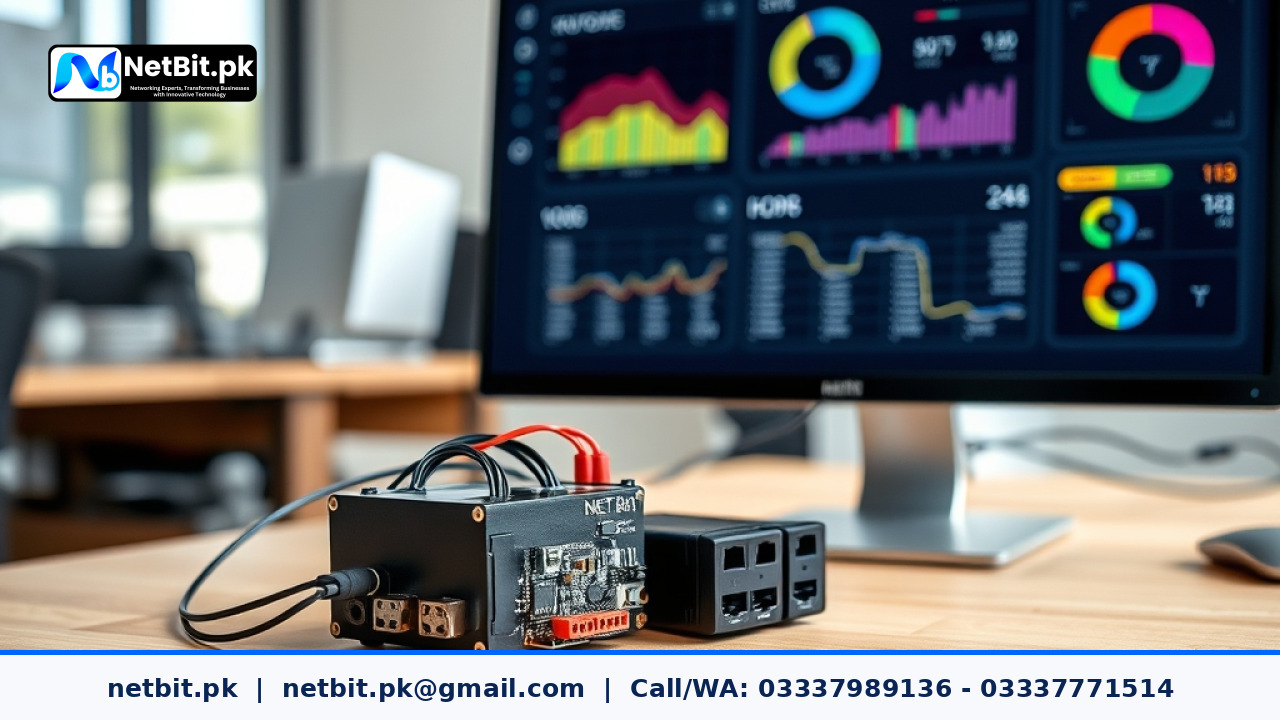
The Need for Smarter Energy Tracking in Modern Offices
Managing operational costs is a major priority for businesses today. With rising utility tariffs, tracking electricity consumption has become essential. Many companies want to monitor their energy usage in real time to find waste, but commercial cloud-based smart meters can be expensive and require ongoing monthly subscriptions. Additionally, relying on external cloud servers means your data is vulnerable to internet outages.
A practical alternative is building a custom local data logging system. By keeping your data storage and processing local, you secure your operational information, avoid recurring fees, and maintain full control over your hardware. In this guide, we will explore how to design and build a reliable, custom local energy monitoring system using affordable components and open-source software.
Understanding the System Architecture
A local data logging system consists of three main parts: the collection layer, the storage layer, and the visualization layer. Keeping these components on a local network ensures high speed, data privacy, and continuous operation even during internet disruptions.
1. The Hardware Collection Layer
To measure electricity safely, you do not need to cut live wires. Instead, you can use non-invasive split-core current transformer (CT) sensors. These sensors clip around the main electrical cables in your distribution board and measure the magnetic field created by the current. The sensors connect to a local microcontroller, such as an ESP32 or a Raspberry Pi, which converts the analog signals into digital values representing amperes and watts.
2. The Local Storage Layer
Once the microcontroller reads the energy consumption, it needs to send this data to a database. Since energy tracking generates continuous readings over time, a time-series database is the best choice. Programs like InfluxDB or lightweight alternatives like SQLite can run easily on a local server or a dedicated office PC. The microcontroller sends data points at regular intervals, such as every ten seconds, using a lightweight protocol like MQTT.
3. The Visualization Layer
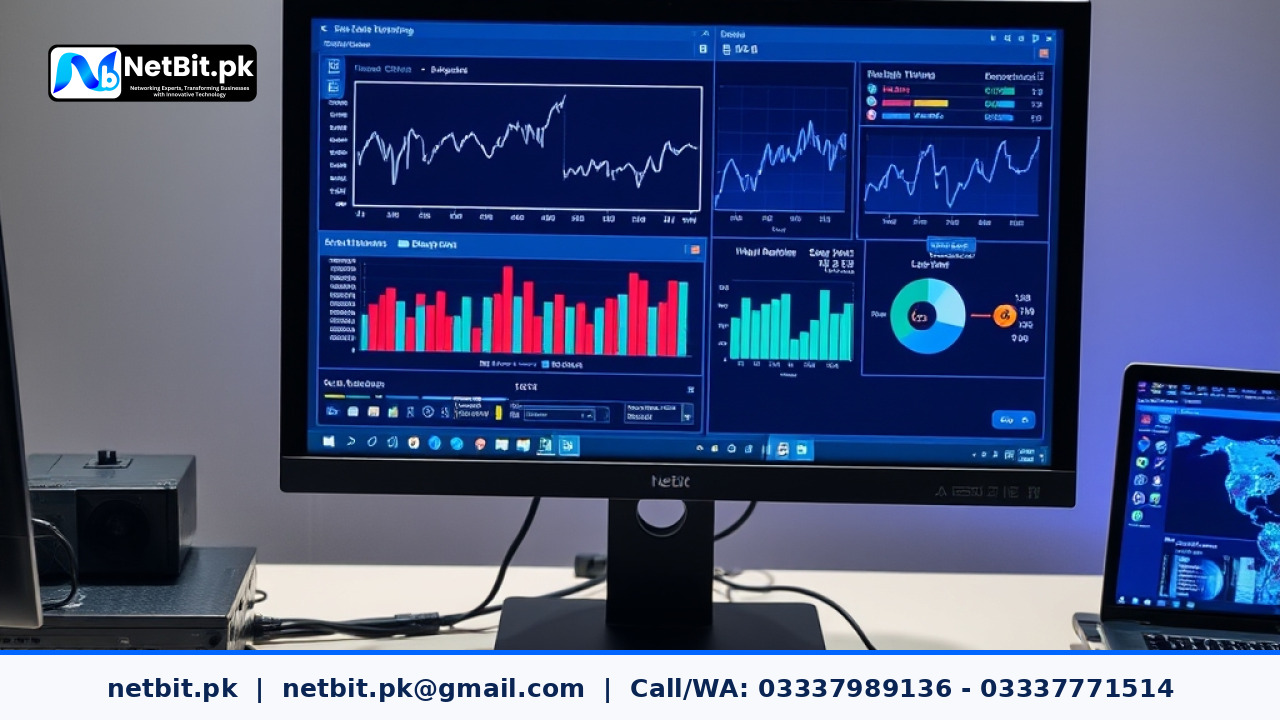
Raw data in a database is hard to read. A local dashboard program, such as Grafana, can connect directly to your database. This allows you to create simple, clean graphs showing live energy usage, daily peaks, and historical trends. This dashboard can be accessed by any authorized computer or smartphone connected to your local office Wi-Fi.
Step-by-Step Implementation Guide
Setting up your own system requires a systematic approach to ensure safety, accuracy, and reliability. Here is how you can implement this custom technology project in your office.
Step 1: Selecting and Placing Sensors Safely
Safety is the most important factor when working with electrical panels. Always hire a qualified electrician to install the split-core CT sensors inside your main breaker panel. The sensors should be clipped around the main incoming phase wires. Ensure the sensor cables are routed neatly away from high-voltage terminals to prevent interference and physical hazards.
Step 2: Configuring the Local Microcontroller
The microcontroller acts as the brain of your data collector. You can write a simple program using the Arduino framework to read the analog inputs from your sensors. The program should calculate the real-time wattage by multiplying the measured current by your standard local voltage (usually 220V in Pakistan). Once calculated, the program packages this data into a simple format and transmits it over your local Wi-Fi network.
Step 3: Setting Up the Local Database and Broker
To receive data from the microcontroller, you need a message broker. Mosquitto MQTT is a free, lightweight, and highly reliable broker that can run on any local computer. The microcontroller publishes the energy readings to an MQTT topic. A simple script running on your local server subscribes to this topic and writes every incoming reading directly into your local database.
Step 4: Building the Operational Dashboard
With the database receiving regular updates, you can configure Grafana to display the metrics. You can set up simple gauges for current power draw and bar charts for daily consumption. This visual setup makes it easy to spot when heavy appliances, such as air conditioners or server racks, are consuming excessive power outside of working hours.
Practical Benefits of Local Data Logging
Opting for a local system over a cloud-dependent commercial product offers several distinct advantages for local businesses:
- Zero Subscription Fees: Since you own the hardware and host the software locally, there are no monthly platform fees.
- High Reliability: Even if your external fiber connection goes down, your local network keeps running, ensuring no gaps in your data logs.
- Data Security: Your internal power usage patterns, which can reveal working hours and operational scales, remain safely inside your physical building.
- Customizability: You can easily add more sensors to track individual office rooms, backup generators, or solar power inverters as your business grows.
Handling Common Technical Challenges
While local systems are robust, they do require careful planning to handle common real-world issues. Power fluctuations are a common challenge. If the local server hosting your database loses power abruptly, database files can become corrupted. To prevent this, always power your local logging server through a small Uninterruptible Power Supply (UPS) and configure the database to perform safe, transactional writes.
Another challenge is managing storage space. Because time-series data grows continuously, you should set up a simple data retention policy. For example, you can configure your database to keep detailed ten-second readings for thirty days, and then automatically aggregate that data into hourly averages for long-term storage.
Let We Help You Bring Your Custom Tech Projects to Life
Trying to design, configure, and maintain custom hardware and software systems on your own can feel overwhelming, especially when you are busy managing your day-to-day business operations. At NetBit Tech Software House, we understand how frustrating it is to deal with unreliable systems or expensive, rigid commercial platforms that do not fit your exact requirements. You deserve a smooth, stress-free experience where your unique ideas are transformed into stable, high-performing digital solutions. Whether you are looking to deploy custom data loggers, manage complex networks, or build bespoke business tools, our dedicated team at netbit khuzdar is here to support you every step of the way. Let us take the technical weight off your shoulders so you can focus on growing your business with confidence. Explore our custom development services at netbit.pk today, and let's discuss how we can build your next successful project together.


Reader comments.
Share your question, suggestion or experience related to this article.
No comments yet
There are no approved comments on this article yet. You can be the first person to leave one.