
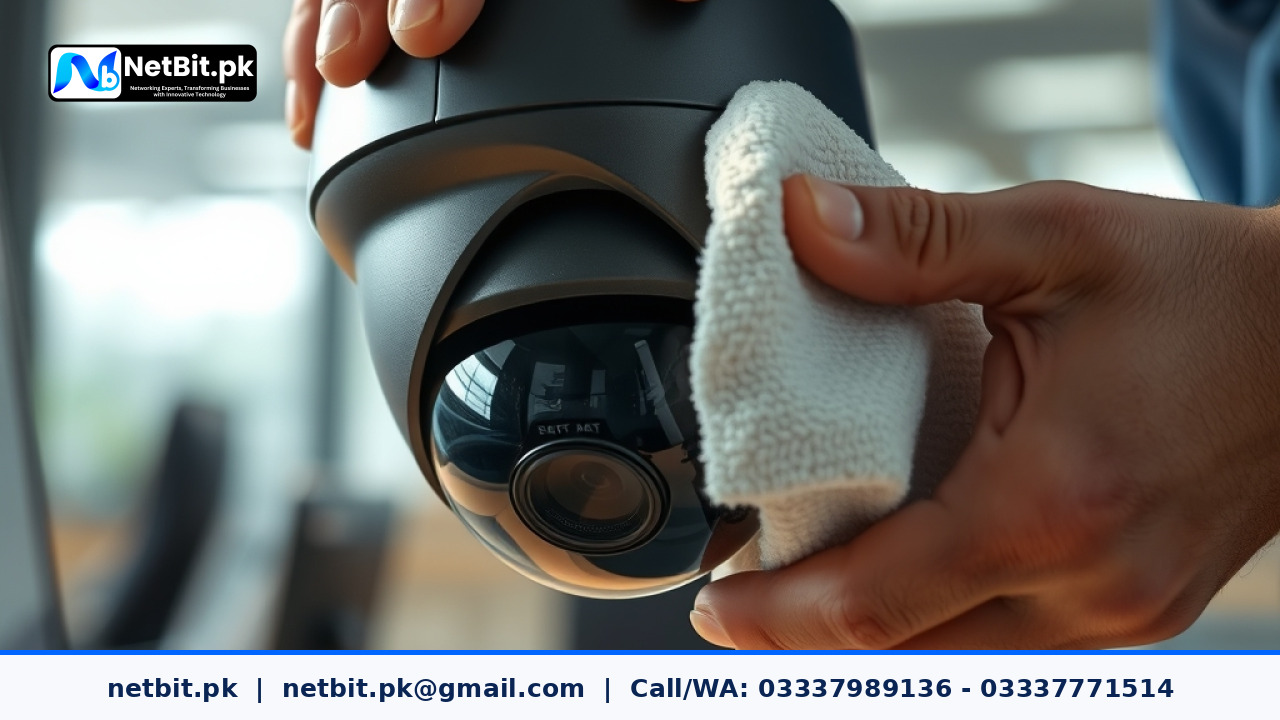
The Importance of Clear Surveillance
In the security industry, a camera is only as effective as the image it captures. Many businesses in Khuzdar and across Pakistan struggle with blurry, hazy, or distorted video feeds, often assuming their hardware is failing. In most cases, the culprit is simply dust, grime, or moisture accumulation on the lens. Maintaining your optical hardware is a critical part of any IT maintenance strategy.
Why Lens Clarity Matters
Security cameras operate 24/7, often in harsh outdoor environments or dusty indoor settings. Over time, pollutants settle on the glass, scattering infrared (IR) light during night vision modes. This results in the 'foggy' effect that renders faces and license plates unidentifiable. Regular cleaning is not just about aesthetics; it is about ensuring your security system provides actionable evidence when you need it most.
Tools You Need for Maintenance
Never use harsh chemicals or abrasive cloths, as these can strip the protective anti-glare coatings off the lens. Instead, use these professional-grade items:
- A soft, lint-free microfiber cloth.
- A manual air blower (to remove loose debris without touching the glass).
- Lens cleaning solution specifically designed for optical glass.
- A soft-bristled brush for the camera housing.
Step-by-Step Cleaning Process
- Power Down Safely: If possible, disable the camera via your NVR software to prevent electrical shorts during the cleaning process.
- Remove Loose Dust: Use the air blower to clear off loose particles. Never wipe the lens while it is dusty, as this can scratch the surface.
- Gentle Wiping: Apply a small amount of lens cleaner to the microfiber cloth (never directly to the glass). Wipe in a light, circular motion from the center outward.
- Check the Housing: Dust on the glass casing around the lens can cause IR reflection. Wipe the entire dome or housing clean.
- Verification: Once dry, access your NetBit-configured surveillance dashboard to verify that the image is crisp and that the focus is sharp.
Professional CCTV Support with NetBit
Proper maintenance extends the lifespan of your security infrastructure. At NetBit Software House & Technology, we specialize in comprehensive CCTV and networking solutions. From designing robust surveillance layouts and Cat6 cabling installations to setting up professional-grade NVR systems, our team ensures your security setup is optimized for performance. Whether you need a new installation or a maintenance check for your existing office network, NetBit provides the technical expertise to keep your premises secure. Visit our team in Khuzdar to discuss how we can secure your business with reliable technology.



Reader comments.
Share your question, suggestion or experience related to this article.
No comments yet
There are no approved comments on this article yet. You can be the first person to leave one.