
Why Monitoring Your Internet Speed is Critical in 2024-2026
In the current digital landscape of Pakistan, a stable internet connection is no longer a luxury; it is a fundamental requirement for education, business operations, and remote work. Whether you are a student attending online lectures or a business owner managing a remote team from Khuzdar, knowing your actual bandwidth through a reliable internet test is the first step toward digital efficiency. Many users pay for high-speed tiers but often experience buffering or lag because they do not regularly perform an internet test speed to verify their service provider's claims.
Using a professional tool like the NetBit Internet Speed Test allows you to see real-time data regarding your connection. This is essential because network congestion, faulty hardware, or even environmental factors in Pakistan can significantly degrade your user experience. By running a speed test, you gain the data needed to hold your ISP accountable and ensure you are getting the value you pay for.
Understanding the Metrics: Download, Upload, and Ping
When you run an internet speed test, you are presented with several numbers. Understanding what these mean is vital for troubleshooting. While tools like fast.com or Speed test by Ookla provide quick snapshots, interpreting the results requires a bit of technical knowledge.
What is Download Speed?
Download speed refers to how quickly data travels from the internet to your device. This impacts how fast websites load, the quality of your video streams, and how quickly you can download large files. For most Pakistani households using PTCL internet packages, download speed is the primary metric they focus on.
What is Upload Speed?
Upload speed is the rate at which data is sent from your device to the internet. This is critical for video conferencing (Zoom/Teams), sending large email attachments, or uploading videos to YouTube. If your real speed test shows high download but very low upload, your video calls will likely freeze or lag.
Understanding Ping and Jitter (The Latency Factor)
A Ping test measures the reaction time of your connection—how fast you get a response after you've sent out a request. Low latency (low ping) is crucial for gaming and real-time communication. If you are experiencing delays despite having a fast speed, your latency might be the culprit. Users often look for a real speed test wifi result that shows a ping under 50ms for a smooth experience.
How to Properly Perform an Internet Test Speed
To get an accurate reading, you shouldn't just click a button. Follow these steps to ensure your internet speed test free results are not skewed by external factors:
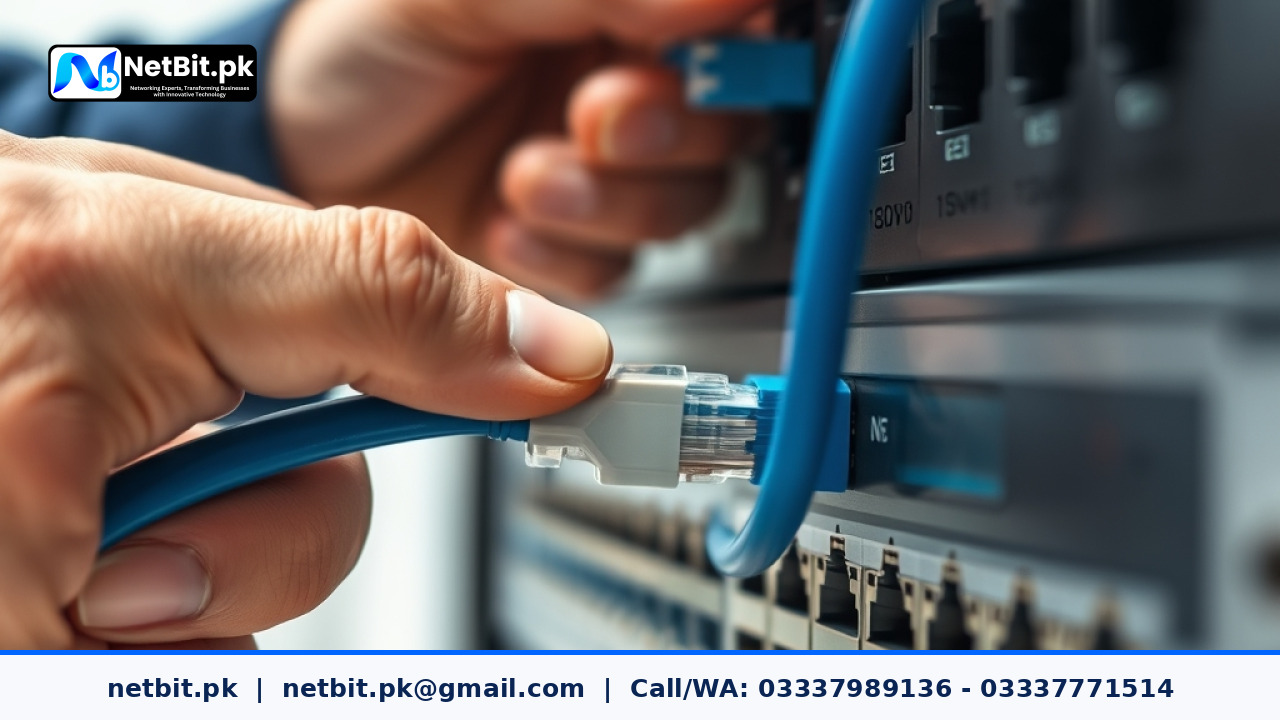
- Use a Wired Connection: Whenever possible, connect your laptop directly to the router using a Cat6 cable. This eliminates the interference common in a Speed test WiFi.
- Close Background Apps: Ensure no other devices are streaming 4K video or downloading updates while you run speed test.
- Check Multiple Servers: While Google speed test is convenient, using a localized tool like the NetBit Internet Speed Test can provide a more accurate picture of your local routing in Pakistan.
- Test at Different Times: Internet traffic in Pakistan peaks in the evening. Run a Ptcl internet speed test in the morning and again at night to see the variance.
Comparing Popular Tools: NetBit vs. Fast.com vs. Ookla
There are several reputable tools available for measuring bandwidth. Ookla speed test is perhaps the most well-known globally, offering a massive network of servers. On the other hand, fast.com (powered by Netflix) is excellent for quickly checking if your ISP is throttling video traffic. However, for users in Balochistan and across Pakistan, the NetBit tool provides a lightweight, ad-free interface specifically optimized for local network conditions.
Unlike a generic Internet speed test app that might consume significant data just to run the test, NetBit's web-based tool is designed to be efficient. Whether you are checking a PTCL speed test result or a local fiber provider, having a neutral, third-party tool is essential for an unbiased real speed test.
Common Causes of Slow Internet in Pakistan
If your fast speed test results are lower than expected, consider these common infrastructure issues frequently encountered by NetBit's technical team:
- Outdated Routers: Many users still use old ADSL routers that cannot handle the speeds of PTCL Flash Fiber. Upgrading to a modern gigabit router can double your effective Speed test WiFi results.
- Cable Quality: Using low-quality or damaged copper cables can lead to signal loss. NetBit recommends high-quality Cat6 or fiber patch cords for all business installations.
- Distance from Exchange: For those not yet on fiber, the physical distance from the PTCL exchange significantly impacts internet test results.
- Interference: In crowded areas, other WiFi signals can interfere with yours. Switching to the 5GHz band often resolves this.
Broadband Providers and Packages: PTCL Flash Fiber and More
As we move toward 2026, the landscape of PTCL internet packages monthly 2026 is shifting heavily toward fiber optics. PTCL Flash Fiber has become the gold standard for home and small office users, offering symmetrical speeds (same upload and download) that were previously unavailable. When selecting PTCL internet packages, always look at the fine print regarding data caps and peak-hour performance. Regularly performing an internet speed test free check helps you ensure that the package you subscribed to is actually being delivered to your doorstep.
Professional Networking and IT Solutions by NetBit Tech
At NetBit Software House & Technology, we understand that a simple speed test is just the beginning of maintaining a high-performance digital environment. While knowing your speed is important, building the infrastructure to support it is where our expertise lies. NetBit specializes in comprehensive IT solutions tailored for the Pakistani market, particularly in Khuzdar and surrounding regions.
Our team of experts handles everything from Custom Software Development and Web Applications to robust Networking setups. We don't just tell you your internet is slow; we fix the underlying infrastructure. We provide professional installation of network switches, Cat6 cabling, and long-range wireless solutions using LiteBeam and PowerBeam technology for multi-building connectivity. Additionally, we secure your premises with advanced CCTV surveillance systems integrated with your local network.
If your business is struggling with connectivity, or if you need a custom software solution to streamline your operations, NetBit Tech is your trusted partner. We bring international standards to local businesses, ensuring your technology works for you, not against you. Contact NetBit today to discuss your networking, software, or security needs, and let us help you build a faster, more reliable digital future.



Reader comments.
Share your question, suggestion or experience related to this article.
No comments yet
There are no approved comments on this article yet. You can be the first person to leave one.