
Understanding Office Automation for Inventory Control
Managing physical stock, office supplies, and business assets manually is a tedious chore that drains valuable time. In many local businesses across Pakistan, inventory is still tracked using paper registers or uncoordinated spreadsheet files. This traditional approach frequently leads to missing items, stockouts, inaccurate reporting, and wasted capital. Adopting a structured approach to office automation streamlines these processes by digitizing stock tracking and connecting inventory updates directly with procurement teams.
Office automation for inventory management involves setting up centralized desktop systems or custom web applications that log every item entering and leaving the premises. When a department requests supplies, the automated workflow updates stock levels in real time, alerting administrators when items drop below predefined thresholds. This level of visibility removes guesswork and ensures that daily business operations run smoothly without unexpected supply shortages.
Practical Steps to Automate Your Stock Tracking Workflow
Implementing inventory automation does not require an immediate, complex corporate overhaul. Organizations can start by structuring their data and digitizing standard procedures. Here is a practical roadmap for businesses looking to modernize their stock control operations:
- Audit Current Stock Items: Catalog all office supplies, hardware assets, and commercial goods currently held in storage. Assign clear SKU numbers or unique identifiers to each item type.
- Centralize Data Entry: Move away from isolated individual spreadsheets. Establish a single, shared internal database accessible via local desktop systems or secure web applications within your office network.
- Define Minimum Thresholds: Set automated alert levels for essential items. When stock falls below a specific count, the system should flag the item for reordering automatically.
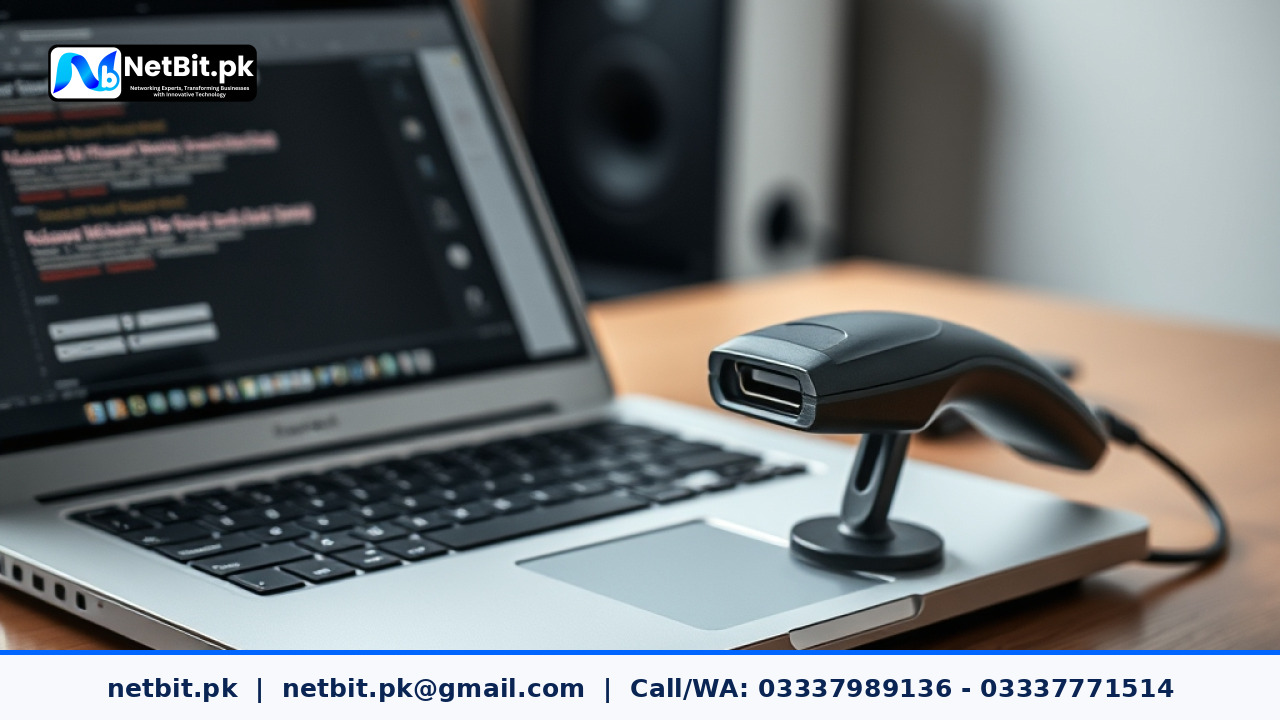
- Integrate Barcode Scanning: Equip your inventory station with basic USB barcode scanners to quickly log incoming shipments and outgoing requests without manual typing errors.
- Train Staff Members: Conduct brief training sessions for administrative teams so they understand how to log inventory movements correctly within the new software interface.
Common Challenges in Manual Inventory Management
Before transitioning to automated workflows, organizations often struggle with persistent operational bottlenecks. Understanding these common pain points helps clarify why manual tracking fails as a business grows:
- Human Error: Manual data entry in paper registers or spreadsheets frequently results in typos, misplaced decimal points, and mismatched counts.
- Lack of Real-Time Visibility: Managers cannot determine exact stock availability without physically walking to the storage room and checking shelves manually.
- Delayed Reordering: Without automated alerts, purchases are often delayed until supplies run out entirely, causing frustrating operational halts.
- Security Risks: Unmonitored storage rooms and unrecorded item handovers make it difficult to track missing assets or prevent inventory shrinkage.
Frequently Asked Questions About Office Automation
Is office automation suitable for small businesses in Pakistan?
Yes. Even small trading firms and local offices benefit immensely from digital inventory tracking. Automating simple tasks saves hours of manual work and prevents costly stock discrepancies.
Do we need expensive hardware to start automating inventory?
Not necessarily. Most inventory automation workflows run smoothly on standard office computers and internal local networks managed by reliable network switches and structured Cat6 cabling.
Can custom software be tailored to our specific inventory rules?
Absolutely. Working with a professional software house allows you to build custom desktop systems or web applications tailored precisely to your unique supply chain and approval hierarchies.
Partner with NetBit Tech for Custom Office Automation Solutions
Streamlining your internal operations requires dependable technology infrastructure and robust software systems designed for your exact business requirements. At netbit, our team provides comprehensive IT solutions ranging from custom software development and web applications to reliable local area networking and desktop system setups. Based in Khuzdar, netbit tech helps organizations across Pakistan eliminate manual inefficiencies through practical, scalable automation tools. Whether you need a bespoke inventory management system, secure database configuration, or robust office IT maintenance, netbit software house delivers reliable results that support long-term growth. Contact netbit khuzdar today to discuss how we can modernize your office workflows and elevate your daily operational productivity.


Reader comments.
Share your question, suggestion or experience related to this article.
No comments yet
There are no approved comments on this article yet. You can be the first person to leave one.