
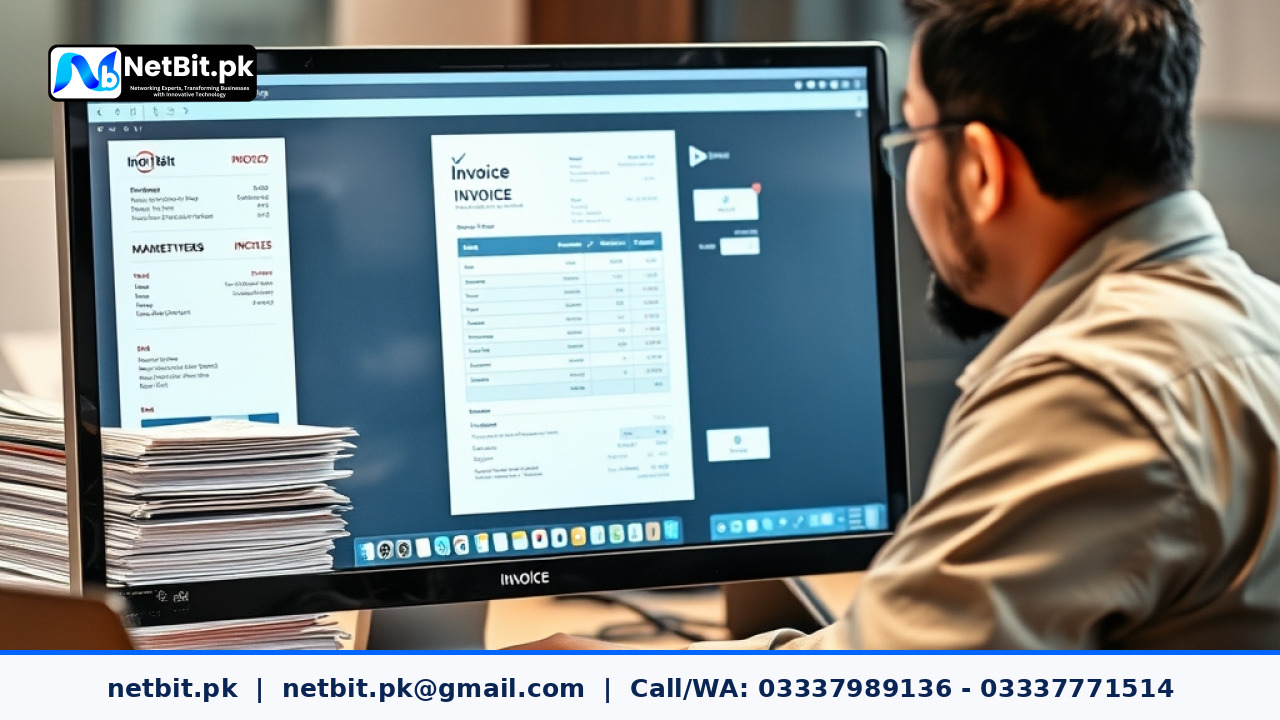
The Challenges of Traditional Manual Invoicing
For decades, small and medium enterprises across Pakistan have relied on paper receipt books, handwritten ledgers, and basic spreadsheets to manage their commercial billing. While these traditional practices may work during early operational stages, they quickly create bottlenecks as transaction volume grows. Manual invoice generation consumes valuable staff hours, increases the risk of calculation mistakes, and makes tracking overdue accounts exceptionally difficult.
When staff members spend hours each day cross-referencing sales orders, calculating taxes manually, and drafting individual payment receipts, primary business operations suffer. Lost invoices, misplaced receipt stubs, and inconsistent pricing records often lead to customer disputes and delayed cash flow. For growing businesses operating across wholesale, distribution, services, or retail, transitioning to structured office automation is no longer a luxury—it is a practical necessity for accurate financial record-keeping.
What is Invoicing Workflow Automation?
Invoicing workflow automation refers to using dedicated custom desktop software or secure web applications to generate, send, track, and reconcile customer bills with minimal manual intervention. Rather than creating every billing document from scratch, an automated system retrieves verified customer details, product catalogs, stock availability, and predefined tax rules to create standardized invoices instantly.
Modern automated billing systems manage the complete lifecycle of a sales transaction. From generating initial quotations and converting them into formal invoices to dispatching automated payment notices and updating inventory ledgers, automation removes repetitive administration tasks from your administrative team's daily workload.
Key Steps to Transition from Paper Receipts to Automated Billing
Modernizing your office billing workflows requires a methodical approach to ensure operational continuity and accurate data transfer. Below are the fundamental stages every enterprise should follow during implementation.
1. Centralizing Customer and Product Master Data
Before launching an automated system, consolidate your commercial information into a unified database. This involves organizing item lists, unit prices, discount slabs, and customer contact profiles. Centralizing this data eliminates price inconsistencies across different sales desks and ensures every generated bill reflects current commercial terms.
2. Standardizing Rules for Tax and Discounts
Manual tax calculations often introduce discrepancy risks, especially when dealing with provincial tax regulations, sales withholding taxes, or tiered commercial discounts. Automated workflows apply pre-configured mathematical logic to every invoice line item. By embedding these rules directly into the software interface using standard calculation routines like final_amount = base_price * (1 - discount_rate) * (1 + tax_rate), your administrative team avoids manual calculation errors.
3. Automating Payment Reminders and Ledger Updates
One of the most immediate operational advantages of office automation is systematic receivables management. Instead of relying on office clerks to call clients manually, an automated workflow can send scheduled email or SMS payment notifications for upcoming or overdue balances. When payments are recorded, the system automatically updates customer accounts and main general ledgers in real time.
4. Linking Billing Workflows with Inventory Control
Integrating your invoicing tools directly with warehouse stock logs ensures that inventory balances update automatically whenever a sales bill is finalized. This prevents accidental double-selling of items, alerts management when stock drops below safety thresholds, and provides accurate cost-of-goods calculation across all transactions.
Practical Advantages for Pakistani Trading and Service Firms
Implementing custom workflow software offers tangible operational improvements for commercial enterprises operating in local markets:
- Reduced Administrative Costs: Processing invoices digitally cuts expenditure on physical paper, custom printed receipt books, duplicate record binders, and manual storage space.
- Faster Cash Collection: Automated dispatch of invoices and timely payment reminders reduce average outstanding receivables collection cycles from weeks to days.
- Enhanced Data Accuracy: Standardized data entry fields prevent missing tax registration numbers, wrong unit pricing, or incorrect client address details.
- Comprehensive Audit Trails: Every invoice created, modified, or cancelled is logged with time-stamps and user identity markers, improving internal fiscal governance.
- Instant Business Intelligence: Owners and management gain real-time access to daily sales summaries, aging receivable reports, and top-performing item metrics via customized reporting dashboards.
Frequently Asked Questions About Billing Automation
Can automated billing software work without continuous internet access?
Yes. Custom desktop systems can operate locally on local area network (LAN) setups using internal database servers. Local systems synchronize data across office workstations seamlessly and can backup records to remote servers whenever an internet link is established.
Is extensive staff training required to switch from paper records?
No. User-friendly software interfaces are designed around familiar office forms. Minimal staff training is required, allowing billing clerks to adapt to digital invoicing within a few working days.
How secure is digital invoicing data compared to paper files?
Digital invoice data backed up across encrypted local and cloud environments is significantly more secure than physical paper ledgers. Physical records are vulnerable to fire, water damage, theft, and physical decay, whereas automated digital backups preserve historical operational data reliably.
Streamline Your Office Workflows with NetBit Tech
Modernizing routine business operations requires practical software tools tailored specifically to your organizational structure. At NetBit, we specialize in building efficient desktop applications, secure custom software, and robust office automation solutions designed to eliminate operational bottlenecks for businesses across Pakistan.
Whether you operate a distribution network, a commercial trading office, or a professional service firm, our engineering team works directly with you to digitize paper-based tasks, automate sales billing, and build secure network infrastructure. NetBit software house delivers scalable technology tailored to local enterprise realities, from central administrative offices in Khuzdar to enterprise hubs across the country.
Contact NetBit Tech today to discuss your workflow requirements, schedule a technical consultation, and discover how our custom software solutions can boost your operational efficiency.



Reader comments.
Share your question, suggestion or experience related to this article.
No comments yet
There are no approved comments on this article yet. You can be the first person to leave one.