
Understanding Point-to-Multipoint Wireless Networking
For many businesses in Pakistan, especially those operating in industrial zones, large campuses, or rural areas like Khuzdar, connecting multiple buildings with a stable data link is a significant challenge. Traditional methods often involve digging trenches to lay fiber optic or Cat6 cables, which is not only expensive but often impossible due to terrain or administrative permissions. This is where Point-to-Multipoint (PtMP) wireless networking becomes a practical solution. By using high-frequency radio waves, businesses can share internet and local network resources across several kilometers without a single inch of underground cabling.
At NetBit Software House, we frequently encounter clients who need to sync their warehouse inventory with their main office or provide internet to a remote guard post. Wireless bridging technology allows for a high-bandwidth connection that behaves exactly like a physical cable, providing seamless access to shared files, CCTV feeds, and internal software systems.
The Role of LiteBeam and PowerBeam in Modern Connectivity
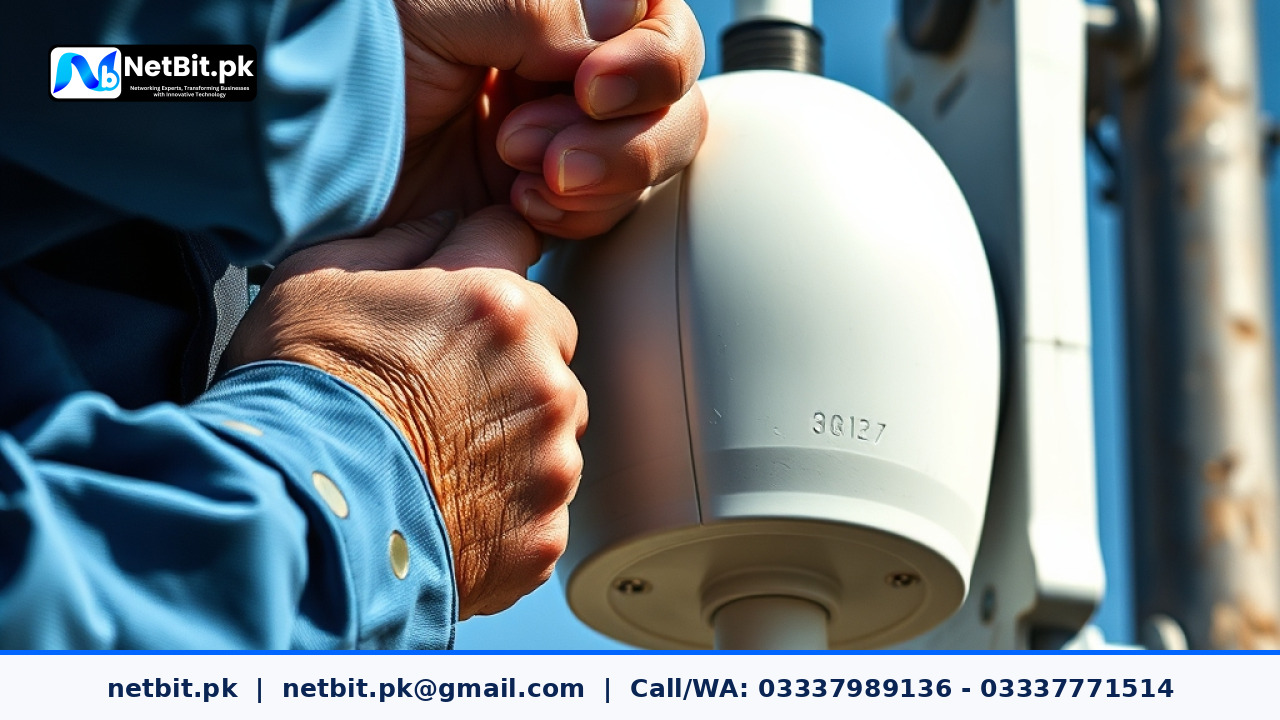
In the world of networking hardware, devices like the LiteBeam and PowerBeam have become the industry standard for outdoor wireless links. These devices are specialized antennas designed to focus a radio signal into a narrow beam, allowing it to travel long distances with minimal interference. For a Pakistani business, these tools represent a cost-effective way to expand infrastructure. A LiteBeam is often used as a 'Station' (the receiver), while a PowerBeam might serve as the 'Access Point' (the sender) due to its stronger gain and better noise immunity in crowded urban environments.
Why Businesses in Pakistan Choose Wireless Networking Over Cables
There are several practical reasons why wireless networking is gaining popularity across Pakistan:
- Cost Efficiency: You avoid the labor costs of excavation and the high price of armored outdoor fiber cables.
- Rapid Deployment: A wireless link can be established in a single day, whereas physical cabling might take weeks of planning and labor.
- Scalability: If your business expands to a third or fourth building nearby, adding them to a PtMP network is as simple as installing another receiver antenna.
- Durability: High-quality outdoor gear is designed to withstand the intense heat of Pakistani summers and the monsoon rains.
Key Components for a Successful Wireless Link Setup
Setting up a professional-grade wireless link requires more than just two antennas. To ensure the network is stable and fast, several components must work in harmony. NetBit Tech emphasizes the importance of using the right hardware for the specific environment of the project.
1. Outdoor Wireless Bridges (LiteBeam & PowerBeam)
These are the core of your system. The PowerBeam is excellent for longer distances or areas with high radio interference, as its dish-like design helps focus the signal. The LiteBeam is a lighter, more affordable alternative that works perfectly for shorter distances (up to 5-10km with clear visibility). Both operate on the 5GHz frequency, which is less crowded than the standard 2.4GHz used by home Wi-Fi routers.
2. High-Quality Cat6 Cabling and Patch Cords
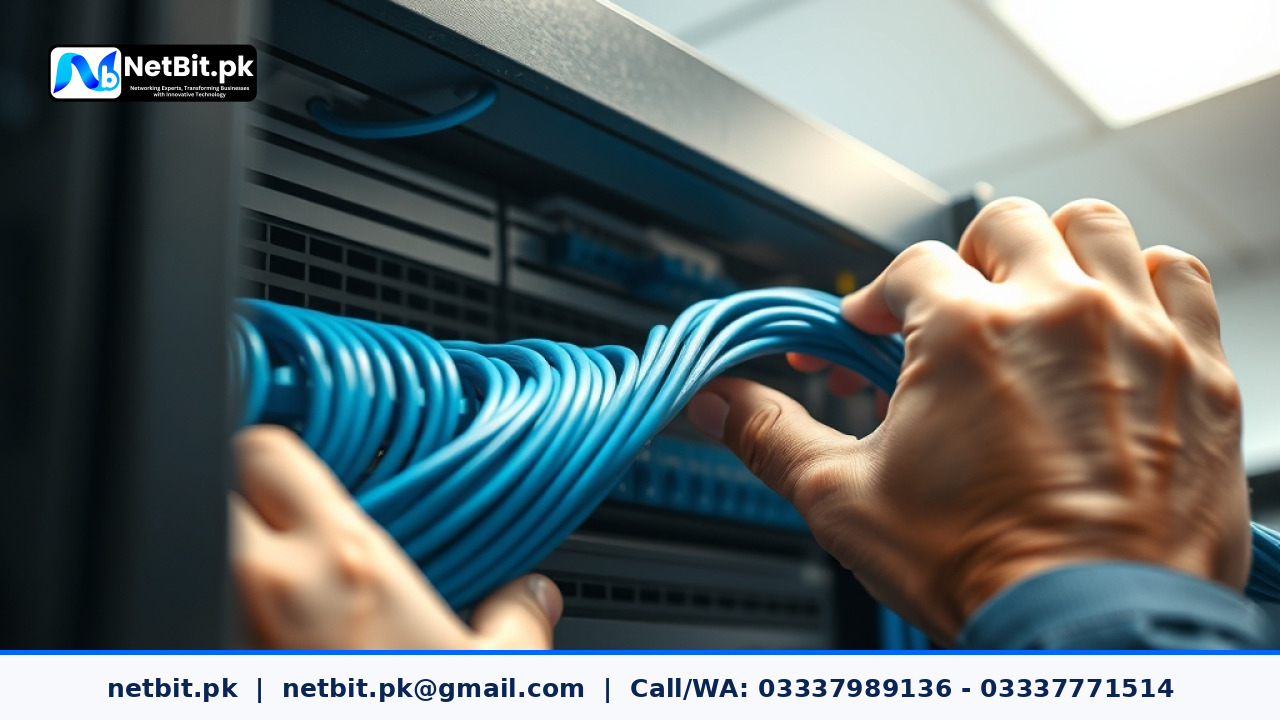
Even though the link is wireless, the connection from the antenna to your indoor network uses physical cables. Using shielded Cat6 cabling is non-negotiable for outdoor installations in Pakistan. The shielding protects the data from electrical interference and prevents the cable from degrading under the harsh sun. At NetBit, we recommend using factory-made fiber patch cords for server-side connections to ensure maximum throughput.
3. Managed Network Switches
Once the wireless signal enters your building, it needs to be distributed. A managed network switch allows you to create VLANs (Virtual Local Area Networks). This is crucial for security; for example, you can keep your CCTV camera traffic separate from your accounting software traffic, ensuring that one does not slow down the other.
Step-by-Step Practical Implementation Guide
If you are a student or an IT manager looking to implement this, follow these practical steps to ensure a stable connection.
Planning Your Line of Sight (LoS)
Wireless links require a clear 'Line of Sight'. This means that if you were standing at the location of the first antenna, you should be able to see the second antenna location with your naked eye or binoculars. Trees, buildings, and even power lines can obstruct the signal. In cities like Khuzdar, where buildings are often of varying heights, mounting the antennas on 10-foot poles on the rooftop is a common practice to clear any obstacles.
Mounting and Alignment
Physical stability is key. If the mounting pole shakes during high winds, your signal will drop. Use heavy-duty brackets and ensure the antenna is tightened securely. Alignment is the most technical part of the process. You must rotate the antennas slowly while monitoring the signal strength (measured in dBm) on a laptop. A 'sweet spot' is usually between -45 dBm and -60 dBm. Anything higher than -70 dBm will result in frequent disconnections and slow speeds.
Maintaining Your Wireless Network for Long-Term Performance
In Pakistan, environmental factors are the biggest threat to networking hardware. Dust accumulation on the antenna face can slightly degrade signal quality over years. We recommend a bi-annual inspection of all outdoor equipment. Check the RJ45 connectors for signs of corrosion or moisture ingress. Ensure that the PoE (Power over Ethernet) adapters are plugged into a stable power source or a UPS, as sudden power fluctuations can reset the configuration of your LiteBeam or PowerBeam devices.
Professional Wireless Networking Solutions by NetBit
Building a robust network infrastructure is the backbone of any modern business. Whether you are looking to connect two offices across a street or link multiple sites across several kilometers, NetBit Tech in Khuzdar provides the technical expertise to make it happen. Our team specializes in the professional installation of Cat6 cabling, fiber optics, and advanced wireless bridging using LiteBeam and PowerBeam technology.
We don't just install hardware; we design systems that are secure, scalable, and built to last. From configuring managed switches to optimizing your long-distance wireless links, NetBit Software House is your partner in digital transformation. Don't let physical distance limit your business operations. Contact NetBit today to discuss your networking requirements and let us build a custom solution that keeps your team connected, no matter where they are located.


Reader comments.
Share your question, suggestion or experience related to this article.
No comments yet
There are no approved comments on this article yet. You can be the first person to leave one.