
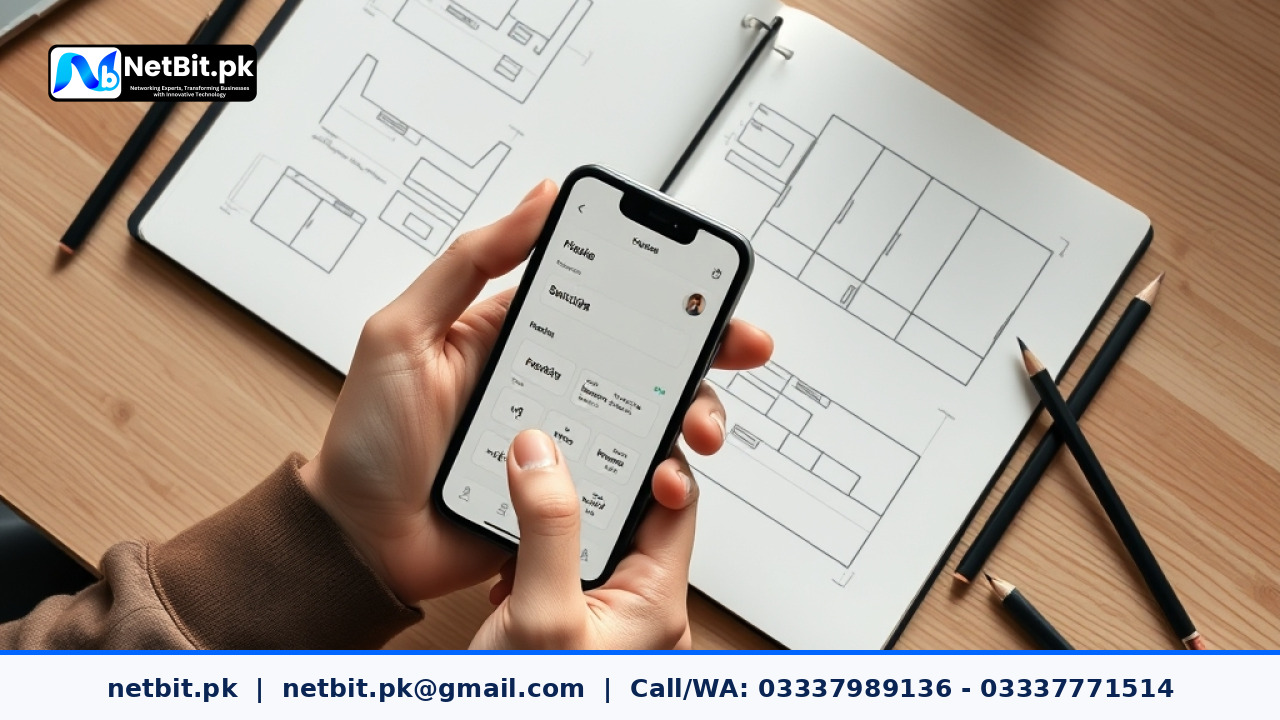
The Importance of Mobile-First Thumb Ergonomics in Web Design
In Pakistan, more than eighty percent of internet users access websites through mobile devices. From browsing local eCommerce portals and educational platforms to reading regional news, the smartphone screen is the primary gateway to the internet. However, many business websites still feature desktop-style navigation squished into a mobile viewport. Users encounter tiny links, hamburger menus placed at the top corners of tall screens, and awkward forms that require two hands to operate.
Designing for the thumb zone addresses this usability barrier directly. Modern mobile interfaces must align with the natural physical reach of a user's thumb during one-handed use. When web designers and product owners understand hand biomechanics, they create digital products that feel effortless to navigate, leading to higher conversion rates, longer session durations, and reduced bounce rates.
Understanding the Natural Thumb Zone
Steven Hoober's research into mobile device usage revealed that roughly 75% of users interact with their screens using a single thumb, switching between hands or using two hands only when typing long text. When someone holds a smartphone naturally, their thumb rotates in an arc centered at the base of the thumb joint.
This biomechanical motion divides a mobile screen into three primary ergonomic regions:
- The Natural Zone: The bottom-center portion of the display where the thumb moves comfortably without extending or straining. This is the optimal area for primary navigation tabs, search toggles, and main call-to-action buttons.
- The Stretch Zone: The central band and immediate lower edges of the screen where the thumb can reach with a slight extension. Secondary actions, filter options, and informational cards work well here.
- The Hard-to-Reach Zone: The top thirty percent of the screen and the far top corners. Reaching these areas requires shifting the device grip or using a second hand. Critical interactive elements should rarely live here.
Core Strategies for Thumb-Friendly UI/UX Design
Transitioning from a traditional desktop mindset to thumb-centric mobile web design requires deliberate layout adjustments. Here are practical ways to restructure mobile web layouts for maximum ease of use.
1. Move Primary Navigation to the Bottom
Traditional responsive design often hides all navigation items inside a hamburger icon placed in the top-right or top-left corner. This forces users to reposition their grip every time they want to move between sections. A persistent bottom navigation bar keeps three to five core destinations within immediate thumb reach.
For business applications and online stores, placing categories, account details, cart previews, and home links at the bottom significantly speeds up user exploration. Ensure the bar uses standard semantic markup with responsive CSS rules like position: fixed; bottom: 0; while reserving adequate padding so content above is not obscured.
2. Comply with Standard Touch Target Dimensions
One of the most frequent usability mistakes on regional websites is using undersized touch targets. Links that look adequate on a desktop monitor become frustratingly hard to tap on compact screens, leading to accidental misclicks.
Follow recognized human interface guidelines:
- Minimum Size: Interactive targets should be at least 48 by 48 CSS pixels (or 44 by 44 points on iOS), providing ample area for the average human finger pad.
- Target Spacing: Maintain at least 8 to 10 pixels of empty space between distinct interactive elements to prevent accidental taps on adjacent links.
- Visual Feedback: Use subtle active states and color changes so users know their tap registered immediately, especially when browsing on slower 3G or 4G data connections.
3. Utilize Bottom Sheets Instead of Center Modals
Popups and centered modal dialogs interrupt the user flow and place confirm or close buttons near the top of the display. Modern mobile UI design favors bottom sheets—panels that slide up from the lower edge of the screen.
Bottom sheets keep filtering options, share menus, and action confirmations inside the natural thumb zone. Users can easily review options, select filters, and dismiss the sheet with a simple downward swipe or a thumb tap near the bottom handle.
4. Anchor Critical Form Actions to the Lower Screen
When users complete inquiry forms, multi-step checkouts, or sign-up workflows, submit buttons placed at the far bottom of long scrolling pages are frequently missed. Alternatively, when virtual keyboards appear, they often cover buttons located in the middle of the screen.
Pin primary form actions—such as "Proceed to Payment" or "Submit Inquiry"—to a sticky bottom container that stays visible above the browser chrome or software keyboard. This guarantees the next step is always directly under the user's thumb.
Practical Steps to Audit and Improve Your Mobile Navigation
Auditing your current website layout reveals whether your digital interface helps or hinders mobile visitors. Follow this checklist to identify problem areas:
- Test on Actual Mid-Range Hardware: Do not rely solely on desktop browser developer tools. Test your website on budget smartphones widely used in Pakistan, such as mid-tier Android devices with tall aspect ratios (19.5:9 or 20:9).
- Perform One-Handed Usability Testing: Hold the phone in your dominant hand and try completing a routine task—like searching for a product, opening a service page, or submitting a contact form—without shifting your grip.
- Inspect Spacing via Browser Inspector: Use your developer tools to verify that buttons and text links meet the 48px target guideline and do not overlap with native browser gesture bars.
- Verify Floating Action Button (FAB) Placement: If using a WhatsApp chat widget or floating call button, place it in the lower right or lower left corner, ensuring it does not overlap with bottom navigation tabs or essential form buttons.
Frequently Asked Questions (FAQ)
Why is thumb-zone design especially vital for Pakistani web visitors?
The vast majority of Pakistani consumers and business owners rely almost exclusively on mobile devices for daily communication, online ordering, and information retrieval. Complex desktop-style menus create friction, driving visitors away to competitors whose web pages are simpler and faster to browse with one hand.
Does bottom navigation work well for content-heavy blogs and news portals?
Yes. While long-form reading involves vertical scrolling, keeping navigation or reading progress indicators anchored at the bottom allows readers to switch categories, search topics, or bookmark articles without scrolling all the way back to the top.
Will moving navigation to the bottom affect website loading speed?
Not when implemented properly. Clean CSS layouts using standard positioning rules add negligible file weight. In fact, replacing heavy third-party menu libraries with clean, semantic bottom navigation often improves overall page performance and rendering speed.
Upgrade Your Web Interface with NetBit Tech
A website that is difficult to navigate on mobile quietly costs you sales, leads, and customer trust. At NetBit, our software engineering and design team builds responsive web applications, custom software platforms, and digital portals tailored specifically to real-world user habits. Based in Khuzdar and serving businesses across Pakistan, NetBit Software House combines technical precision with user experience research to build digital products that perform flawlessly.
Whether you need a complete UI/UX overhaul for an existing corporate website, a high-converting eCommerce redesign, or a custom web application designed for mobile-first audiences, NetBit Tech delivers reliable, scalable solutions. Contact NetBit today to audit your digital platforms and transform your mobile user experience.



Reader comments.
Share your question, suggestion or experience related to this article.
No comments yet
There are no approved comments on this article yet. You can be the first person to leave one.