
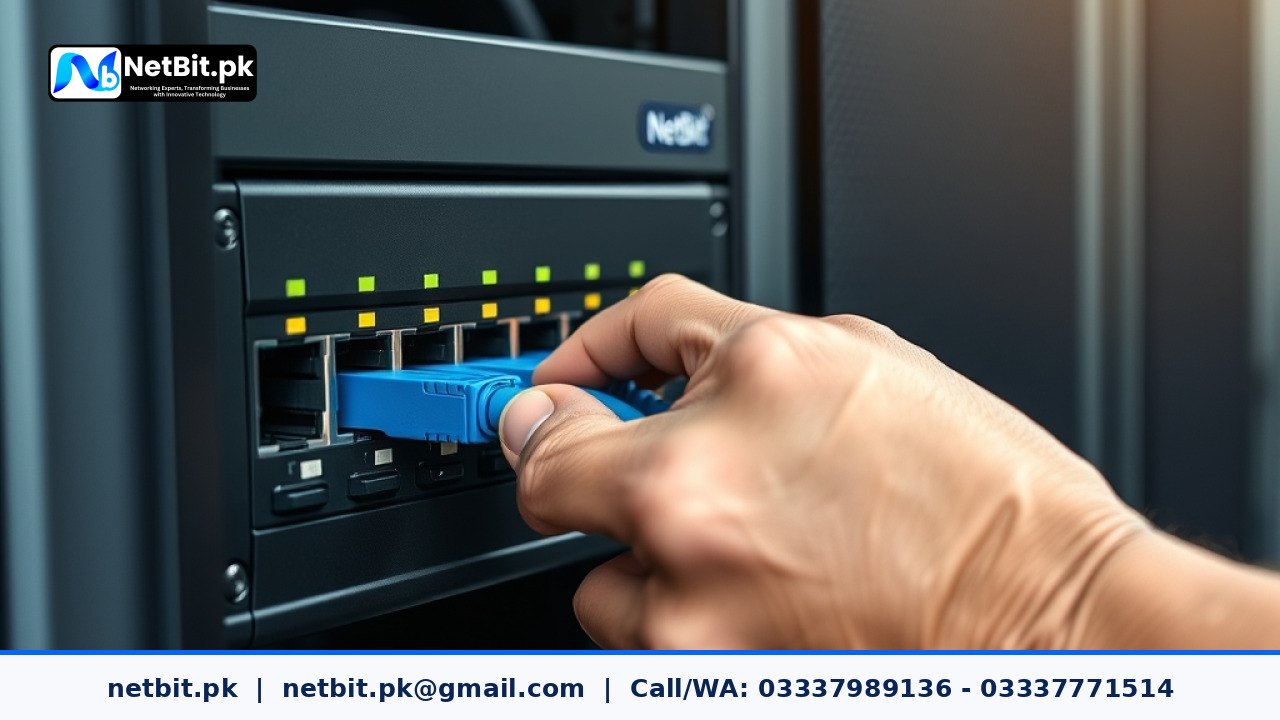
In many businesses across Pakistan, from growing offices in Khuzdar and Quetta to bustling hubs in Karachi and Lahore, staff members frequently complain about slow internal file transfers, lagging ERP software, and frozen shared printers. The instinctive response is usually to call the internet service provider and file a complaint. However, in a surprising number of cases, the internet connection is completely innocent. The real culprit is an internal local area network (LAN) bottleneck.
A network bottleneck occurs when the volume of data moving across your office local network exceeds the physical capacity or data-handling ability of your switches, routers, or network cables. When this happens, packets queue up, latency spikes, and staff productivity drops. At NetBit Tech, our networking team regularly inspects office environments where modern computers are choked by outdated infrastructure. Here is a practical, step-by-step guide to help business owners, IT assistants, and students diagnose and resolve LAN bottlenecks effectively.
1. Distinguishing Internal LAN Bottlenecks from External ISP Issues
Before unscrewing wall faceplates or reconfiguring switches, you must isolate whether the slowdown is happening inside your local office network or outside on your internet service line. You can confirm this with a simple test using everyday diagnostic tools:
- Ping Your Local Gateway: Open your command terminal and run a continuous ping to your local router or core switch (for example,
ping 192.168.1.1 -t). On a healthy wired LAN, your response time should consistently sit at



Reader comments.
Share your question, suggestion or experience related to this article.
No comments yet
There are no approved comments on this article yet. You can be the first person to leave one.