
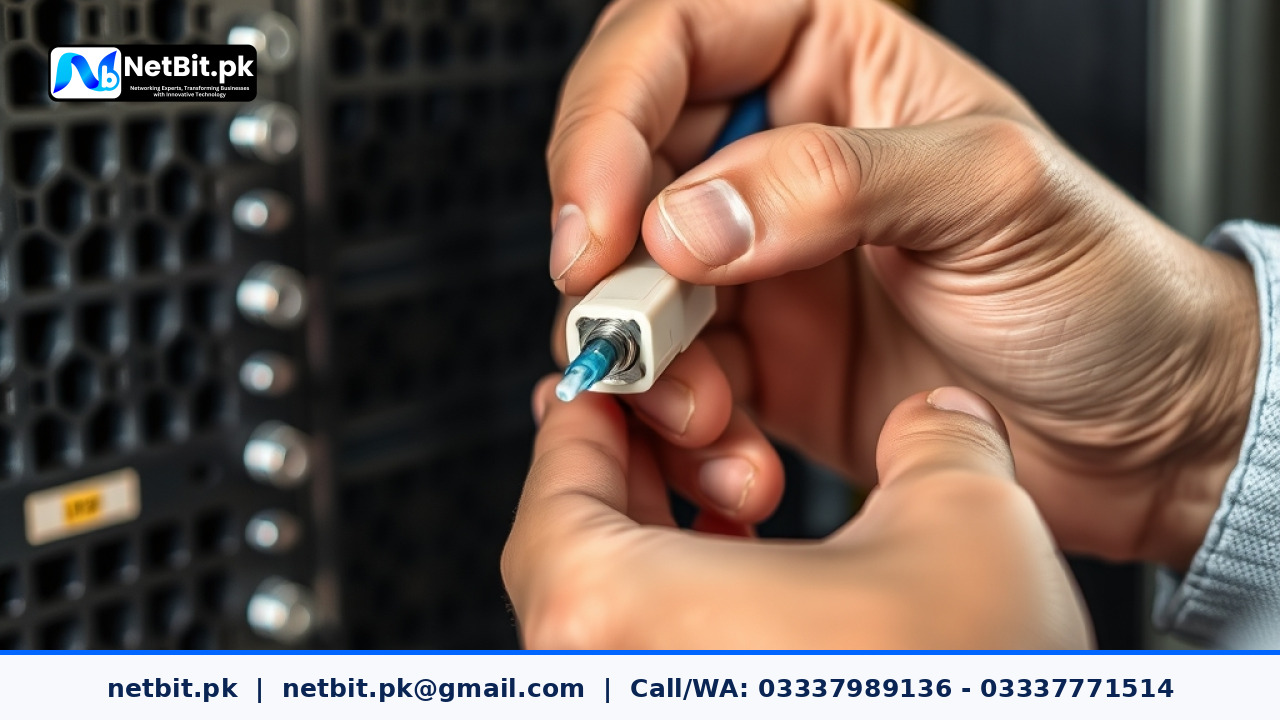
Introduction to Fiber Optic Maintenance in Office Networks
Fiber optic networking provides high-bandwidth data transmission essential for modern businesses, school campuses, and commercial offices across Pakistan. However, unlike traditional copper Cat6 cables that rely on electrical signals, fiber optic cables rely on light beams traveling through microscopically thin glass strands. Because light optical paths are sensitive, even microscopic dust particles, skin oils, or airborne dirt can cause severe network degradation, intermittent connectivity, or total link failure.
In regions like Balochistan and broader Pakistan, ambient dust, high temperature variations, and frequent maintenance activity in server rooms make dust contamination the single primary cause of optical signal loss (known as attenuation). This guide provides a step-by-step practical tutorial on how IT staff, network technicians, and office administrators can properly inspect and clean fiber optic patch cords and transceivers to keep business networks operating at peak performance.
Why Dust and Contamination Cause Network Downtime
The end-face of a fiber optic ferrule—the small ceramic tube holding the glass strand—is measured in micrometers. A human hair is roughly 50 to 70 microns in diameter, while a single-mode fiber core is only 9 microns wide. When a tiny spec of dust sits on the optical core during connection, several problems occur:
- Insertion Loss: Dirt blocks the light path, decreasing the signal strength received by the optical switch or media converter.
- Back Reflection (Return Loss): Light bounces off trapped particles back toward the transmitter source, causing interface errors and packet loss.
- Permanent Scratches (Pitting): Mating two dirty fiber connectors under physical pressure jams dust particles directly into the glass surface, permanently scratching or pitting the optic core.
Adopting a strict policy of inspecting and cleaning every fiber connector before plugging it into a switch port or patch panel prevents costly equipment damage and unnecessary network downtime.
Essential Tools for Fiber Optic Cleaning
Before beginning your network maintenance, gather the proper optical cleaning tools. Never use standard cotton swabs, tap water, or commercial glass cleaners, as they leave lint fibers and chemical residues that permanently degrade optical glass.
- One-Click Fiber Cleaner (Pen Style): A specialized mechanical tool designed for 1.25mm (LC) or 2.5mm (SC/ST) connectors. It uses a dry, lint-free thread strand to swipe away dust with a single click.
- Optical Lint-Free Wipes: Precision, non-abrasive wipes engineered specifically for optical glass cleaning.
- High-Purity Isopropyl Alcohol (99% IPA): Used for wet-to-dry cleaning when oils or stubborn grime are present. Avoid 70% rubbing alcohol because it contains water and additives that leave streaks.
- Fiber Inspection Scope or Digital Probe: An optical microscope tool that magnifies the connector ferrule end-face (usually 200x or 400x) onto a display screen.
- Dust Caps: Clean rubber or plastic protective covers to shield disconnected fiber ports and patch cord tips immediately after cleaning.
Step-by-Step Tutorial: Inspecting and Cleaning Fiber Patch Cords
Follow this standard operating procedure whenever installing new fiber patch cords or troubleshooting drop-outs on existing optical links.
Step 1: Safety Precautions
Always disable the laser source or disconnect the optical transceiver prior to visual inspection. Direct laser radiation from single-mode or multi-mode equipment can cause permanent eye injury. Never look directly into an active fiber optic cable or transceiver port with the naked eye.
Step 2: Inspect the End-Face
Remove the dust cap from the fiber patch cord ferrule. Insert the connector into your fiber inspection scope. Examine the central core area for:
- Dust particles, lint, or airborne debris.
- Oily residue, fingerprints, or liquid spots.
- Physical scratches, cracks, or chips in the ceramic ferrule or glass core.
If the fiber end-face is completely clean and free of contamination, you can plug it directly into the patch panel or transceiver. If dirt is present, proceed to cleaning.
Step 3: Dry Cleaning Method (First Option)
Dry cleaning is the safest first attempt, as it avoids introducing excess liquids into switch transceivers.
- Insert the tip of a push-type One-Click Cleaner into the adapter or directly over the patch cord ferrule.
- Push the tool firmly forward until you hear a clear clicking sound. The internal cleaning tape advances and wipes the fiber face clean.
- Repeat the action two times for thorough coverage.
- Inspect the fiber connector under the inspection scope again to confirm all dust is removed.
Step 4: Wet-to-Dry Cleaning Method (For Stubborn Grime)
If grease, oily film, or sticky dirt remains after dry cleaning, use the wet-to-dry technique.
- Dampen a small spot on a lint-free optical wipe with 99% Isopropyl Alcohol. Do not saturate the wipe completely.
- Swipe the fiber ferrule end-face across the alcohol-dampened section of the wipe in a straight single motion.
- Immediately drag the ferrule across a dry, clean section of the optical wipe to remove remaining alcohol residue.
- Use a dry One-Click pen or dry wipe to finish the surface.
- Re-inspect the ferrule under the optical probe screen.
Best Practices for Fiber Cable Management in Server Racks
Maintaining high signal quality in network cabinets requires simple, disciplined habits:
- Never Leave Ports Exposed: Keep dust caps installed on all unused patch panel couplers, transceivers, and patch cords.
- Clean Before Mating: Always clean both sides of a connection—the patch cord connector and the adapter port inside the switch rack.
- Store Patch Cords Properly: Avoid bending fiber cables beyond their minimum bend radius (typically 30mm). Sharp bends cause internal light leakage and physical stress fractures inside the glass core.
- Organize Server Cabinets: Use horizontal cable managers and ring brackets inside your equipment cabinet to prevent fiber patch cords from hanging under heavy tension.
Frequently Asked Questions (FAQs)
Can I use standard alcohol pads to clean fiber connectors?
No. Standard medical alcohol wipes contain 70% alcohol and 30% water, along with moisturizers. They leave water spots and film residue on glass cores, causing signal degradation. Use only 99% pure optical-grade isopropyl alcohol with dedicated lint-free wipes.
How often should fiber patch cords be cleaned?
Fiber optic patch cords should be inspected and cleaned every time they are unplugged or re-routed. Once plugged into a sealed port, they do not require routine cleaning unless signal degradation is detected on switch management interfaces.
What should I do if a fiber ferrule is deeply scratched?
Scratches across the core optical zone cannot be cleaned away. If a fiber patch cord shows physical scratches under the inspection microscope, replace the patch cord immediately to prevent damage to expensive transceiver modules inside your switch.
Professional Networking & IT Infrastructure Solutions by NetBit
Building and maintaining a reliable business network requires high-quality hardware installation, precise cabling practices, and proactive technical maintenance. Whether you are setting up an office network cabinet, laying out fiber backbones, or installing high-definition CCTV systems, professional execution prevents persistent network drop-outs and costly maintenance delays.
At NetBit Software House & Technology, based in Khuzdar, Balochistan, our team of skilled IT specialists provides end-to-end technical solutions tailored for businesses, educational institutions, and commercial facilities across Pakistan. Our expertise covers full IT infrastructure deployment, structured Cat6 and fiber optic networking, managed switches, outdoor wireless point-to-point links (including Ubiquiti LiteBeam and PowerBeam configurations), complete CCTV security camera setups, and ongoing IT support contracts.
Beyond physical hardware and networking, NetBit delivers custom web application development, desktop management software, and mobile apps engineered to digitize your commercial workflows. Contact NetBit Khuzdar today to discuss your networking requirements, schedule a technical network audit, or upgrade your business infrastructure with customized, reliable IT solutions.



Reader comments.
Share your question, suggestion or experience related to this article.
No comments yet
There are no approved comments on this article yet. You can be the first person to leave one.