
Understanding CCTV Frame Rates for Business Security
When setting up a commercial surveillance network, getting the video settings right is crucial for both security and storage management. Many business owners across Pakistan struggle with grainy footage, rapid storage exhaustion, or lagging video feeds. One of the most important settings to optimize is the frame rate, measured in frames per second (fps). Proper configuration ensures your digital video recorder (DVR) or network video recorder (NVR) captures vital details without wasting valuable hard drive space.
At netbit, our technical team frequently encounters surveillance systems that either record at unnecessarily high frame rates or suffer from choppy, unusable footage due to incorrect configurations. This guide explains how to properly adjust frame rates on commercial CCTV cameras to achieve an optimal balance for your office or retail space.
What is Frame Rate and Why Does It Matter?
Frame rate determines how many individual images your security camera captures every second. A higher frame rate results in smoother, more fluid motion in the recorded video, while a lower frame rate produces a choppier effect, resembling a slide show.
- 1 to 5 fps: Suitable for low-activity areas such as empty warehouses, storage rooms, or perimeter fences where movement is rare.
- 10 to 15 fps: Offers a good balance for standard office corridors, retail store aisles, and reception areas.
- 25 to 30 fps (Real-Time): Recommended for high-activity zones, cash registers, entry gates, and areas requiring precise identification or fast-moving action.
Setting every camera in your facility to 30 fps might seem like the safest choice, but it consumes immense network bandwidth and storage capacity. By tailoring frame rates to specific zones, businesses can maintain high-quality security while optimizing storage retention.
Step-by-Step Guide to Adjusting CCTV Frame Rates
Follow these practical steps to configure frame rates directly on your NVR or IP camera web interface:
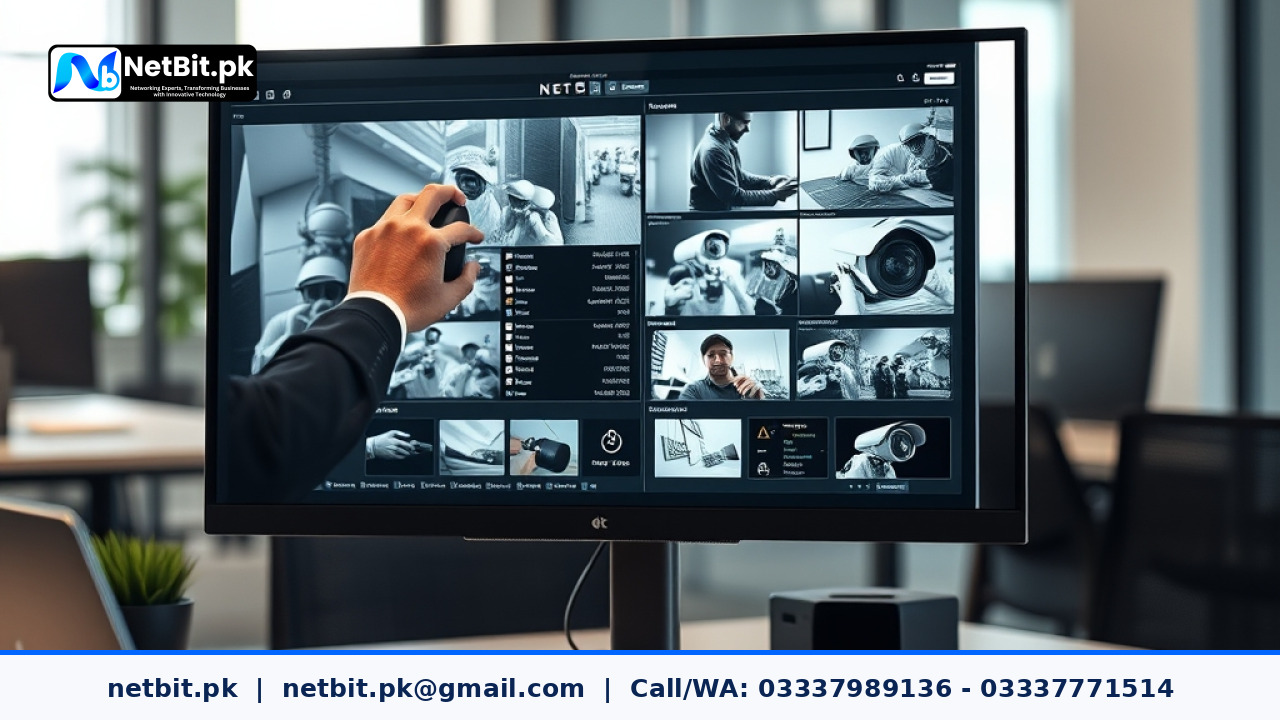
- Access Your NVR/DVR Interface: Connect a monitor and mouse to your recording device, or log in via a web browser using the local IP address assigned by your network router.
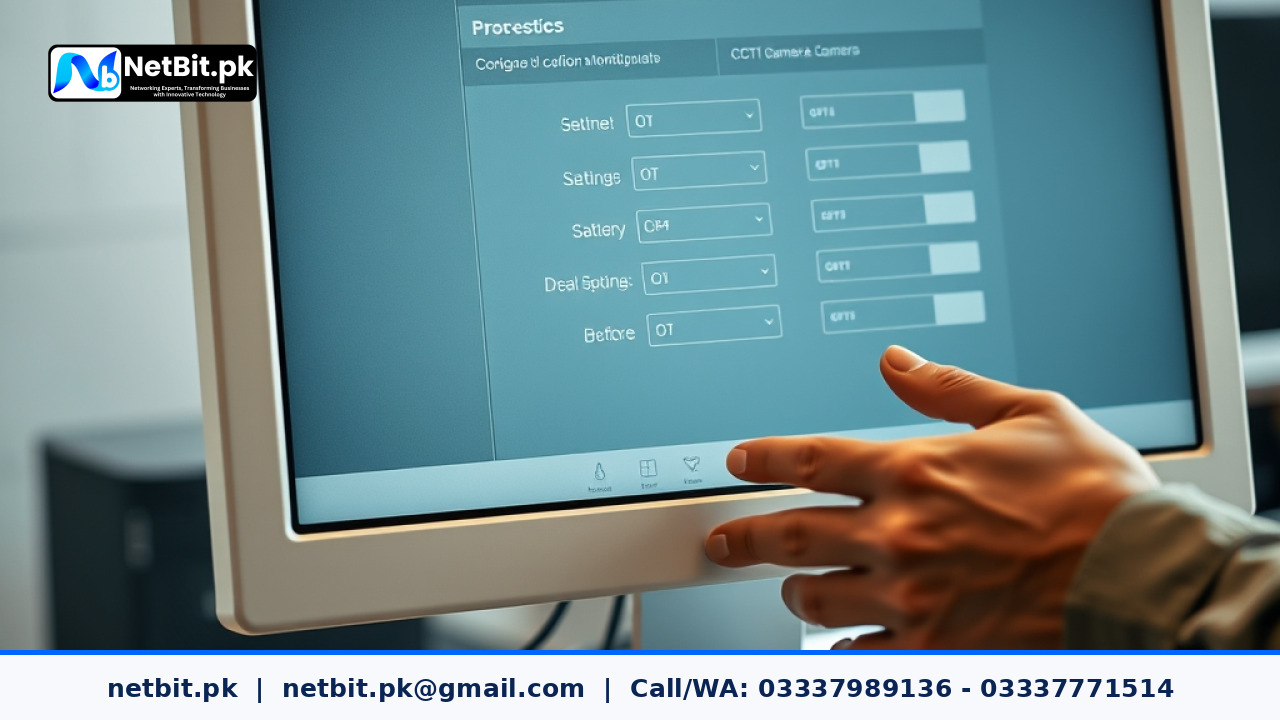
- Navigate to Camera Settings: Open the Configuration or Setup menu and select Video/Audio or Encoding.
- Select the Target Channel: Choose the specific camera channel you wish to adjust. Note that you may need to configure the main stream (for recording) and the sub-stream (for mobile viewing) separately.
- Locate the Frame Rate (FPS) Field: Find the drop-down menu labeled FPS, Frame Rate, or Frames Per Second.
- Adjust Based on Zone Requirements: Lower the frame rate for static areas to conserve storage, and set high-traffic zones to 25 or 30 fps.
- Save and Test: Click Save or Apply, then review live and recorded playback to ensure motion appears natural and meets your security standards.
Balancing Storage, Bandwidth, and Resolution
Frame rates do not work in isolation. They interact directly with your video resolution (such as 1080p or 4K) and bitrate settings. If you increase both resolution and frame rate, your hard drives will fill up rapidly, and your local network switches may experience packet loss or latency issues.
When working with IP cameras connected via Cat6 cabling or wireless bridge links, keeping frame rates optimized prevents network congestion. If you notice stuttering video feeds on your security monitors, lowering the frame rate slightly or adjusting the video compression format can restore stability without sacrificing overall security visibility.
Get Professional CCTV and Networking Support from NetBit Tech
Properly configuring a commercial surveillance network requires a balance of networking knowledge and hardware expertise. If your business in Khuzdar or across Pakistan requires professional assistance with CCTV installation, network switches, fiber patch cords, or IT maintenance, NetBit Software House & Technology is here to help.
Our experienced engineers deliver dependable, custom IT solutions tailored to your operational needs. Whether you are setting up a new office security system or upgrading your existing infrastructure, netbit tech provides reliable deployment, maintenance, and technical support. Contact netbit khuzdar today to discuss your business requirements and secure your premises with confidence.


Reader comments.
Share your question, suggestion or experience related to this article.
No comments yet
There are no approved comments on this article yet. You can be the first person to leave one.