
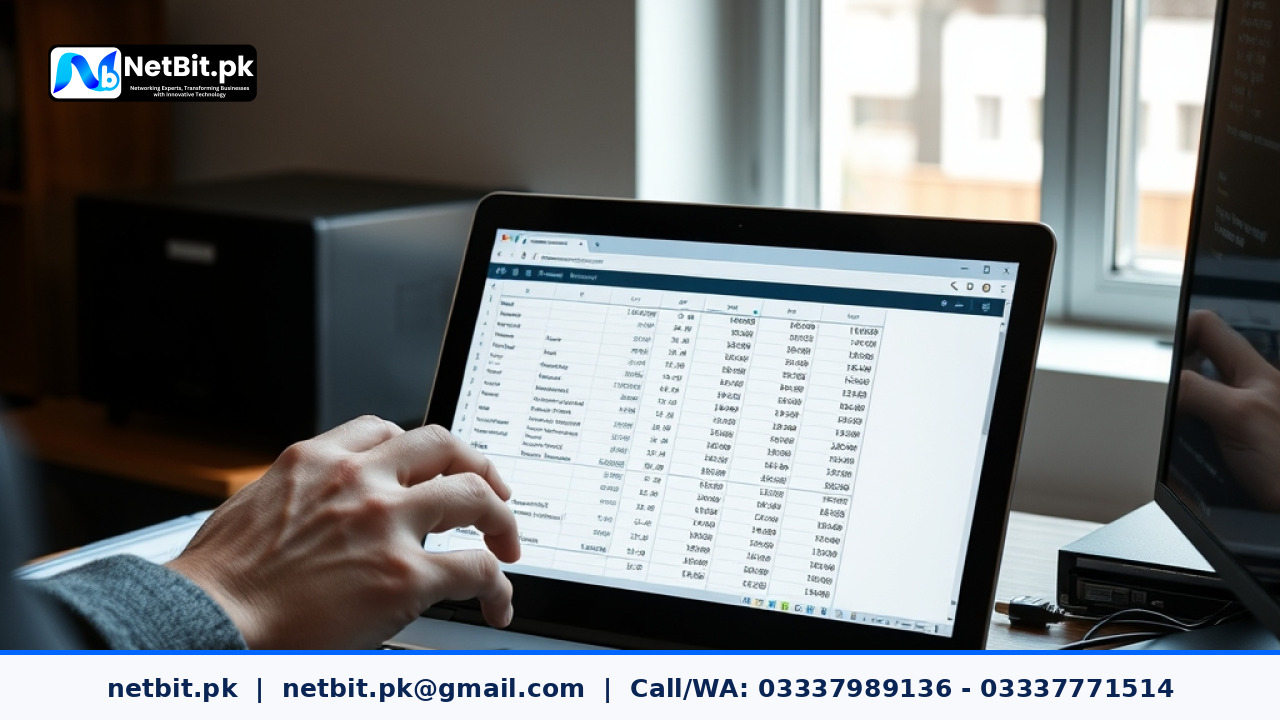
How to Properly Archive Invoices in Office Automation
In modern Pakistani businesses, managing paperwork efficiently separates thriving enterprises from struggling ones. As offices transition from physical filing cabinets to digital platforms, organizing financial records becomes a priority. Office automation software helps businesses handle daily billing, customer data, and vendor payments smoothly. However, generating documents is only half the battle. Knowing how to properly archive invoices ensures long-term data integrity, rapid tax auditing, and seamless day-to-day operations.
When a company lacks a structured archival routine, financial documents quickly turn into digital clutter. Duplicate entries, lost receipts, and disorganized folders waste valuable staff hours. By setting up proper indexing, standardized naming conventions, and automated retention rules, organizations can protect their financial history. Below, we break down the essential steps to build a bulletproof invoice archiving process within your automated office systems.
Establish Standardized Naming Conventions
The foundation of any reliable digital archive is consistency. If employees save files arbitrarily—such as invoice123.pdf or final_bill_new.pdf—finding that document months later becomes nearly impossible. Your office automation system should enforce a strict, uniform naming structure.
A practical naming pattern for Pakistani businesses typically includes the date, client or vendor name, and invoice number. For example: YYYY-MM-DD_VendorName_INV-0012.pdf. When staff members adhere to this structure, searching through local databases or cloud storage remains fast and frustration-free. Automated software can often pull these metadata fields directly from the billing module, removing manual human error.
Define Retention Schedules and Storage Tiers
Not all documents require immediate access at all times. To keep your system responsive, divide your archived invoices into active and historical tiers. Active tiers include current financial year documents, which need rapid retrieval for daily reconciliations. Historical tiers cover past fiscal years that are kept strictly for compliance and tax auditing purposes.
- Active Storage: Kept on local high-speed SSD storage or primary cloud buckets for instant retrieval.
- Long-Term Archive: Compressed and moved to secondary, read-only storage vaults to prevent accidental modifications or deletions.
- Purge Protocols: Automatically flag records that have exceeded government-mandated retention periods, ensuring compliance with local legal frameworks without hoarding unnecessary disk space.
Implement Role-Based Access Controls
Security is a vital component of document archiving. Financial records contain sensitive vendor pricing, tax identifiers, and client transaction histories. Allowing every employee full access to the archive creates unnecessary security risks.
An effective office automation setup uses strict role-based access control (RBAC). Accountants and finance managers should have full read, write, and export permissions. General administrative staff might only view specific folders, while external auditors can be granted temporary, read-only credentials. Restricting permissions protects your financial data from unauthorized alterations or accidental deletions.
Automate Metadata Tagging and Indexing
Relying entirely on folder hierarchies can slow down retrieval times. Modern office systems allow automated tagging based on invoice attributes such as total amount, tax category, payment status, and due dates. When invoices pass through your automated workflow, the system should extract these fields and index them into a secure relational database.
This indexing enables instant filtering. Instead of clicking through dozens of folders, an accountant can search for all paid invoices from a specific supplier within a designated quarter in a matter of seconds.
Frequently Asked Questions About Invoice Archiving
Why is automated invoice archiving better than manual folder storage?
Manual storage relies heavily on individual employee habits, leading to misplaced files and inconsistent naming conventions. Automated archiving standardizes naming, extracts metadata, enforces security permissions, and applies retention rules instantly.
How long should businesses in Pakistan keep financial invoices?
While specific requirements can vary depending on corporate structures and tax regulations, businesses generally maintain financial records and tax invoices for a minimum of several years. Consult a certified financial advisor to match your exact industry mandates.
Can archived invoices be integrated with custom accounting software?
Yes. Custom software solutions built specifically for your enterprise can link archived documents directly to general ledgers, inventory logs, and customer relationship management platforms.
Partner with NetBit Tech for Custom Office Automation
Streamlining your financial archives requires reliable digital infrastructure and robust software designed for your specific workflow. At netbit, our team builds tailored custom software, web applications, and desktop systems that eliminate paperwork bottlenecks. Based in Khuzdar, netbit tech delivers end-to-end IT solutions, including secure local networking, Cat6 cabling, and maintenance services designed to keep your business operating at peak efficiency.
Ready to upgrade your administrative workflows and secure your business data? Contact netbit software house today to discuss custom software development, automated systems, and comprehensive IT infrastructure packages tailored for Pakistani enterprises.


Reader comments.
Share your question, suggestion or experience related to this article.
No comments yet
There are no approved comments on this article yet. You can be the first person to leave one.