

Understanding Network Switch Maintenance in Pakistani Offices
Maintaining a reliable office network requires more than just high-end routers and quality cabling. In environments like offices across Khuzdar and wider Pakistan, dust, moisture, and daily wear can easily degrade physical connections. Network switch ports and patch panels accumulate microscopic particles over time, leading to packet loss, intermittent link drops, and slowed office workflows.
At netbit, our technical teams frequently diagnose sudden network slowdowns that trace back entirely to dust-choked switch ports or oxidised RJ45 contacts. Implementing a routine inspection and cleaning protocol ensures long-term hardware reliability without needing emergency repairs.
Essential Tools for Switch Port and Patch Panel Maintenance
Before beginning any physical maintenance on your networking hardware, assemble the correct tools to avoid damaging sensitive metallic pins inside the ports:
- Compressed Air Canisters: For blowing out loose dust and debris without introducing moisture.
- Isopropyl Alcohol (99% purity): Essential for dissolving oils and light oxidation on contact pins. Do not use standard rubbing alcohol, which contains water.
- Lint-Free Foam Swabs: Specifically sized for cleaning inside small RJ45 ports and fiber patch adapters.
- Network Cable Tester: To verify connectivity and pin continuity after cleaning operations conclude.
Step-by-Step Guide to Cleaning Network Switch Ports
Proper execution is crucial when working on active business infrastructure. Follow these structured steps to minimize downtime:
- Schedule Planned Downtime: Notify staff and safely power down the network switch to prevent electrical shorts or data corruption during cleaning.
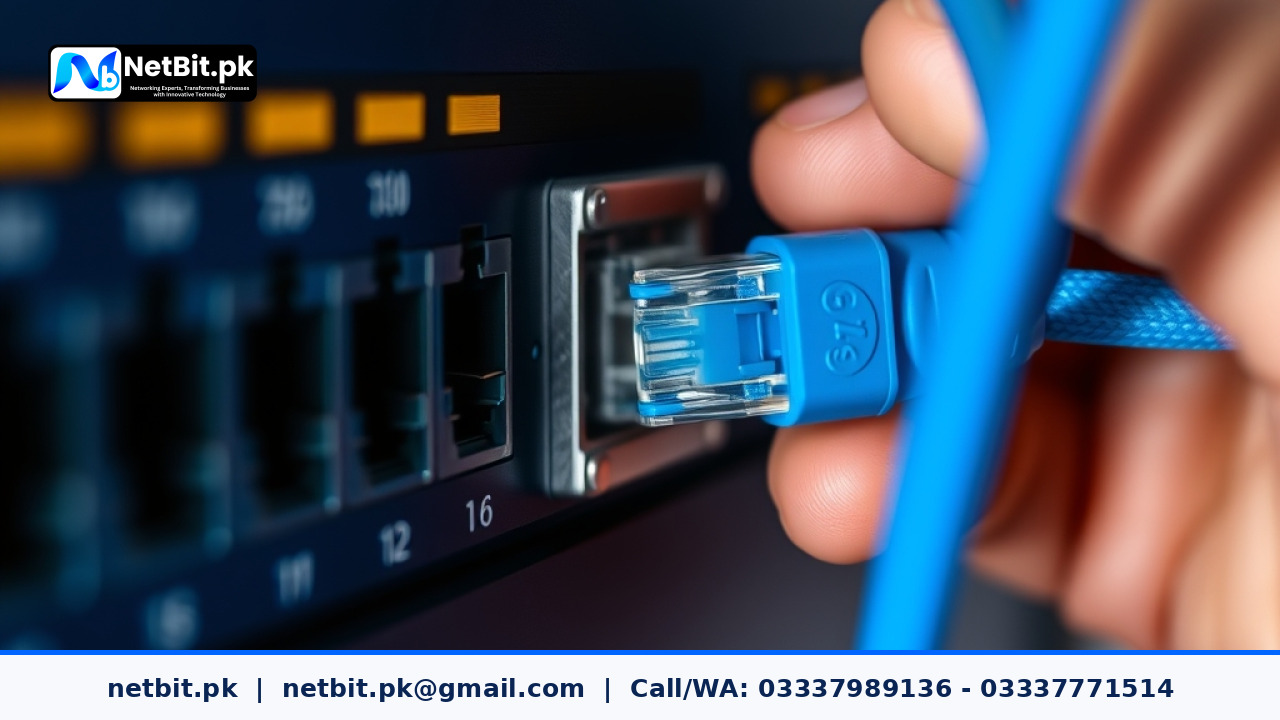
- Unplug and Label Patch Cords: Carefully release the locking clips on all connected Cat6 cables and fiber patch cords. Label both ends clearly so reconnection is error-free.
- Inspect Pins Visually: Use a bright LED flashlight to look inside each port. Check for bent pins, dark corrosion spots, or stubborn dust bunnies.
- Clear Loose Debris: Hold a compressed air canister upright and deliver short, controlled bursts into each switch port to dislodge trapped particles.
- Clean Contact Surfaces: Lightly dampen a lint-free foam swab with 99% isopropyl alcohol. Gently insert it into the port and brush the internal spring contacts. Allow the alcohol to evaporate completely for at least five minutes before plugging cables back in.
Preventative Best Practices for Office LAN Infrastructure
Physical maintenance is most effective when paired with environmental controls. Keep your server room or network rack clean, enclosed, and properly ventilated. Ensure cable management arms or brush panels are installed on server racks to block dust infiltration around patch panels.
Routine checks should be scheduled every six months, especially in regions prone to dust storms or high particulate counts. Documenting port health during these checks allows your IT team to spot failing hardware before it disrupts daily business operations.
Partner with NetBit Tech for Professional IT Infrastructure Support
Keeping a business network running smoothly demands technical precision and consistent oversight. If your enterprise requires expert assistance with structured cabling, switch configuration, fiber backbones, or comprehensive IT maintenance, netbit khuzdar delivers reliable solutions tailored to your operational needs.
Our experienced engineers at netbit software house provide end-to-end IT support, custom software development, and robust network maintenance across Pakistan. Let us help you secure your digital and physical infrastructure so your team can focus entirely on growth. Contact netbit tech today to discuss a customized maintenance plan for your business.


Reader comments.
Share your question, suggestion or experience related to this article.
No comments yet
There are no approved comments on this article yet. You can be the first person to leave one.