
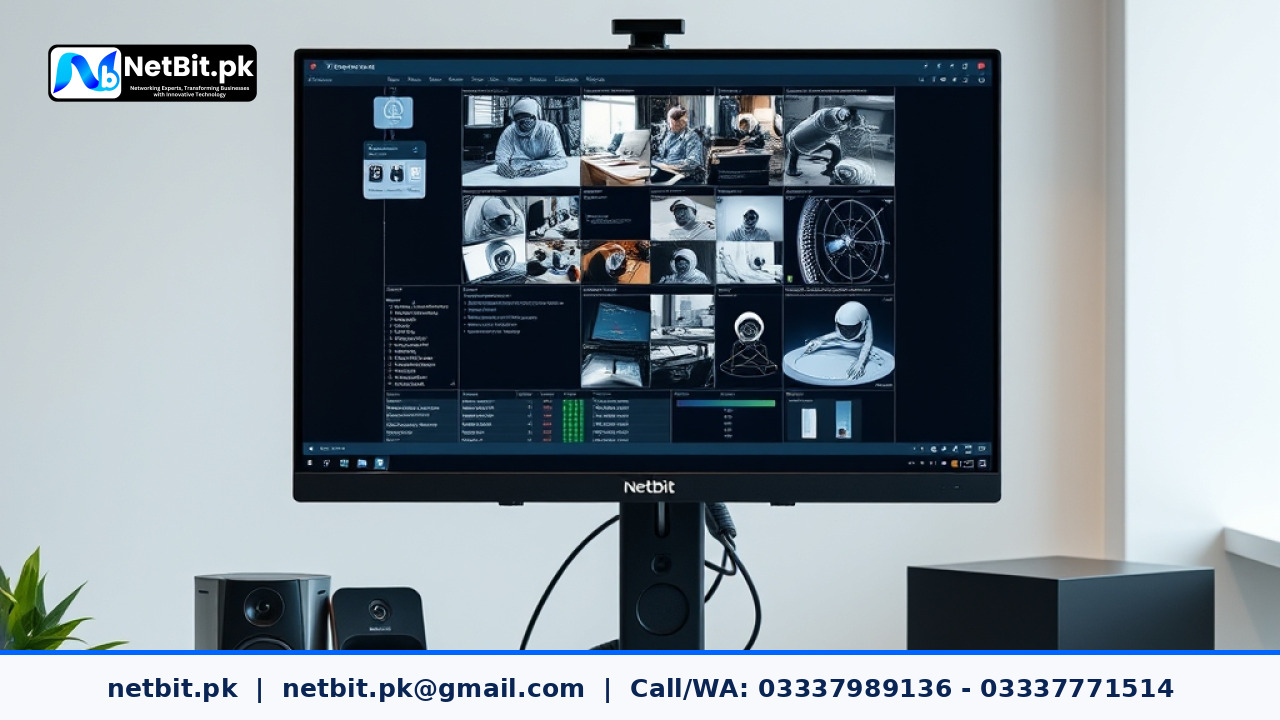
Understanding CCTV Video Streams
Modern security camera systems usually generate two separate video feeds for every connected camera: the main stream and the sub-stream. The main stream records high-resolution footage directly to your Network Video Recorder (NVR) hard drive. This primary stream captures every small detail, but it requires a lot of internet bandwidth to view over a remote connection.
The sub-stream is a smaller, lower-resolution copy of the same video feed. It is specially designed for remote viewing using mobile phones, tablets, or computers when you are away from your office or home. When you try to watch multiple high-definition security cameras on a smartphone using mobile data, your connection often lags or buffers. Configuring your sub-streams correctly solves this problem completely.
Why Proper Sub-Stream Configuration Matters
Many business owners and security system users leave their camera settings on default values. Sometimes, default manufacturer settings make the sub-stream resolution too high or the bitrate too large. This causes slow loading times when checking live security feeds from outside the building.
By optimizing your sub-stream settings, you achieve several practical benefits:
- Smooth live video playback on mobile devices without freezing.
- Lower mobile data usage when checking cameras on the go.
- Faster loading times when opening camera viewing applications.
- Stable remote connections even when local internet upload speeds are limited.
At netbit, we frequently help clients in netbit khuzdar balance their local recording quality with reliable remote viewing capabilities.
Step-by-Step Guide to Configuring CCTV Sub-Streams
Follow these practical steps to adjust your security camera sub-streams using your NVR or Digital Video Recorder (DVR) local interface or web browser menu.
Step 1: Access Your NVR or Camera Settings
Connect a monitor and mouse directly to your NVR, or log into the device using a web browser on a computer connected to your local network. Navigate to the camera configuration or encoding menu. Look for options labeled Encode, Stream Type, or Parameters.
Step 2: Switch to the Sub-Stream Tab
In the encoding menu, you will normally see a dropdown menu or tabs for Main Stream (Normal) and Sub-Stream (Mobile). Click on the sub-stream option to view its current configuration parameters.
Step 3: Adjust Resolution and Frame Rate
For smooth remote viewing, you do not need high-definition resolution on your mobile phone screen. Set your sub-stream parameters to conservative, efficient values:
- Resolution: Set to CIF, D1, or VGA (such as 704x576 or 640x480). Avoid selecting 720p or 1080p for sub-streams unless you have very fast fiber internet.
- Frame Rate (FPS): Set between 12 to 15 frames per second. This is more than enough for smooth security monitoring while drastically reducing data demands.
- Bitrate Type: Choose Variable Bitrate (VBR) or Constant Bitrate (CBR) depending on your device preference, though VBR helps manage network fluctuations better.
- Video Bitrate: Set between 256 Kbps to 512 Kbps. This range provides a clear picture while keeping bandwidth requirements very low.
Step 4: Save and Test Your Settings
Click the save or apply button to store your new configuration on the NVR. Next, disconnect your phone from office Wi-Fi and use mobile data to open your viewing application. Check if the cameras load faster and play without stuttering. If the video still buffers, lower the bitrate slightly until the stream runs smoothly.
If you need expert assistance setting up your business network or surveillance hardware, netbit tech is always ready to help you optimize your entire security setup.
Ready to Secure Your Business with NetBit?
Properly configured surveillance systems protect your premises, assets, and peace of mind. If your current security cameras are lagging, difficult to access remotely, or need professional maintenance, you do not have to handle it alone. The experienced technical team at NetBit tech and software house provides reliable setup, configuration, and support services tailored to your business needs. Contact us today to upgrade your security infrastructure and become a valued client of NetBit tech and software house.



Reader comments.
Share your question, suggestion or experience related to this article.
No comments yet
There are no approved comments on this article yet. You can be the first person to leave one.