
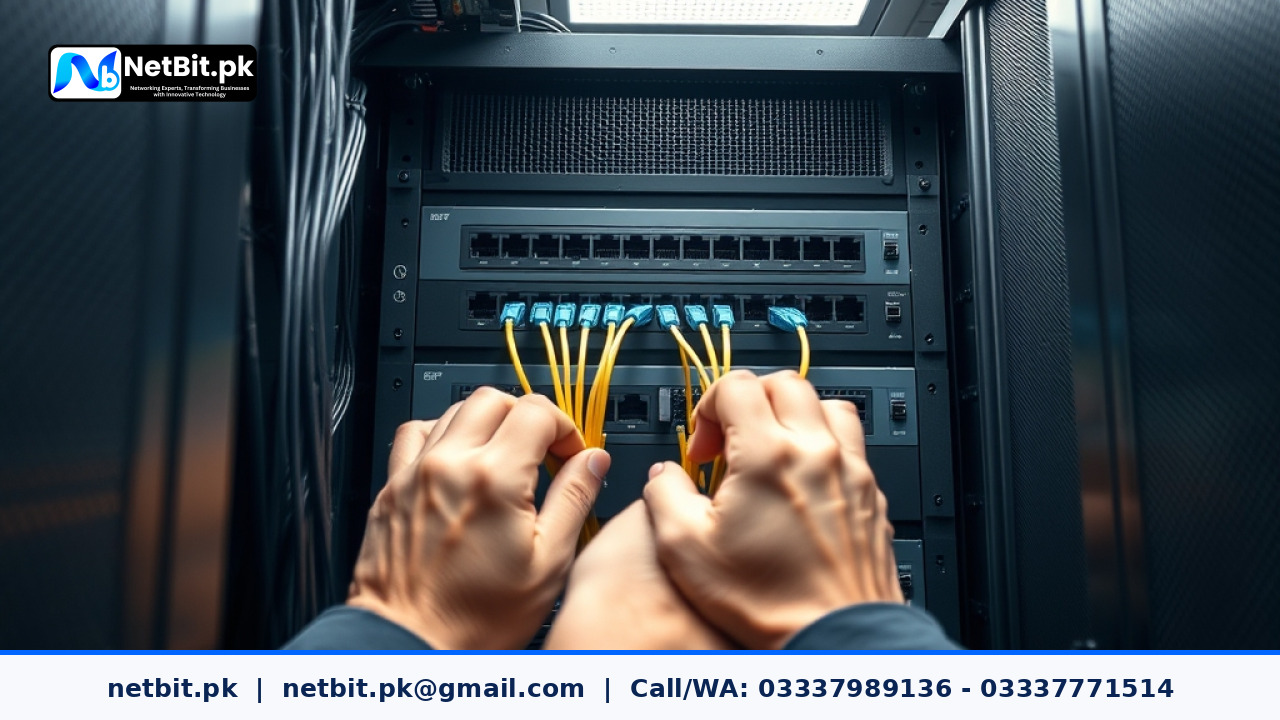
Understanding Link Aggregation in Modern Office Networks
As businesses in Pakistan expand their digital operations, local area network (LAN) bottlenecks become a common operational hurdle. When multiple office computers, IP cameras, and servers continuously transfer heavy data packets, standard single-link connections can quickly max out. This is where Link Aggregation plays a crucial role. By combining multiple physical network ports and cables into a single logical high-bandwidth channel, businesses can significantly improve data throughput and prevent single-point network failures.
At NetBit, our networking specialists frequently deploy aggregated links for growing enterprises in Khuzdar and across Pakistan to ensure seamless file sharing, uninterrupted VoIP calls, and reliable server communication. In this practical guide, we explore the step-by-step approach to properly configuring link aggregation on managed network switches.
Core Benefits of Link Aggregation for Pakistani Businesses
Implementing link aggregation provides two primary advantages: increased speed and network resilience. Here is why your office infrastructure can benefit from this configuration:
- Bandwidth Pooling: Combine two or more 1Gbps ports to create a robust 2Gbps or higher logical pipe between core switches and servers.
- Automatic Redundancy: If one physical Ethernet cable or port fails, traffic dynamically reroutes through the remaining active links without dropping user connections.
- Load Balancing: Distributes outgoing and incoming network traffic evenly across all member links to prevent congestion on a single line.
Prerequisites Before You Start Configuration
Before logging into your managed switches, ensure you have the proper hardware and planning in place. Attempting to bundle ports without matching specifications can lead to port errors or network loops.
- Managed Switches: Ensure your hardware supports IEEE 802.3ad (LACP - Link Aggregation Control Protocol). Unmanaged switches do not support dynamic port bundling.
- Matching Speeds and Duplex: All ports designated for the aggregate group must run at the same speed (e.g., all 1Gbps) and operate in full-duplex mode.
- Quality Cabling: Use reliable Cat6 cabling or fiber patch cords to connect the ports physically between the switches.
Step-by-Step Configuration Guide
While switch management interfaces vary depending on the manufacturer (such as Cisco, TP-Link, or Netgear), the underlying logic remains consistent. Follow these general steps to set up a static or LACP-based port channel:
Step 1: Access the Switch Management Console
Log into your managed switch using its IP address via a web browser (HTTP/HTTPS) or a secure terminal connection (SSH/Console cable). Enter your administrative credentials to access the dashboard.
Step 2: Identify and Select Member Ports
Navigate to the Port Configuration or Switching menu. Identify the specific physical ports you intend to bundle (for example, ports Gi 0/1 and Gi 0/2). Make sure these ports are not currently assigned to conflicting VLAN configurations unless your network design specifically requires trunking.
Step 3: Create the Port Channel Group
Go to the Link Aggregation or LACP section of the interface. Create a new port channel (often labeled as Po1 or Port-Channel 1). Assign your selected physical ports into this group. Choose Active LACP mode so the switches can dynamically negotiate and verify the link status with each other.
Step 4: Verify and Test the Aggregated Link
Save your configuration settings to the switch startup memory. Verify the status of the port channel through the switch dashboard or command line utility. The aggregate interface should display as 'Up' with a combined bandwidth indicator. Test network stability by transferring a large file between local servers to confirm that traffic distributes smoothly across the bundled lines.
Frequently Asked Questions
Can I aggregate ports from two different switches?
Standard link aggregation requires the bundled ports to terminate on the exact same physical switch. However, advanced stacking switches allow you to span an aggregate link across multiple physical units within the same stack.
Is LACP better than static aggregation?
Yes, LACP (Dynamic Link Aggregation) is generally recommended because it sends control packets to monitor link health, automatically disabling failed ports and preventing accidental loop configurations.
Partner with NetBit for Robust Office Networking
Proper network architecture forms the backbone of every productive business. If your office is struggling with sluggish data transfers, unreliable connections, or disorganized cabling, expert help is closer than you think. At netbit tech, our experienced engineers specialize in designing, deploying, and maintaining high-performance IT infrastructure—from structured Cat6 cabling and advanced switch configurations to robust wireless point-to-point links and CCTV security setups.
Ready to upgrade your business network for maximum speed and reliability? Contact netbit software house today to consult with our IT specialists in Khuzdar and let us build a secure digital foundation tailored to your business needs.



Reader comments.
Share your question, suggestion or experience related to this article.
No comments yet
There are no approved comments on this article yet. You can be the first person to leave one.