
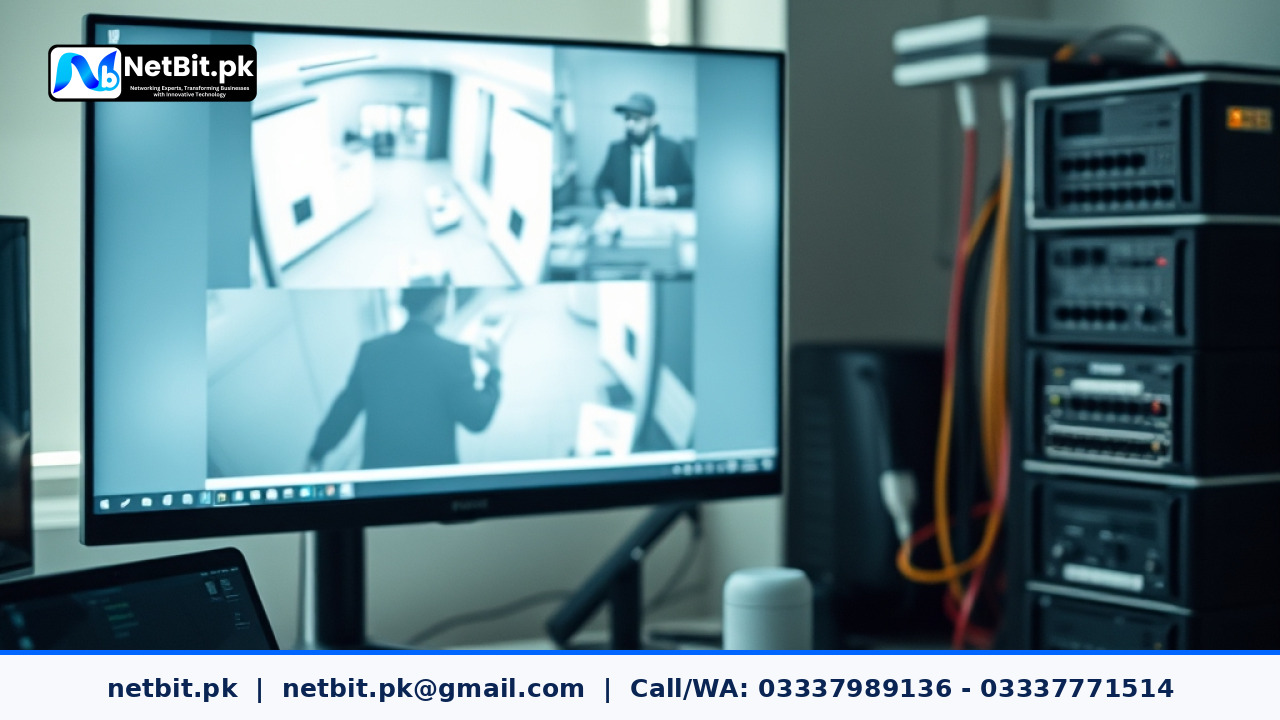
Understanding Video Compression in Commercial CCTV Systems
Installing a security surveillance setup for an office, warehouse, or retail storefront is an important step toward protecting physical assets. However, many business owners in Pakistan overlook a critical technical setting during installation: video compression standards. Without proper configuration, security cameras can quickly fill up storage hard drives, resulting in overwritten footage, missing critical moments, or lagging live streams.
At netbit, our technical teams frequently help local businesses optimize their surveillance networks. Whether you are using traditional Analog High Definition (AHD) cameras or modern IP security networks, understanding codecs like H.264 and H.265 is essential for balancing storage efficiency and image clarity.
Why Video Compression Matters for Pakistani Businesses
Security cameras capture continuous video data, which translates into massive file sizes over days and weeks. When storage runs out, Network Video Recorders (NVRs) or Digital Video Recorders (DVRs) automatically overwrite old files. If your compression settings are inefficient, you might lose vital footage after just a few days instead of maintaining a robust 30-day archive.
Furthermore, many businesses rely on remote monitoring via mobile apps or desktop systems. If video bitrates and compression protocols are misconfigured, remote viewing becomes frustratingly slow, especially on standard local internet lines. Proper compression ensures smooth playback both locally and remotely.
Comparing H.264 and H.265 Codecs
Choosing the right video compression standard directly dictates your hardware requirements and storage costs. Here is a practical breakdown of the two primary standards used in modern commercial CCTV hardware:
- H.264 (AVC): The industry standard for over a decade. It offers wide compatibility across older NVR units, smartphones, and web browsers. While reliable, it consumes significantly more storage space compared to newer formats.
- H.265 (HEVC): The modern standard capable of reducing file sizes and bandwidth consumption by up to 50% compared to H.264 while maintaining the exact same visual quality. This is ideal for 4K and high-resolution multi-camera setups.
If your NVR hardware supports H.265, our technicians at netbit tech strongly recommend enabling it alongside advanced smart codec features (sometimes called H.265+) to maximize your storage capacity without sacrificing details like facial features or license plates.
Step-by-Step Configuration Guide for NVR and DVR Settings
To optimize your security system's storage and streaming performance, follow these technical steps directly through your NVR or DVR administrative panel:
- Access the Encoding Menu: Log into your NVR/DVR using an administrator account via a connected monitor or web browser interface. Navigate to the Configuration or Camera Settings menu, then select Encode or Video Stream.
- Select the Main Stream: Adjust settings for the Main Stream, which dictates the quality of recorded footage saved to the hard drive. Ensure the resolution matches your camera capabilities (e.g., 1080p or 4K).
- Choose Your Codec: Switch the video compression dropdown from H.264 to H.265 if supported by both the camera and the recording device.
- Configure Bitrate Type: Select VBR (Variable Bitrate) for scenes with changing activity, or CBR (Constant Bitrate) if your network switch infrastructure requires predictable bandwidth allocation.
- Set Frame Rate and Bitrate Limits: For standard security monitoring, set the frame rate (FPS) between 15 to 20 frames per second. This provides fluid motion while saving substantial storage space compared to the maximum 30 FPS.
- Save and Test: Apply the settings and check both local playback and remote mobile app streaming to confirm that video streams load smoothly without stuttering.
Best Practices for Maintaining Surveillance Storage
Optimizing video compression is only part of maintaining a healthy security infrastructure. Keep these operational tips in mind:
- Use Surveillance-Grade Hard Drives: Standard desktop hard drives burn out quickly under 24/7 write cycles. Always use enterprise or surveillance-rated HDDs designed for continuous recording.
- Enable Motion Detection Recording: Instead of recording static empty hallways 24 hours a day, configure motion-triggered recording to save storage space and simplify searching through event logs.
- Regularly Update Firmware: Keep your NVR, DVR, and IP camera firmware up to date to ensure optimal codec performance and protection against security vulnerabilities.
Frequently Asked Questions
Does H.265 compression reduce video quality?
No. H.265 delivers the same visual quality as H.264 while using roughly half the data bandwidth and storage space.
Can older cameras support H.265?
Older analog or legacy IP cameras typically only support H.264. Check your camera datasheet or consult with netbit khuzdar technicians before upgrading your NVR.
How many days of storage should a business keep?
Most commercial standards in Pakistan recommend maintaining at least 30 days of continuous or motion-triggered archived footage for security auditing.
Secure Your Business Infrastructure with NetBit Software House & Technology
Properly configuring security hardware, networking switches, structured cabling, and software systems requires expert technical execution. At netbit software house, based in Khuzdar, Balochistan, we specialize in delivering robust IT solutions tailored to modern businesses across Pakistan. Whether you need complete commercial CCTV installation, enterprise networking using Cat6 and fiber optics, custom software development, or reliable IT maintenance support, our professional team ensures your operations remain secure, efficient, and fully optimized. Contact netbit today to discuss your infrastructure and security requirements.


Reader comments.
Share your question, suggestion or experience related to this article.
No comments yet
There are no approved comments on this article yet. You can be the first person to leave one.