
Building a Reliable Office Network Foundation
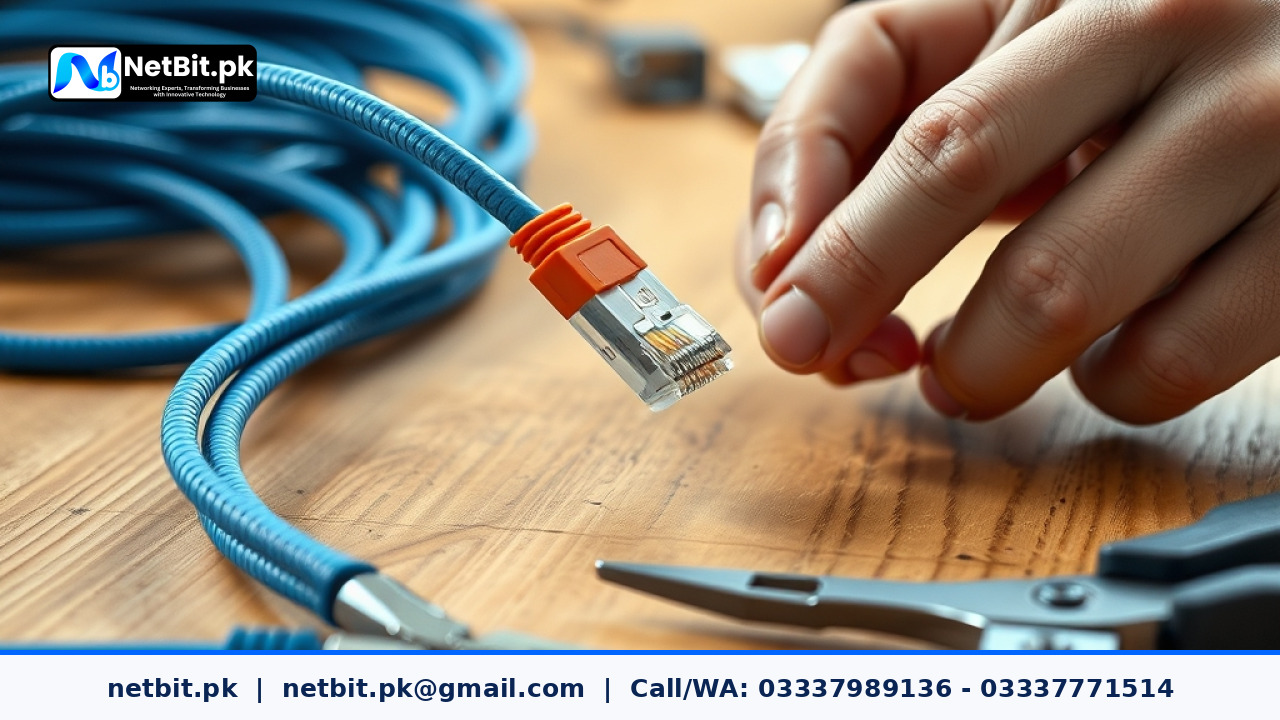
A stable business network starts with physical layer infrastructure. Whether you are running a small startup office or expanding an enterprise workspace in Pakistan, the quality of your cable terminations determines your data transmission speed and network reliability. Shoddy cabling leads to intermittent connectivity, slow file transfers, and frustrating drops during important video calls. At NetBit, our field technicians frequently troubleshoot office networks where the root cause of sluggish performance is simply poorly crimped RJ45 connectors on Cat6 cables.
Understanding how to properly prepare, align, and crimp Cat6 cables using the T568B standard is an essential skill for IT administrators and network enthusiasts. In this guide, we break down the exact technical workflow required to achieve clean, durable, and gigabit-capable cable terminations.
Tools Required for Professional Cat6 Termination
Before beginning any cabling job, assemble the correct professional tools to avoid damaging the delicate internal components of Cat6 twisted-pair cables:
- Cat6 UTP Cable: Ensure you use solid-core copper cables for permanent wall runs or stranded wire for patch cords.
- RJ45 Pass-Through Connectors: Pass-through connectors allow the individual wires to slide completely through the front, making visual inspection much easier before crimping.
- Ratchet Crimping Tool: A calibrated ratcheting crimper ensures uniform pressure is applied across all eight pins.
- Cable Stripper & Flush Cutters: Essential for cleanly stripping the outer PVC jacket without nicking the inner conductor insulation.
- LAN Cable Tester: A continuity tester is mandatory to verify pin-to-pin connectivity after termination.
Step-by-Step Guide to Crimping Cat6 Connectors
Follow these precise steps to create a flawless physical link for your office switches and routers.
1. Strip the Outer Jacket
Measure about 2 inches from the end of the Cat6 cable. Insert the cable into the wire stripper and rotate it gently to score the outer PVC jacket. Peel away the jacket to expose the four twisted pairs and the central plastic spline. Use your flush cutters to snip away the central plastic separator right down to the base of the jacket.
2. Untwist and Sort Wires According to T568B
Untwist the four pairs carefully. For standard commercial networks in Pakistan, always follow the T568B wiring standard from left to right: white-orange, solid orange, white-green, solid blue, white-blue, solid green, white-brown, and solid brown. Keeping the twists intact as close to the jacket as possible minimizes electromagnetic interference (EMI).
3. Align, Straighten, and Trim
Pinch the aligned wires tightly between your thumb and index finger. Smooth them out until they lie completely flat side-by-side. Use your flush cutters to trim the tips straight across, leaving approximately half an inch (12mm) of exposed copper wire extending past the jacket. A clean, straight cut is critical for ensuring every conductor makes solid contact inside the plug.
4. Insert and Inspect the Connector
Gently push the straightened wires into the RJ45 pass-through connector. Look closely at the front of the connector to verify that the color sequence matches the T568B standard perfectly (White/Orange, Orange, White/Green, Blue, White/Blue, Green, White/Brown, Brown). If using pass-through connectors, push the wires until the copper extends slightly out of the front window.
5. Crimp and Test
Insert the terminated RJ45 plug into the crimping tool's slot and squeeze the handles firmly until the ratchet releases. The tool will push the metal contact pins down into the conductors while locking the plastic strain relief tab onto the cable jacket. Finally, plug both ends of your newly made cable into your LAN cable tester to verify that all eight LED lights illuminate sequentially.
Professional Networking & IT Infrastructure Services by NetBit
Proper cable management and termination form the backbone of a robust digital workspace. If your business requires comprehensive IT infrastructure deployment—including structured Cat6 cabling, managed network switches, fiber patch cord installation, wireless point-to-point links using LiteBeam or PowerBeam, custom software applications, and CCTV surveillance systems—netbit tech delivers enterprise-grade reliability. Based in Khuzdar and serving clients across Pakistan, netbit software house provides end-to-end technical solutions designed for modern operational demands. Contact netbit today to consult with our engineering team and upgrade your business infrastructure.


Reader comments.
Share your question, suggestion or experience related to this article.
No comments yet
There are no approved comments on this article yet. You can be the first person to leave one.