
Understanding the Importance of Network Documentation
For many businesses in Pakistan, office networks grow organically over time. A switch is added here, a new wireless access point is installed there, and extra Cat6 cables are run through the ceiling as the team expands. While this flexible approach keeps daily operations moving, it often leads to a hidden problem: a complete lack of accurate network documentation.
When an unexpected internet outage or local server failure occurs, time is wasted simply figuring out where cables go, which switch ports are active, or what IP addresses are assigned to critical hardware. Proper documentation transforms your office IT infrastructure from a confusing maze into a clear, manageable system. At NetBit, we often help organizations in Khuzdar and across Pakistan streamline their connectivity by putting clear blueprints and inventory logs in place.
Step-by-Step Guide to Mapping Your Office Network
Creating a reliable network map does not require expensive enterprise software. You can start with basic tools and a systematic approach to catalog your hardware and connections.
1. Conduct a Complete Hardware Inventory
Begin by listing every piece of active networking equipment in your office. Your inventory should include:
- Core routers and internet gateways
- Managed and unmanaged network switches
- Wireless access points, routers, and bridge devices like LiteBeams or PowerBeams
- Servers, Network-Attached Storage (NAS) units, and desktop computer systems
- CCTV surveillance digital video recorders (DVRs) or network video recorders (NVRs)
For each device, record the physical location, exact model number, serial number, and administrative login credentials in a secure, encrypted document.
2. Map Physical Cable Connections
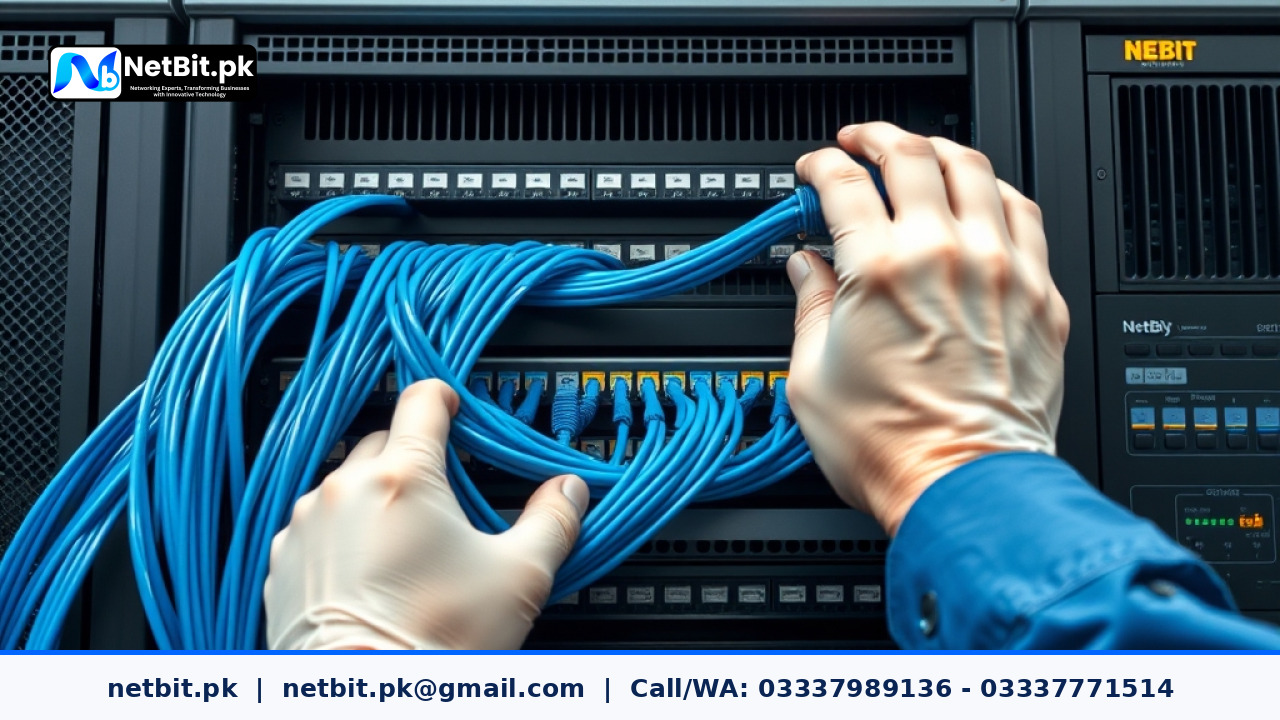
Cable management is often the most neglected part of local networking. Trace every patch cord from wall outlets and desktop computers to your central network racks and switches.
- Use color-coded Cat6 cables or physical label makers to mark cable ends clearly.
- Document which switch port connects to which room, department, or critical device.
- Keep a written patching schedule inside the network rack door so any team member can identify a connection at a glance.
3. Document IP Addressing and Subnets
An organized IP address scheme prevents conflicts and security vulnerabilities. Maintain a simple spreadsheet detailing static IP addresses assigned to printers, local servers, and security cameras, alongside the DHCP pool range for regular employee laptops and mobile devices.
Frequently Asked Questions About IT Infrastructure Documentation
How often should we update our network documentation?
You should review and update your network diagrams and inventory lists whenever a major hardware change occurs, such as installing a new switch, adding security cameras, or restructuring office departments.
Who should have access to these network blueprints?
Access should be strictly limited to key administrative staff and trusted technical partners to ensure your office security is never compromised.
Partner with NetBit for Reliable IT Infrastructure Services
Managing an office network while running your core business operations can stretch internal resources thin. Whether you need structured cabling, network switch organization, wireless link setup, custom software solutions, or comprehensive CCTV installation, NetBit is here to help. Operating out of Khuzdar, our experienced team provides dependable IT maintenance and infrastructure services tailored to the unique needs of Pakistani businesses. Contact netbit tech today to discuss how we can stabilize, secure, and optimize your technology environment.


Reader comments.
Share your question, suggestion or experience related to this article.
No comments yet
There are no approved comments on this article yet. You can be the first person to leave one.