
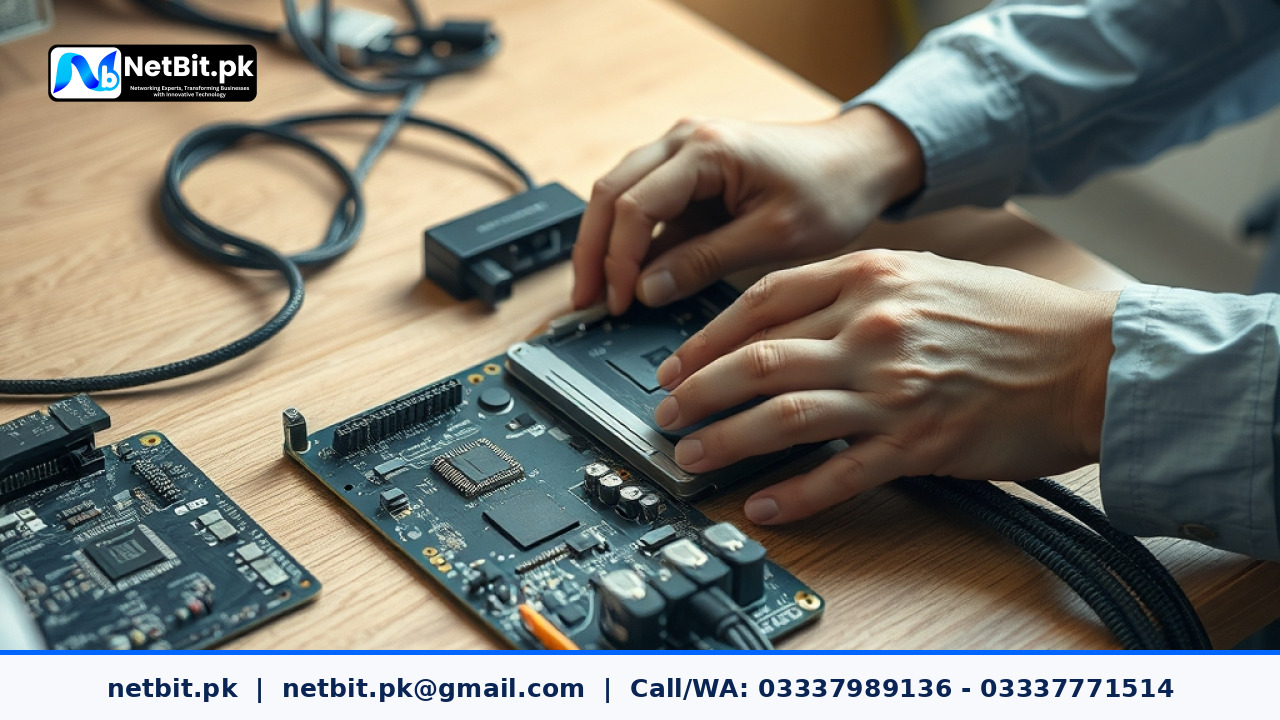
Understanding Bench Tests for Office Computer Systems
When running a business or managing an office in Pakistan, reliable computer systems are essential for daily productivity. Whether you operate a growing startup in Khuzdar or manage an established enterprise network, hardware failures can halt operations instantly. One of the most effective preventive maintenance procedures available to IT administrators is executing a thorough bench test.
A bench test involves isolating computer hardware components outside of their standard chassis or running comprehensive diagnostics on a dedicated testing workbench. This process helps identify failing power supplies, unstable RAM modules, overheating processors, and motherboard faults before these issues cause catastrophic data loss in a live office environment.
Step-by-Step Guide to Executing a Office Computer Bench Test
Performing a structured bench test requires careful handling, anti-static precautions, and systematic diagnostic software. Follow this structured approach to evaluate office computer systems safely and efficiently.
1. Preparation and Anti-Static Safety
Before touching any internal hardware components, ensure that your workspace is clean, dry, and free of static electricity. Always use an anti-static wrist strap connected to a grounded surface. Place the computer motherboard or fully assembled system on a non-conductive surface, such as a wooden workbench or a thick anti-static foam mat.
2. Minimal Configuration Setup
To isolate potential hardware conflicts, strip the computer system down to its core components. This minimal configuration typically includes:
- The motherboard with the CPU and CPU cooler properly seated.
- A single stick of verified RAM in the primary memory channel.
- A known-good, high-quality power supply unit (PSU).
- An integrated display output or a basic dedicated graphics card for video signal verification.
3. Power-On Self-Test (POST) and BIOS Verification
Power on the system and monitor the initial boot sequence. Listen for diagnostic beep codes if the motherboard lacks an integrated LED error display. Access the BIOS or UEFI firmware interface to check vital system parameters:
- Verify that the CPU and system temperatures remain stable within normal operational ranges (typically below 45 degrees Celsius at idle).
- Check voltage rails reported by the power supply to ensure they remain within acceptable tolerance thresholds (plus or minus 5 percent).
- Inspect RAM frequency and timings to confirm correct automatic detection by the motherboard.
4. Stress Testing Hardware Components
Once basic stability is confirmed in the BIOS, boot into a dedicated diagnostic operating environment or a stable utility OS to run stress tests. Utilize reliable software tools to push the CPU and memory to maximum workloads:
- Monitor thermal throttling under full load to ensure cooling systems dissipate heat effectively.
- Run extended memory diagnostic passes to catch intermittent bit errors that can corrupt office documents and database files.
- Inspect storage drive SMART attributes to evaluate read-write health and verify there are no pending sector reallocations.
Why Regular Hardware Diagnostics Matter for Pakistani Businesses
Power fluctuations, dust accumulation, and high ambient temperatures present constant challenges for office computer systems across Pakistan. Routine bench testing and preventive hardware diagnostics significantly extend the lifespan of enterprise workstations. By identifying failing components early, businesses avoid emergency repair costs and prevent unexpected work stoppages.
Partner with NetBit for Professional IT Infrastructure Solutions
At NetBit (netbit.pk), we understand that stable computer systems form the backbone of modern business operations. Based in Khuzdar, our experienced technical team delivers comprehensive IT support, custom software development, robust networking solutions, and CCTV installations tailored to the specific needs of Pakistani businesses. Whether you need complete hardware deployment, network cabling with Cat6 and fiber optics, or ongoing IT maintenance, NetBit Tech provides dependable, professional execution. Contact our team today to discuss how we can optimize your office technology infrastructure and keep your systems running at peak performance.



Reader comments.
Share your question, suggestion or experience related to this article.
No comments yet
There are no approved comments on this article yet. You can be the first person to leave one.