
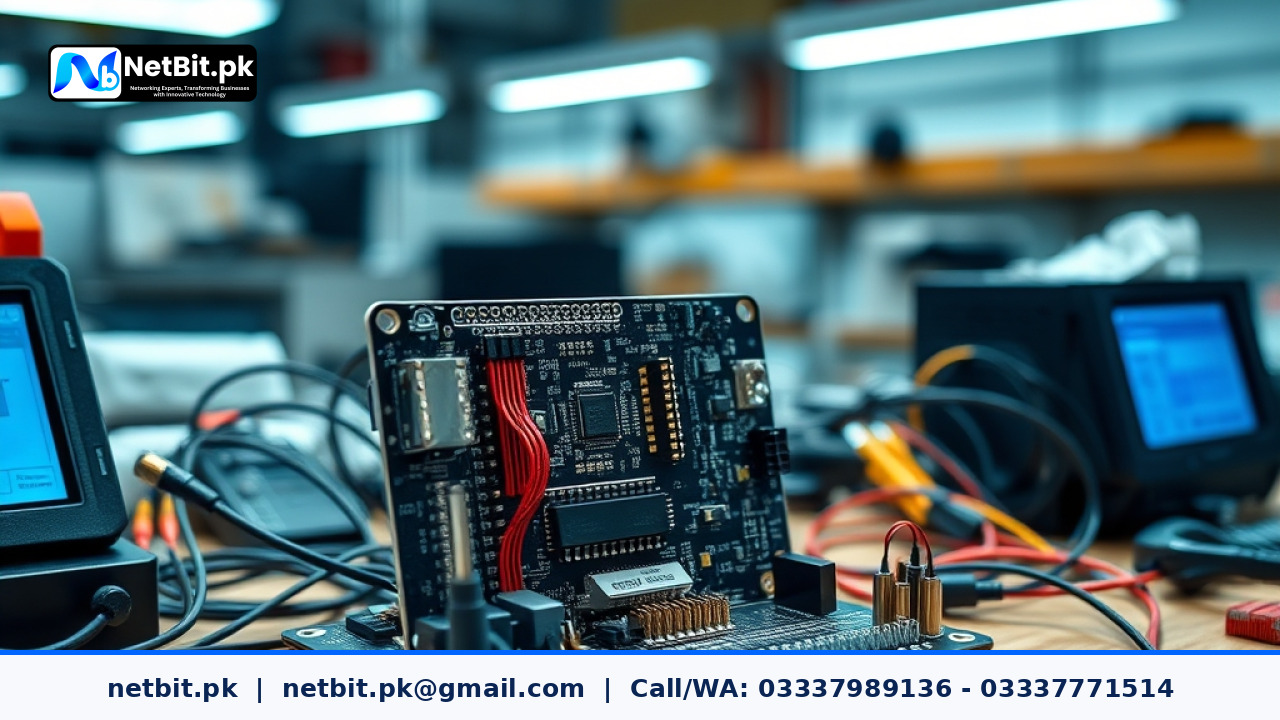
Introduction to Custom Agricultural Sensors
Modern agricultural projects often require specialized hardware solutions that standard off-the-shelf equipment cannot provide. Whether you are monitoring soil moisture, ambient temperature, or humidity levels in a controlled greenhouse environment, building custom sensor nodes gives you complete control over your data. At NetBit, we often assist local technology users and institutions in designing reliable hardware setups that integrate seamlessly with existing data collection systems. Proper integration ensures that your custom microcontrollers read accurate signals without interference or signal degradation over long cable runs.
Selecting the Right Microcontroller and Interface Protocols
Before connecting physical wires, you must choose a reliable microcontroller that supports standard communication protocols such as I2C, SPI, or UART. For multi-sensor arrays, I2C is often favored because it allows multiple digital sensors to share a single communication bus using unique hardware addresses. When planning your layout, keep cable lengths as short as possible to prevent electrical noise from corrupting delicate analog and digital signals. Using shielded twisted-pair wire for analog sensors like soil moisture probes helps maintain signal integrity across larger greenhouse installations.
Step-by-Step Wiring and Power Management
Proper power distribution is critical when operating custom monitoring hardware over extended periods. Fluctuations in supply voltage can cause sensors to output erratic data, leading to false readings in your central logging system. Follow these practical steps to ensure stable operation:
- Verify Voltage Levels: Always check whether your chosen sensor operates on 3.3V or 5V logic to prevent permanent component damage.
- Install Dedicated Regulators: Use local step-down voltage regulators if your main power source runs longer cable distances, compensating for voltage drop.
- Add Bypass Capacitors: Place electrolytic and ceramic capacitors close to the power input pins of each sensor module to smooth out electrical transients.
- Isolate High-Power Relays: If your system controls ventilation fans or water pumps, use optocouplers to electrically isolate high-voltage switching circuits from sensitive logic boards.
Calibrating Sensor Output and Writing Firmware
Once your hardware is physically assembled, software calibration is necessary to translate raw analog-to-digital converter values into meaningful environmental units. Write modular firmware routines that take multiple samples over a short timeframe and calculate a rolling average. This simple filtering technique removes sudden spikes caused by transient electrical interference. Store calibration offset values in non-volatile memory so your system retains accurate settings even after unexpected power interruptions.
Real-Time Data Transmission and Local Logging
Gathering sensor data is only the first part of any successful monitoring project. You also need a dependable method to record and review the collected metrics. Many custom installations rely on local micro-controllers equipped with SD card modules or wireless transceivers to transmit telemetry packets to a central server. Routine testing of your data pipeline prevents silent hardware failures and ensures that environmental anomalies are recorded immediately. If you need assistance designing custom automation logic, microcontroller firmware, or specialized hardware interfaces, NetBit tech and software house is ready to help you build robust solutions tailored to your unique requirements. Contact us today to discuss your next technology project.



Reader comments.
Share your question, suggestion or experience related to this article.
No comments yet
There are no approved comments on this article yet. You can be the first person to leave one.