
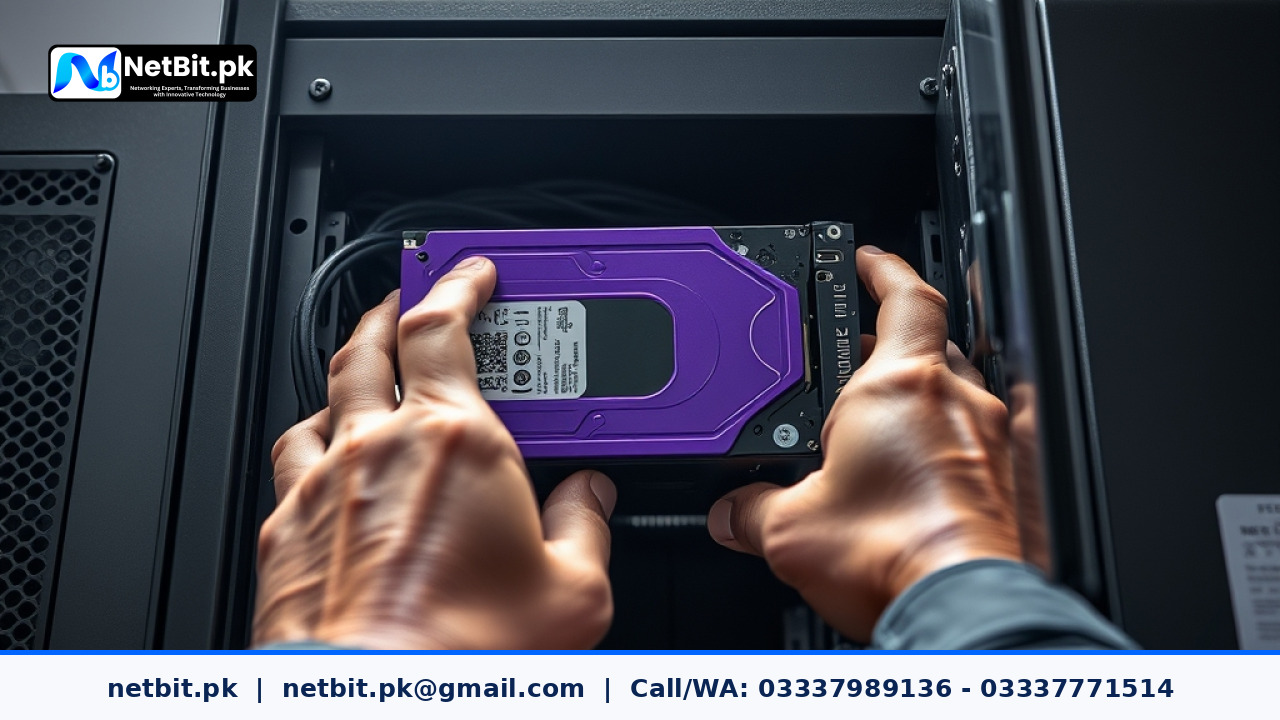
Commercial closed-circuit television (CCTV) security systems run continuously, writing gigabytes of video footage onto storage drives every single hour. In Pakistani small businesses, retail shops, and corporate offices, these surveillance systems are frequently exposed to harsh environmental factors such as elevated room temperatures, excessive airborne dust, and unconditioned electrical fluctuations. Unfortunately, many business owners only discover that their CCTV storage drive has failed when an incident occurs and they try—unsuccessfully—to retrieve crucial recorded footage.
Surveillance maintenance is not limited to cleaning camera lenses or adjusting viewing angles. The heart of any reliable recording system is its storage media. Proactive maintenance of Digital Video Recorder (DVR) and Network Video Recorder (NVR) hard drives ensures uninterrupted recording, preserves system lifespan, and prevents catastrophic data loss. In this guide, we break down actionable, easy-to-follow maintenance steps to keep your office CCTV storage hardware healthy and dependable.
Understanding Surveillance Drives vs Standard Desktop Hard Drives
Before implementing a maintenance schedule, it is essential to recognize the physical demands placed on CCTV storage drives. Standard desktop hard drives are designed for operational workloads of approximately 8 to 10 hours a day, balanced between reading and writing data. In contrast, surveillance hard drives are built specifically for 24/7 continuous writing cycles, supporting multi-channel high-definition video streams simultaneously.
Using a standard desktop drive inside an office DVR often leads to early hardware wear, unreadable video sectors, and unexpected mechanical failure. Dedicated surveillance drives feature specialized firmware optimized for stream write performance, rotational vibration tolerance, and lower power consumption. Ensuring your system uses genuine surveillance-rated hard drives is the foundation of long-term storage health.
Essential Maintenance Steps for CCTV Storage Hard Drives
1. Monitor S.M.A.R.T. Health Status and Drive Temperature
Modern DVR and NVR firmware includes built-in storage management tools that track Self-Monitoring, Analysis, and Reporting Technology (S.M.A.R.T.) health parameters. Regularly navigating into your NVR system settings allows you to monitor critical indicators, including operational temperature, reallocated sector counts, and bad sector warnings.
Storage drives operate most reliably within a temperature range of 30°C to 50°C. Operating continuously above 55°C significantly accelerates physical degradation of internal magnetic platters and read/write heads. Set a calendar reminder to check the storage menu of your recorder at least once a month.
2. Ensure Adequate Ventilation and Thermal Control
Dust accumulation inside recorder chassis and equipment cabinets is a primary cause of thermal failure in Pakistani office environments. Fine dust blocks exhaust fans and forms an insulating layer over internal circuit boards, trapping heat inside the recorder case.
- Keep Recorders Off Floor Level: Mount your NVR or DVR inside a dedicated wall-mounted network cabinet or place it on an elevated shelf to reduce dust intake.
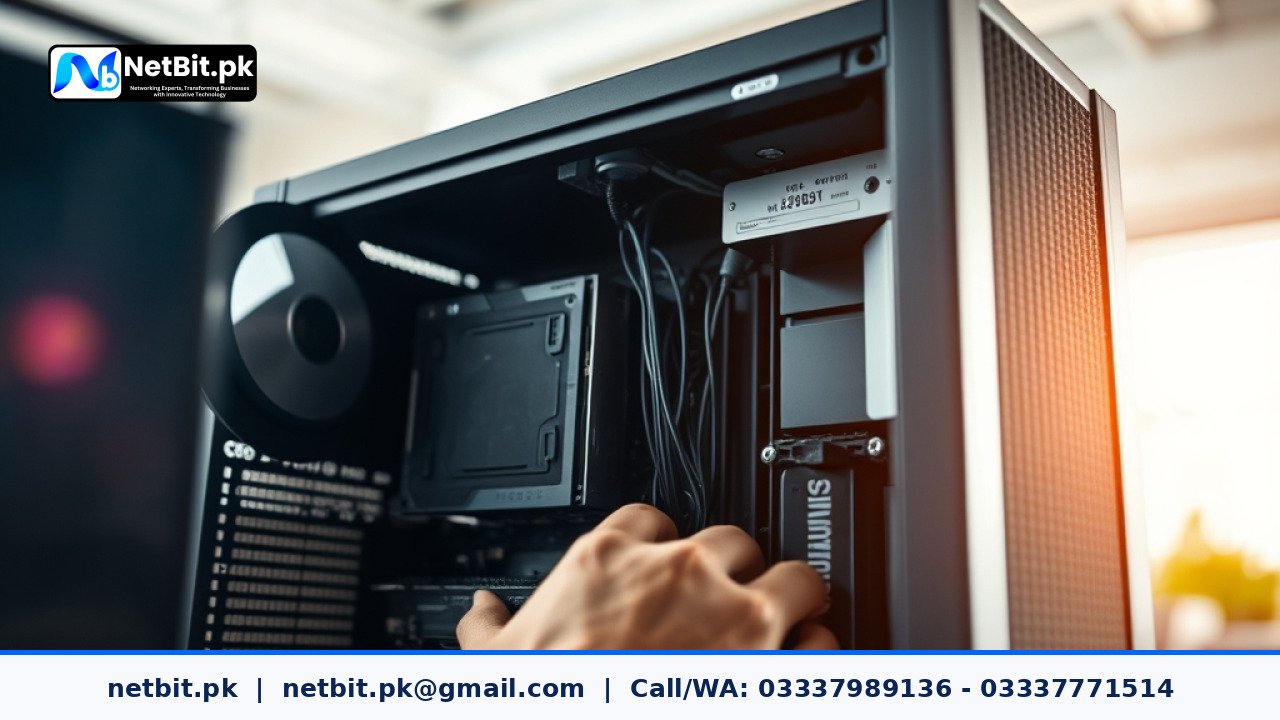
- Perform Periodic Dust Cleaning: Disconnect the system from power every three to six months, open the top cover carefully, and clear accumulated dust using static-safe compressed air.
- Maintain Airflow Space: Ensure at least three to four inches of clear space around all ventilation grilles on the recorder chassis. Do not stack paper files, router boxes, or power adaptors directly on top of the unit.
3. Implement Uninterruptible Power Supply (UPS) Protection
Power outages, sudden load shedding, and voltage spikes pose a severe threat to mechanical hard drives. When power drops abruptly while a drive head is actively writing video data, it can cause physical head crashes or file system corruption, rendering entire partition blocks unreadable.
Connecting your CCTV recorder and power supply units (PSU) to a clean, line-interactive UPS prevents abrupt shutdowns. A small 600VA to 1000VA UPS provides sufficient backup runtime during short power transitions, smoothing out voltage dips and giving sensitive mechanical components time to operate safely.
4. Configure Storage Overwrite and Quota Settings Correctly
Storage management software allows you to define how old video recordings are handled when drive capacity fills up. To maintain drive performance and prevent file fragment degradation, keep the following configuration best practices in mind:
- Use Automatic Overwrite Mode: Configure the system to automatically overwrite the oldest recorded files when storage reaches full capacity, rather than stopping recording entirely.
- Set Efficient Compression Standards: Enable modern compression formats such as H.265 or H.265+ in camera stream settings. Advanced encoding reduces bandwidth usage and write strain on hard drives by up to 50 percent without compromising visual clarity.
- Adjust Motion-Detection Recording: For low-traffic office areas like storage rooms or corridors, switch from continuous 24/7 recording to motion-triggered recording. This reduces unnecessary continuous write cycles and extends drive longevity.
5. Conduct Monthly Manual Video Export Audits
Do not assume your hard drive is recording smoothly simply because the camera status lights are green. Perform a quick manual verification audit every month:
- Log into your recorder software and select random dates and times from the previous week.
- Playback short clips across multiple camera channels to confirm smooth playback without missing frames or corrupted video blocks.
- Export a short 1-minute clip onto a USB flash drive to ensure the file export mechanism functions correctly when needed for evidentiary purposes.
Troubleshooting Common CCTV Storage Failures
If your recorder emits a continuous warning beep or displays a No Storage Found status message, follow these systematic troubleshooting steps:
First, turn off power to the recorder and check the internal SATA data cable and power cable connections. Vibration or thermal expansion can sometimes loosen internal headers. Second, inspect the power supply adaptor powering the DVR unit; an aging or underpowered 12V power supply may fail to deliver enough amperage to spin up mechanical hard drives, causing intermittent disk disconnects. Finally, if the drive clicks audibly or fails S.M.A.R.T. tests during startup, replace the storage disk immediately to prevent ongoing loss of security records.
Frequently Asked Questions (FAQs)
How long does a surveillance hard drive typically last in an NVR?
With proper cooling, clean power, and minimal dust exposure, high-quality surveillance hard drives generally last between 3 to 5 years under continuous 24/7 operational conditions.
Can I use a standard desktop hard drive in my CCTV recorder?
While a standard desktop drive may function initially, it is not engineered for continuous multi-channel writing. Desktop drives wear out significantly faster in DVR systems and often suffer from dropped video frames during high-activity periods.
What should I do if my DVR displays a storage error beep?
Silence the alert via the system menu, access the HDD management dashboard, and check the drive status. If the status indicates an unformatted, uninitialized, or degraded disk, back up critical data immediately and perform diagnostic checks.
How does temperature affect surveillance storage health?
Excessive heat breaks down internal lubricants and causes thermal expansion of internal drive components, accelerating mechanical failure and increasing data read/write error rates.
Maintain Your Infrastructure with NetBit Tech
Maintaining clear, reliable security records requires robust hardware, proper system configuration, and dependable IT support. At NetBit Software House & Technology, based in Khuzdar, Pakistan, we specialize in delivering professional technology solutions tailored to local businesses, institutions, and organizations across the region.
Our technical team provides comprehensive IT maintenance and system deployment services—including custom software development, web applications, desktop systems, structured office networking with Cat6 and fiber patch infrastructure, long-range wireless links (LiteBeam and PowerBeam), and turn-key CCTV surveillance installations. Whether you need to audit your existing security storage setup, upgrade network wiring, or build a custom management platform, NetBit Tech is your trusted technology partner. Contact NetBit today to schedule a technical consultation and secure your business infrastructure with expert local support.


Reader comments.
Share your question, suggestion or experience related to this article.
No comments yet
There are no approved comments on this article yet. You can be the first person to leave one.