
Understanding CCTV Bandwidth Requirements
In modern surveillance, the transition from analog to high-definition IP-based CCTV has brought immense clarity to security monitoring. However, many businesses in Pakistan struggle with network congestion after installing new IP cameras. At NetBit, we frequently see offices where high-resolution cameras overwhelm the local network, causing lag in other critical business applications. Managing bandwidth is not just about having a fast connection; it is about how efficiently your surveillance data flows across your switches and routers.
Why Bandwidth Management Matters
IP cameras transmit video data packets constantly. If you have multiple cameras set to 4K resolution at high frame rates, your network traffic can spike significantly. This puts a heavy load on your PoE switches and can interfere with your daily office software and web applications. Proper configuration is the difference between a reliable security system and a sluggish office network.
Practical Steps to Optimize Your CCTV Network
To keep your network running smoothly, consider these technical adjustments:
- Adjust Video Compression: Always utilize H.265 or H.265+ compression formats. These modern codecs significantly reduce the file size of your video streams compared to older standards, cutting bandwidth usage by up to 50% without sacrificing image quality.
- Set Appropriate Frame Rates: For standard security monitoring, 15 frames per second (FPS) is usually sufficient. Increasing this to 30 FPS doubles your bandwidth consumption with minimal gain in security effectiveness.
- Implement VLANs: By using a managed switch, you can isolate your CCTV traffic into a separate Virtual Local Area Network (VLAN). This prevents security video packets from colliding with your general office data, ensuring that your web applications remain fast even while recording.
- Use Sub-Streams for Remote Viewing: Most modern NVRs allow you to set a 'Main Stream' for high-quality recording and a 'Sub-Stream' for mobile or remote viewing. Use the lower-resolution sub-stream for your phone app to save your data plan and reduce latency.
The Importance of Quality Cabling
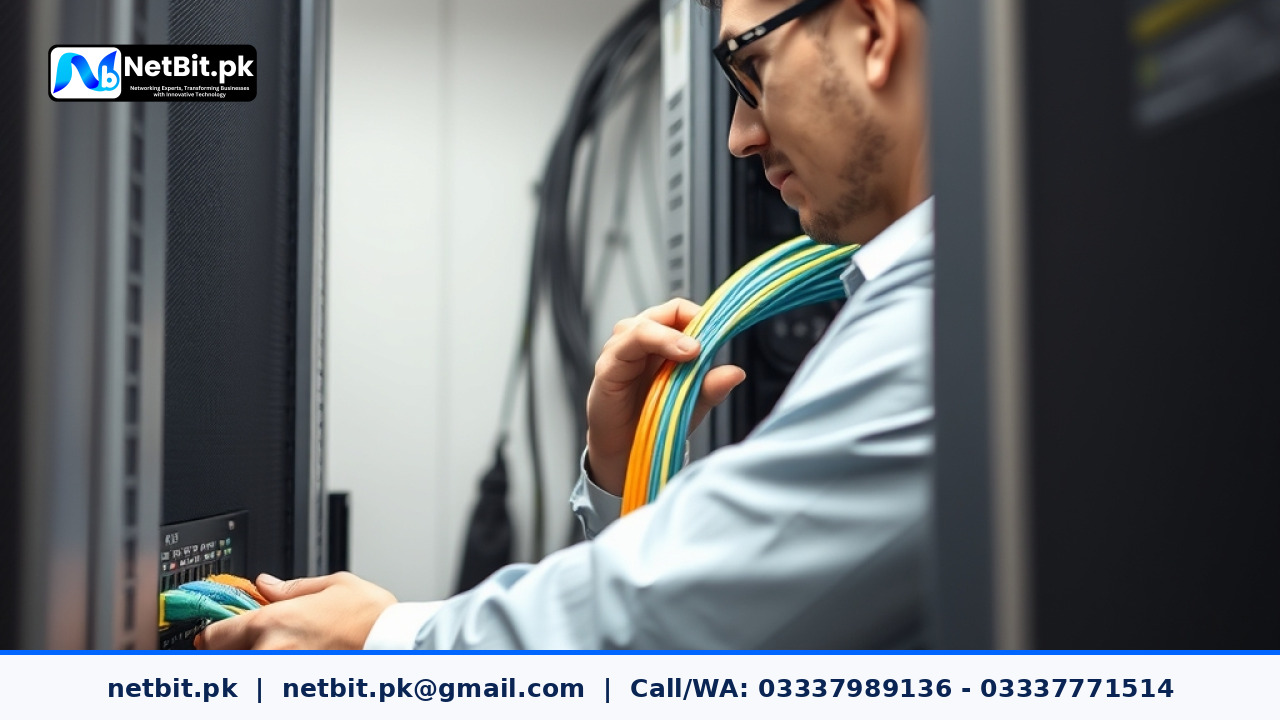
Bandwidth issues are often physical. Using low-quality or damaged Cat6 cabling leads to packet loss, which forces your network devices to re-transmit data, effectively doubling the load on your hardware. At NetBit, we insist on high-grade copper cabling and structured network racks to ensure that your surveillance data travels reliably from the camera to the NVR.
Professional CCTV and IT Infrastructure with NetBit
Managing a secure and efficient surveillance network requires more than just mounting cameras. It demands expertise in networking, switch configuration, and software optimization. Whether you are upgrading your office security or setting up a new surveillance infrastructure in Khuzdar, NetBit Software House & Technology provides end-to-end support. From professional Cat6 cabling and switch management to custom software integration for your security systems, we ensure your technology works as hard as you do. Contact our team at netbit.pk today to schedule a site audit and let us build a robust, optimized network that secures your business without compromising your connectivity.



Reader comments.
Share your question, suggestion or experience related to this article.
No comments yet
There are no approved comments on this article yet. You can be the first person to leave one.