
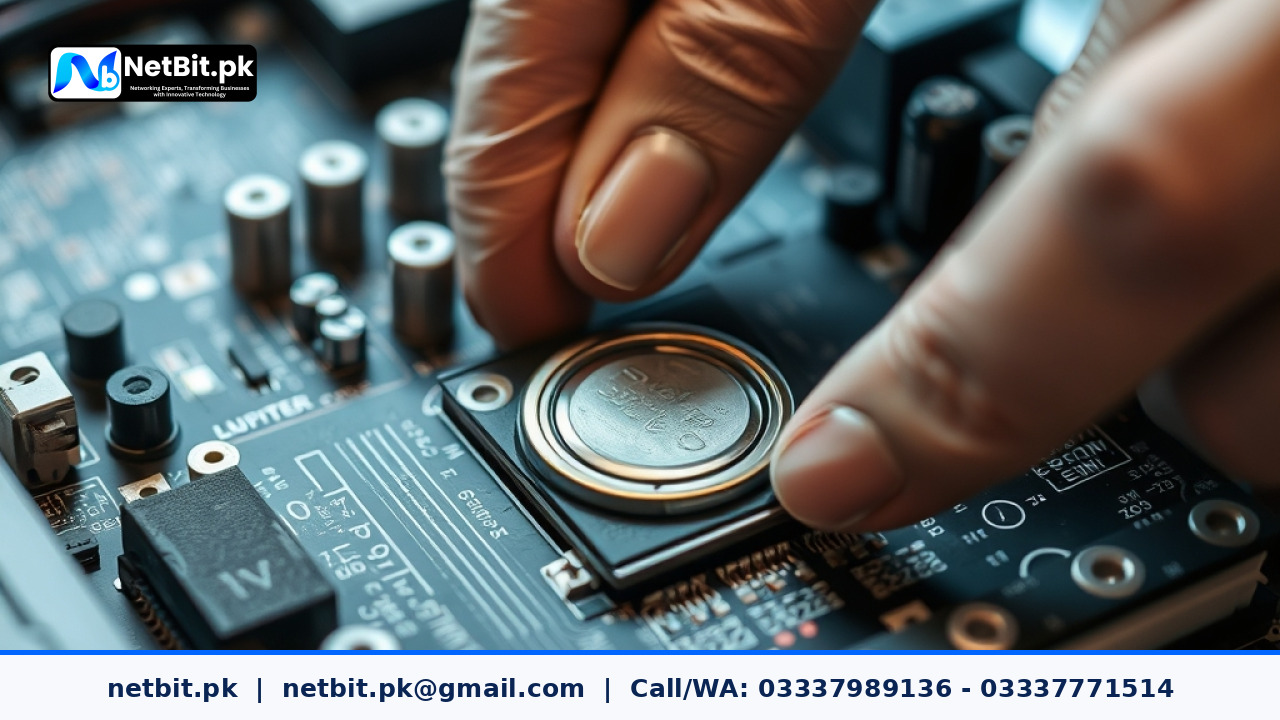
Understanding the Role of the CMOS Battery in Business Computers
For office computers, reliability is everything. When an employee sits down at their desk in the morning, they expect their workstation to boot up instantly, retain accurate system time, and load BIOS settings without error. Behind this seamless operation lies a small, coin-sized lithium cell known as the CMOS battery (Complementary Metal-Oxide-Semiconductor). At netbit tech, we often encounter business systems experiencing erratic boot behavior simply due to a drained CMOS battery.
The primary job of the CMOS battery is to maintain the basic input/output system (BIOS) configurations and keep the real-time clock running when the computer is unplugged or powered down. When this battery fails, the system loses its hardware configuration memory. This can lead to frequent 'CMOS Checksum Error', incorrect system dates that break secure web browsing and software licensing validations, and failure to recognize connected hard drives.
Signs Your Office PCs Need a CMOS Battery Swap
Recognizing the early indicators of a failing battery prevents sudden workflow disruptions. Watch out for these common signs across your business computer systems:
- System Time Resets: The computer clock reverts to a default factory date and time (such as January 1, 2070, or 2000) every time the power strip is turned off overnight.
- BIOS Setting Reverts: Custom boot orders, virtualization settings (VT-x/AMD-V), or integrated peripheral configurations reset to default every morning.
- 'Press F1 to Continue' Prompts: The system pauses during startup, displaying warning messages regarding configuration loss or checksum errors.
- Unstable Network Authentication: Security certificates and domain authentication fail because the local system time does not match domain controllers.
Step-by-Step Guide to Replacing a CMOS Battery
Replacing a CR2032 lithium coin cell is a straightforward hardware maintenance task, but it requires proper precautions to protect sensitive internal components from electrostatic discharge (ESD).
- Power Down and Unplug: Shut down the computer operating system completely, switch off the power supply unit, and unplug the power cord from the wall outlet. Disconnect all external peripherals.
- Ground Yourself: Touch an unpainted metal surface of the computer chassis to discharge any static electricity before touching internal components.
- Open the Chassis: Remove the side panel of the desktop computer tower. If you are working on a small form factor office PC, refer to the manufacturer manual to safely release the housing clips.
- Locate the Battery: Find the flat, silver CR2032 battery seated in its socket on the motherboard. Note its orientation (positive side typically facing upward).
- Release the Retaining Clip: Gently press the metal retaining tab outward with a non-conductive tool to let the battery pop up at an angle. Slide it out.
- Insert the New Cell: Place the fresh CR2032 battery into the socket at an angle and press down gently until the metal clip clicks into place securely.
- Reassemble and Configure: Close the computer case, reconnect power and peripherals, power on the system, enter the BIOS utility, update the system time, and restore your custom configuration settings.
Frequently Asked Questions
How long do CMOS batteries typically last in office computers?
Most standard CR2032 CMOS batteries last between 3 to 7 years. Systems left plugged into a live wall socket with standby power active may experience slightly longer battery life, while PCs shut down completely via master switches nightly will drain the battery faster.
Will replacing the CMOS battery delete my files?
No. The CMOS battery only powers the volatile RAM chip storing BIOS settings and the hardware clock. Your operating system, documents, software, and data stored on hard disk drives or solid-state drives remain completely safe and untouched.
Can a dead CMOS battery prevent a computer from turning on?
In most cases, the PC will still power on but halt at the POST (Power-On Self-Test) screen. However, on certain modern motherboards, severely shorted or depleted cells can interfere with power delivery signals, causing complete failure to boot.
Partner with NetBit Khuzdar for Professional IT Maintenance
Managing hardware lifecycles across a growing fleet of office computers requires consistent attention and technical expertise. At NetBit Software House & Technology, based in Khuzdar, Pakistan, we provide comprehensive IT maintenance, desktop systems support, custom software solutions, and robust networking services for businesses of all sizes. Whether you need proactive hardware servicing, structured Cat6 cabling, or secure CCTV surveillance systems, our experienced technical team delivers reliable results tailored to your operational needs. Contact netbit khuzdar today to secure your business infrastructure.



Reader comments.
Share your question, suggestion or experience related to this article.
No comments yet
There are no approved comments on this article yet. You can be the first person to leave one.