
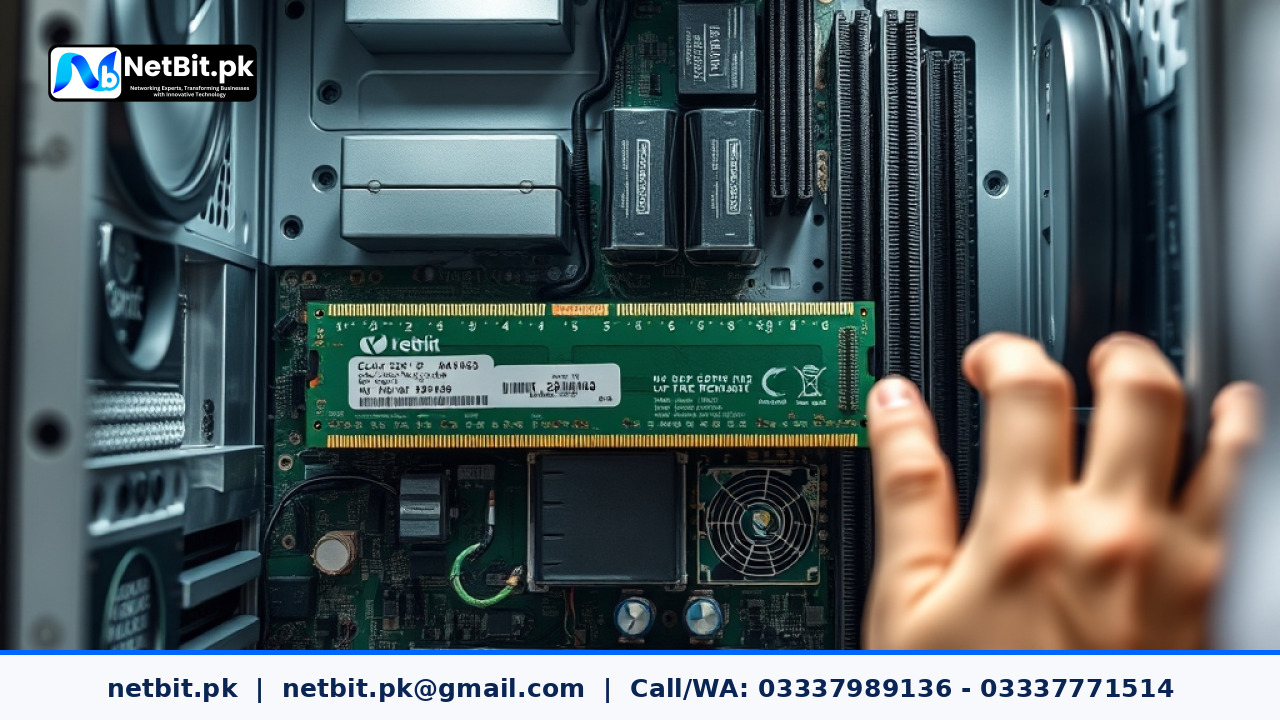
Understanding the Role of Device Drivers in Modern Computing
In the world of computer systems, a device driver acts as the essential translator between your hardware components and your operating system. Whether you are running a small retail shop in Khuzdar or managing a large corporate office in Karachi, your computers rely on these small pieces of software to communicate with graphics cards, printers, network adapters, and storage drives. Without the correct, up-to-date drivers, even the most expensive hardware will underperform or fail entirely.
At NetBit Software House, we frequently encounter business systems that have become sluggish or unstable not because the hardware is old, but because the drivers are outdated or corrupted. Managing these updates is a critical part of IT maintenance that ensures your business operations remain uninterrupted by avoidable technical glitches.
Why Regular Driver Updates are Essential for Pakistani Businesses
Many businesses in Pakistan operate in environments where hardware longevity is a priority. Keeping your computer systems updated is not just about getting new features; it is about protecting your investment. Here are the primary reasons why driver management should be part of your routine IT checklist:
- System Stability: Outdated drivers are the leading cause of the 'Blue Screen of Death' (BSOD) and unexpected system crashes.
- Security Patches: Hackers often exploit vulnerabilities in old hardware drivers to gain access to computer systems. Updates often include critical security fixes.
- Hardware Compatibility: If you upgrade your office software or move to a newer version of Windows, old drivers may stop working, causing peripherals like printers or scanners to go offline.
- Performance Optimization: Newer drivers often improve the efficiency of your CPU and GPU, leading to faster processing speeds and lower power consumption.
Step-by-Step Guide to Updating Drivers Safely
While it might be tempting to download 'one-click' driver update tools found online, NetBit Tech strongly advises against them. These third-party tools often bundle malware or install incorrect versions that can damage your system. Follow this professional approach instead:
1. Use Windows Update for Basic Components
For most standard computer systems, Microsoft’s built-in update service is the safest starting point. Go to Settings > Update & Security > Windows Update and click 'Check for updates'. Look under 'Optional updates' to find specific driver releases for your motherboard and peripherals.
2. Visit Manufacturer Support Pages
For critical business hardware like high-end workstations or servers, always go directly to the source. If you use Dell, HP, or Lenovo systems, visit their official support websites and enter your 'Service Tag' or serial number. This ensures you get the exact driver designed for your specific hardware revision.
3. Update Network and Graphics Drivers Manually
Network stability is vital for web applications and mobile apps development. Ensure your Ethernet (Cat6) and Wi-Fi drivers are updated directly from Intel or Realtek. Similarly, if your team does graphic design or video editing, keep your NVIDIA or AMD drivers current to avoid rendering errors.
Common Pitfalls in Driver Management
Managing drivers across an entire office can be complex. Here are common mistakes to avoid:
- Updating Everything at Once: If you update ten drivers simultaneously and the system crashes, you won't know which one caused the problem. Update critical drivers one by one.
- Ignoring Backup Points: Always create a System Restore point before performing major driver updates on desktop systems.
- Using Beta Drivers: Business systems should only use 'Stable' or 'WHQL Certified' drivers. Avoid 'Beta' versions as they are still in testing.
Professional IT Maintenance Packages at NetBit
Maintaining a fleet of computers is a full-time job. NetBit Khuzdar offers comprehensive IT maintenance and support packages designed to keep your infrastructure running at peak performance. Our team handles everything from driver audits to physical hardware cleaning.
Our Service Tiers
- Basic Maintenance: Monthly driver audits, OS patching, and temporary file cleanup for up to 5 workstations. Starting from 15,000 PKR/month.
- Business Pro: Bi-weekly updates, network optimization (switches and cabling), and CCTV system health checks. Starting from 35,000 PKR/month.
- Enterprise Support: 24/7 monitoring, custom software support, server management, and priority on-site visits in Khuzdar and surrounding areas. Contact for custom quote.
Frequently Asked Questions
How often should I check for driver updates?
For a standard business environment, a monthly check is sufficient. However, if you notice specific hardware issues, such as flickering screens or dropping Wi-Fi, you should check those specific drivers immediately.
Can a wrong driver physically damage my computer?
While rare, an incorrect BIOS or chipset driver can cause overheating or power management issues that might shorten the lifespan of your components. Always verify the model number before installing.
Do I need to update drivers if my computer is working fine?
If your system is stable and you aren't missing any features, you don't always need the 'latest' version. However, you should never skip security-related driver updates.
Consult NetBit Tech for Professional System Management
Is your office hardware underperforming? Are you tired of constant system crashes and slow network speeds? Managing computer systems requires technical precision and a proactive approach. At NetBit Software House, we specialize in providing end-to-end IT solutions for Pakistani businesses, from custom software development to robust networking and CCTV surveillance setups.
Don't leave your business continuity to chance. Let our experts in NetBit Khuzdar audit your current infrastructure and implement a professional maintenance schedule that keeps your team productive. Whether you need a single workstation optimized or a complete office network overhaul with LiteBeam and PowerBeam technology, we have the expertise to deliver. Contact NetBit Tech today to secure your digital future and ensure your hardware works as hard as you do.


Reader comments.
Share your question, suggestion or experience related to this article.
No comments yet
There are no approved comments on this article yet. You can be the first person to leave one.