
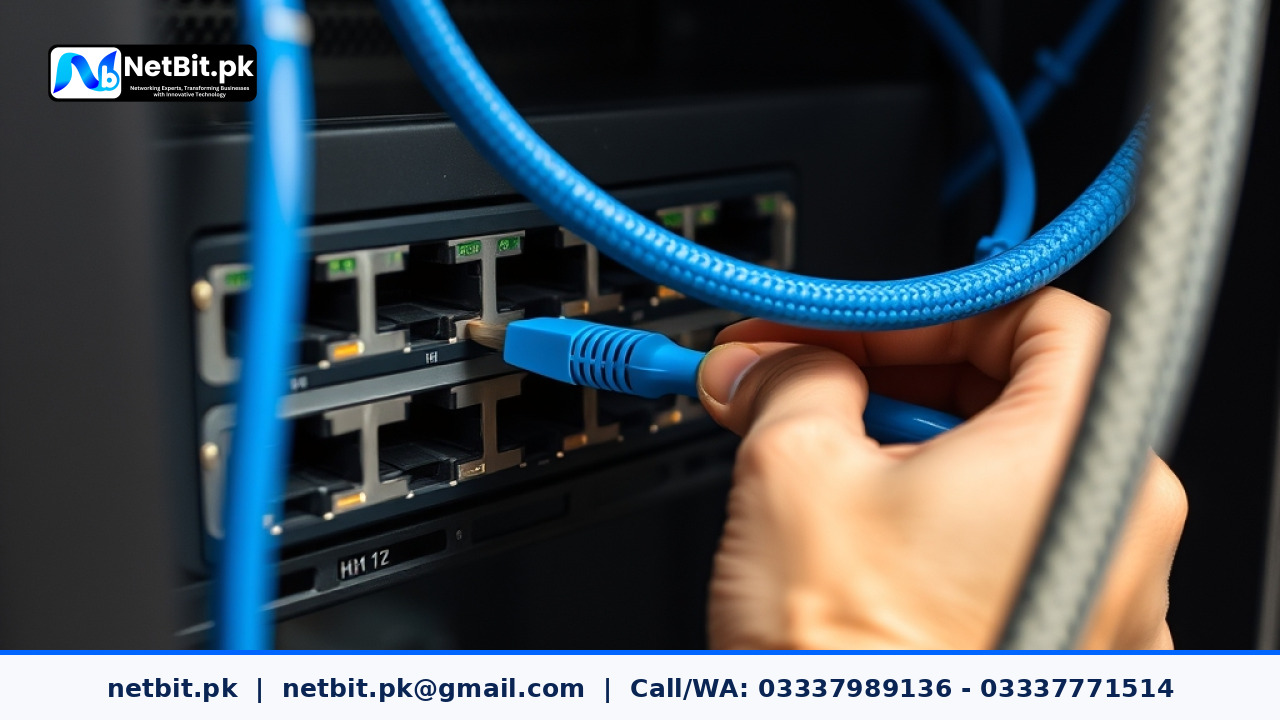
Understanding Network Switch Uplink Ports
In any modern office network across Pakistan, the network switch serves as the central traffic controller for all connected devices, from desktop computers to printers and IP cameras. While standard access ports connect individual workstations, uplink ports carry the heavy burden of aggregating traffic between multiple switches or connecting local networks to the main router. Proper management of these critical pathways is essential to prevent bottlenecks, reduce latency, and maintain a stable digital infrastructure for your business.
At netbit, our networking team frequently encounters office environments experiencing erratic internet drops or sluggish file transfers simply because uplink configurations were overlooked during initial setups. Whether you operate a small startup in Khuzdar or manage a growing corporate setup, understanding how to configure, monitor, and protect your switch uplinks will save your team hours of troubleshooting down the line.
Key Steps for Uplink Port Configuration
Managing uplink connections requires more than just plugging an ethernet cable into a port labeled 'uplink' or 'SFP'. Modern managed switches allow administrators to fine-tune these high-capacity interfaces for maximum performance and security. Follow these practical steps to optimize your switch uplinks:
- Assess Bandwidth Requirements: Calculate the volume of data passing between your switches. If you are linking a secondary department switch to the core switch, a standard 1Gbps copper port might suffice for light office tasks, but high-density environments utilizing CCTV streams and heavy file servers often require 10Gbps SFP+ fiber uplinks.
- Implement Link Aggregation (Port Trunking): Combine multiple physical ports into a single logical link to increase available bandwidth and provide redundancy. If one cable fails, the traffic automatically routes through the remaining active link without disconnecting your users.
- Configure VLAN Trunking Properly: Ensure that your uplink ports are designated as trunk ports carrying only the necessary Virtual Local Area Networks (VLANs). Pruning unused VLANs from the uplink prevents unnecessary broadcast traffic from congesting the inter-switch link.
- Enable Port Security and Storm Control: Because uplink ports carry traffic from entire segments of your network, they are prime targets for broadcast storms or unauthorized access. Apply strict security parameters to limit broadcast, multicast, and unknown unicast traffic thresholds.
Best Practices for Physical Cabling and Maintenance
Software configuration is only half the battle. The physical medium connecting your switches must meet rigorous quality standards to prevent packet loss and hardware damage. Consider these maintenance guidelines:
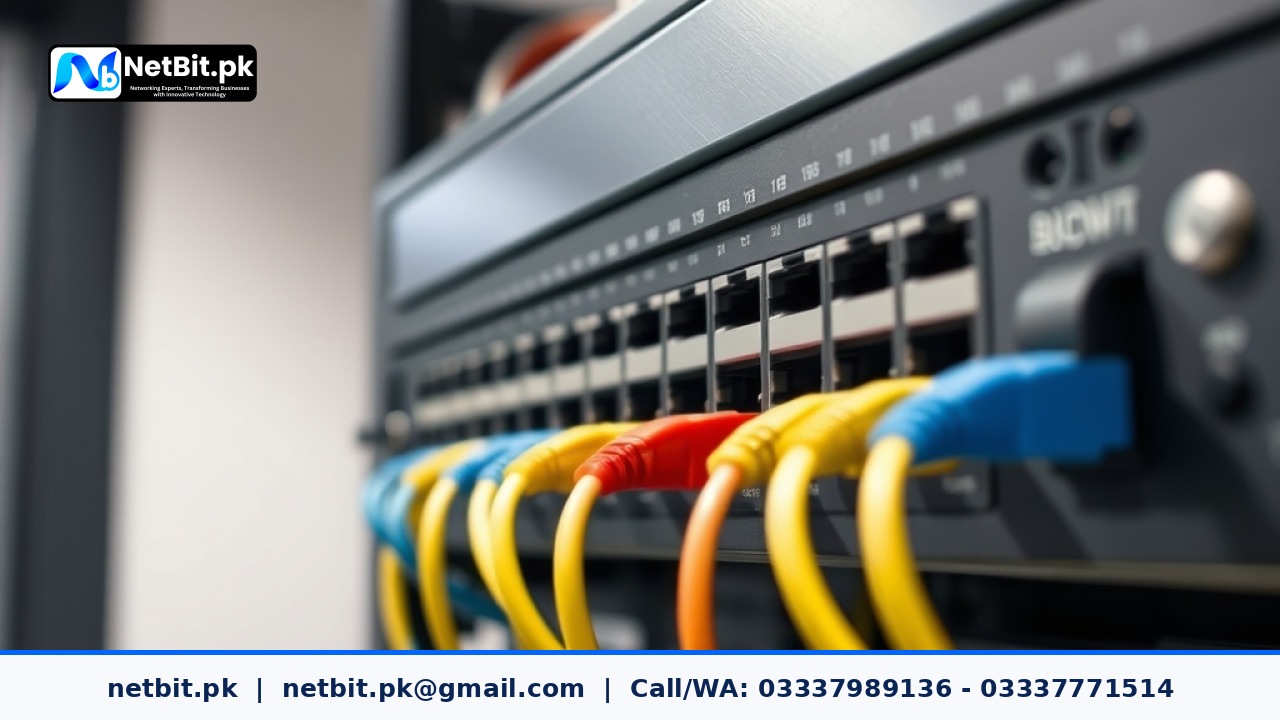
- Use Certified Cabling: Always use high-grade Cat6 cabling or genuine fiber patch cords for long runs between distribution frames. Substandard copper cables can heat up and degrade data signals over time.
- Inspect Connectors Regularly: Dust and moisture can accumulate inside unused SFP slots and port interfaces, causing intermittent connection failures. Use protective dust covers and clean fiber optic tips before insertion.
- Label Your Connections: Clearly tag both ends of your uplink cables. During an emergency network outage, clear labeling prevents technicians from accidentally disconnecting the core infrastructure.
Frequently Asked Questions
What is the difference between an access port and an uplink port?
An access port connects end-user devices like computers and printers to the local network, handling traffic for a single VLAN. An uplink port connects switches together or links a switch to a router, usually configured as a trunk port to carry multiple VLANs simultaneously.
How do I know if my uplink port is saturated?
You can check your managed switch's web interface or command-line interface for port statistics. If the interface utilization consistently hovers near maximum capacity during peak office hours, it is time to upgrade your link speed or implement link aggregation.
Can I use standard copper cables for long-distance uplinks?
Copper Ethernet cables (Cat6) have a reliable transmission limit of 100 meters. For distances exceeding this limit, or to avoid electromagnetic interference between different office floors, fiber optic cables and SFP transceivers should always be used.
Partner with NetBit Tech for Reliable Office Networking
Building and maintaining a resilient business network requires specialized technical expertise and professional-grade hardware. From deploying managed switches and structured Cat6 cabling to configuring fiber patch cords, LiteBeam, and PowerBeam wireless links, netbit tech provides comprehensive IT infrastructure solutions tailored to your operational needs.
Don't let network downtime slow down your business growth. Contact netbit khuzdar today to consult with our experienced engineers and upgrade your office connectivity with confidence.

Reader comments.
Share your question, suggestion or experience related to this article.
No comments yet
There are no approved comments on this article yet. You can be the first person to leave one.