

Understanding Peripheral Hardware Management in Modern Offices
In a typical Pakistani office, computer workstations rely on a variety of peripheral devices to function smoothly. From everyday items like keyboards, mice, and receipt printers to specialized office scanners, webcams, and external storage drives, these components are vital for daily operations. However, many business owners overlook the importance of regular peripheral hardware updates and maintenance. When drivers become outdated or firmware lacks critical patches, offices experience unexpected workflow disruptions, hardware conflicts, and sudden equipment failures.
Managing your office peripherals effectively does not require a massive IT budget. Instead, it relies on a structured, routine approach to software and hardware upkeep. Whether you run a small retail storefront or a growing corporate office in Khuzdar, keeping your connected devices updated ensures data security, compatibility with newer operating systems, and overall hardware longevity.
Common Challenges with Office Peripherals in Pakistan
Office environments face unique day-to-day challenges that can accelerate hardware wear and tear. Understanding these common pain points helps you build a proactive maintenance strategy:
- Power Fluctuations: Frequent voltage drops and power surges can corrupt device firmware and damage sensitive USB controllers or network-attached peripherals.
- Dust and Heat: Dust accumulation in ports and mechanical components leads to poor physical connections and intermittent device recognition failures.
- Driver Fragmentation: Different workstations running various versions of operating systems often end up with mismatched or generic drivers, causing printers or scanners to stall unpredictably.
Step-by-Step Guide to Updating Office Peripherals
Implementing a straightforward schedule for peripheral maintenance will save your business hours of downtime. Follow these practical steps to keep your office hardware running reliably:
1. Create an Office Hardware Inventory
Before updating drivers or firmware, document every peripheral connected to your office systems. List the manufacturer, model number, serial number, and primary workstation location. This inventory allows you to track which devices require specific updates and helps your team quickly identify hardware when troubleshooting issues.
2. Establish a Routine Driver Update Schedule
Operating systems frequently release security updates that alter how USB, Bluetooth, and network ports interact with external devices. Set a monthly schedule for your technical staff to check manufacturer websites for stable, certified driver updates. Avoid downloading drivers from unverified third-party websites, as these can introduce malware or system instability into your office network.
3. Maintain Physical Ports and Connectors
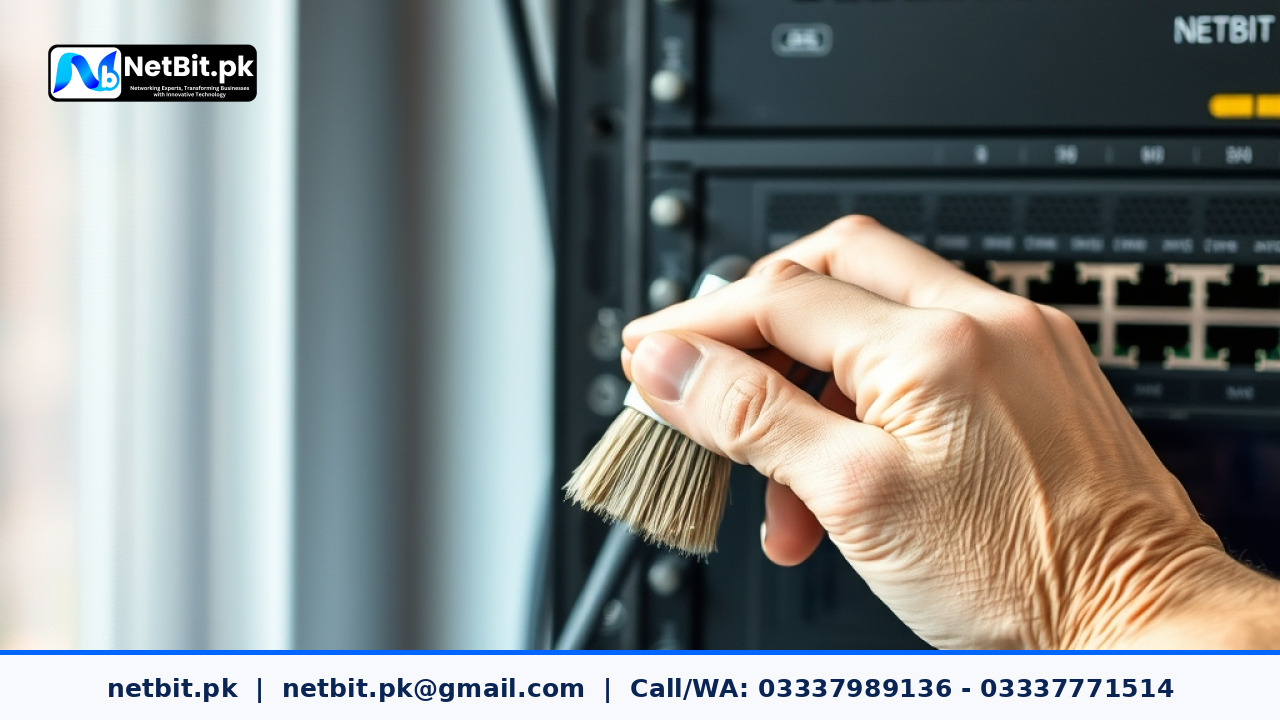
Software updates mean very little if physical connections are compromised. Regularly inspect Cat6 patch cables, USB ports, power adapters, and switch connections. Clean out accumulated dust using compressed air, and ensure that cables are neatly organized to prevent strain on ports and connectors.
4. Test Updates in a Controlled Environment
If your office utilizes specialized billing printers, industrial label makers, or shared network scanners, never apply firmware updates across all machines simultaneously. Test the update on a single workstation first. Verify that all custom settings, print queues, and scanning functions operate correctly before rolling out the update to the rest of the office.
Best Practices for Long-Term Hardware Stability
Beyond routine software updates, maintaining a stable office environment protects your hardware investment. Always connect sensitive peripherals and computer systems to reliable surge protectors or uninterruptible power supplies (UPS). Furthermore, train your office staff to safely eject external storage drives and report physical wear on cables or device buttons immediately rather than waiting for a complete breakdown.
Professional IT Maintenance & Support by NetBit Tech
Managing office technology, networks, and peripheral hardware while running your core business operations can stretch internal resources thin. That is where expert intervention makes all the difference. NetBit Software House & Technology (netbit.pk) offers comprehensive IT maintenance and support services tailored for businesses across Pakistan, including our home base in Khuzdar.
Whether you need complete custom software development, robust web and mobile applications, secure CCTV surveillance installation, structured networking with Cat6 cabling and fiber patch cords, or reliable desktop and peripheral system maintenance, netbit khuzdar has the local expertise to keep your business running without interruption. Partner with netbit tech today to secure your infrastructure, minimize downtime, and scale your operations with total confidence.


Reader comments.
Share your question, suggestion or experience related to this article.
No comments yet
There are no approved comments on this article yet. You can be the first person to leave one.