
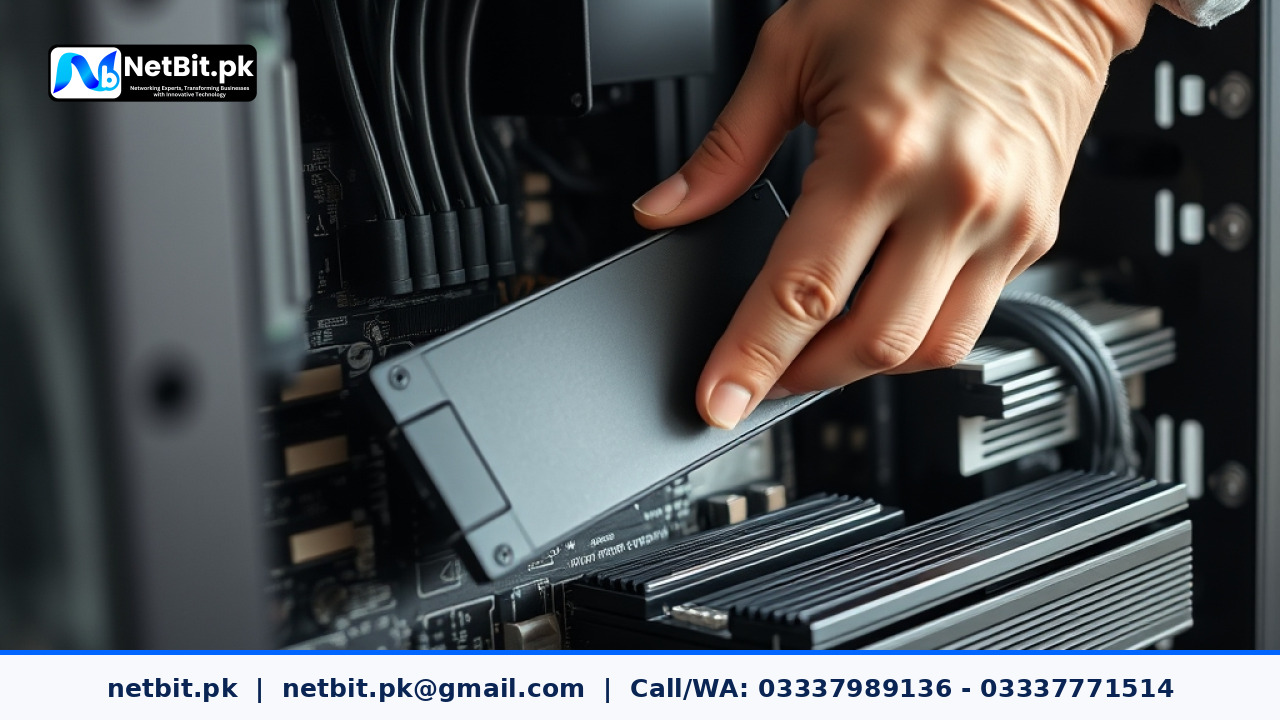
Understanding SSD TRIM for Business Systems
In modern business computing, Solid State Drives (SSDs) have become the standard for performance. However, unlike traditional hard drives, SSDs handle data deletion differently. When you delete a file, the system marks the space as available, but the SSD does not actually clear the data until it needs to write new information. This can lead to performance degradation over time. This is where the TRIM command becomes essential.
What is the TRIM Command?
TRIM is a command that allows an operating system to inform an SSD which blocks of data are no longer considered in use and can be wiped internally. By managing these blocks proactively, your computer maintains faster write speeds and increases the overall lifespan of the drive. For businesses in Pakistan relying on consistent system performance, ensuring TRIM is active is a simple yet critical maintenance task.
How to Check if TRIM is Enabled
Most modern versions of Windows enable TRIM by default, but it is wise to verify this on your office workstations. You can perform a quick check using the Command Prompt:
- Open the Start menu and type
cmd. - Right-click Command Prompt and select Run as Administrator.
- Type the following command and press Enter:
fsutil behavior query DisableDeleteNotify
If the result returns DisableDeleteNotify = 0, TRIM is enabled and working correctly. If the result is 1, TRIM is disabled, and you should enable it by typing fsutil behavior set DisableDeleteNotify 0.
Best Practices for SSD Health
- Avoid Defragmentation: Unlike mechanical hard drives, SSDs should never be defragmented. Windows usually handles this automatically by running 'Optimize Drives', which triggers TRIM.
- Maintain Free Space: Keep at least 15-20% of your SSD capacity free to allow the controller enough room to manage data blocks efficiently.
- Monitor Firmware: Regularly check for manufacturer firmware updates for your SSDs, as these often include performance and stability patches.
Professional IT Support and Infrastructure by NetBit
Managing individual PC health is vital, but a robust business environment requires professional oversight. At NetBit Software House & Technology, we specialize in comprehensive IT maintenance, custom software development, and enterprise networking solutions. Whether you are in Khuzdar or across Pakistan, our team ensures your systems are optimized for peak performance. From installing high-speed network switches and Cat6 cabling to deploying custom web applications and secure CCTV surveillance, NetBit is your dedicated technology partner. Contact us today to streamline your business operations with reliable, expert-backed IT infrastructure.


Reader comments.
Share your question, suggestion or experience related to this article.
No comments yet
There are no approved comments on this article yet. You can be the first person to leave one.