
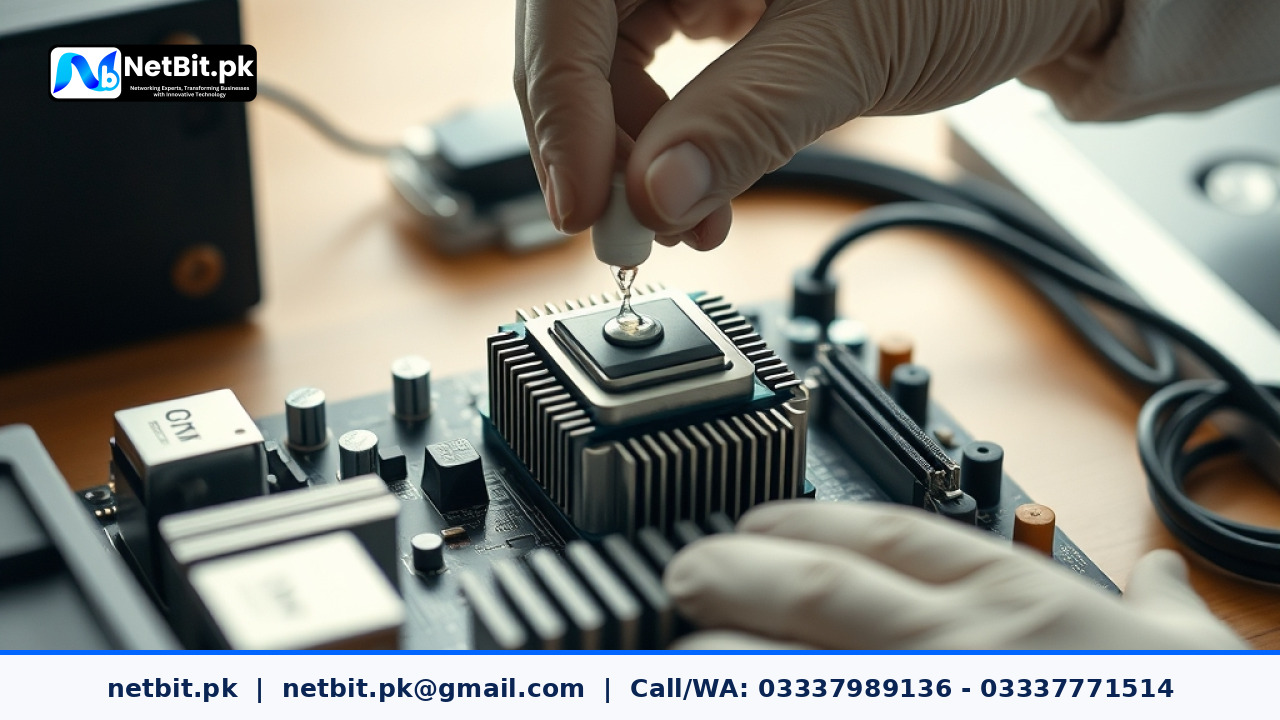
Understanding Thermal Paste and Office PC Health
In a bustling office environment, computers run for long hours processing daily tasks, running inventory software, and handling communications. Over time, the thermal paste—a crucial compound sitting between the processor and the heatsink—dries out. When this happens, heat dissipation drops significantly, leading to thermal throttling, unexpected shutdowns, and potential hardware failure. Proper maintenance of office desktop systems ensures your team experiences minimal downtime and maximum productivity.
At NetBit, our IT maintenance teams frequently encounter office PCs slowing down simply because their cooling systems haven't been serviced in years. Knowing when and how to manage thermal paste replacements can save your business from costly hardware replacements.
Signs Your Office Computers Need Thermal Paste Maintenance
Identifying failing thermal paste early prevents permanent damage to computer processors. Watch out for these common indicators across your office network:
- Frequent Random Reboots: The computer shuts down suddenly while running normal office applications to protect itself from overheating.
- Loud Fan Noises: Case and CPU fans spin at maximum capacity constantly because the heatsink fails to transfer heat away from the chip.
- Noticeable Lag: Programs freeze or respond sluggishly even when system resource usage appears normal, which is often caused by thermal throttling.
- High Idle Temperatures: Monitoring utilities show elevated temperatures even when no heavy tasks are running.
Step-by-Step Guide to Managing Thermal Paste Replacements
Performing preventive maintenance on office computer systems requires precision, the right tools, and careful handling. Follow this professional workflow to ensure safe replacements:
- Power Down and Disconnect: Shut down the computer completely, unplug the power cable, and disconnect all peripherals. Discharge any static electricity by touching a grounded metal surface.
- Open the Chassis: Remove the side panel of the desktop casing and place the tower on a clean, static-free workbench.
- Remove the Cooling Assembly: Carefully disconnect the CPU fan power header from the motherboard. Unclip or unscrew the heatsink assembly, twisting it gently if it feels stuck due to dried paste.
- Clean Old Residue: Use high-concentration isopropyl alcohol (90% or higher) and lint-free microfiber cloths to gently wipe away all traces of old, dried thermal paste from both the CPU integrated heat spreader and the heatsink base.
- Apply Fresh Compound: Apply a small, pea-sized dot or a thin line of high-quality thermal paste onto the center of the CPU. Avoid over-applying, as excess paste can squeeze out and create a mess.
- Reinstall the Heatsink: Firmly place the heatsink back onto the processor, securing the screws or retention clips in a diagonal, crisscross pattern to ensure even pressure distribution. Reconnect the fan header.
Best Practices for Office Hardware Maintenance
To keep your IT infrastructure running smoothly without unexpected disruptions, implement these operational habits:
- Schedule routine hardware inspections every 18 to 24 months for high-usage desktop systems.
- Combine thermal paste replacements with routine internal dusting to clear out blocked heatsink fins.
- Keep a log of maintenance dates for each office computer to track hardware age and service history.
Frequently Asked Questions
How often should office PCs have their thermal paste replaced?
For standard office environments, thermal paste typically lasts between two to three years before drying out. Systems in dusty environments or those running heavy local workloads may require attention sooner.
Can I use cheap thermal paste for office computers?
It is always recommended to use reliable, high-grade thermal compounds. Poor-quality paste degrades faster and transfers heat inefficiently, leading back to thermal throttling within months.
Does NetBit offer on-site IT maintenance services?
Yes. NetBit provides comprehensive IT support and maintenance packages across Khuzdar and surrounding regions to keep your office computers, networking gear, and systems running at peak performance.
Partner with NetBit Tech for Reliable IT Infrastructure
Maintaining a dependable office environment requires consistent technical expertise and proactive care. Whether you need structured networking, CCTV installations, custom software solutions, or routine hardware maintenance for your desktop systems, netbit tech is your trusted local partner.
Don't let aging hardware slow down your business operations. Connect with netbit khuzdar today to discuss custom IT maintenance packages tailored to your exact business needs. Let our professional team handle your technology infrastructure so you can focus entirely on growing your enterprise.



Reader comments.
Share your question, suggestion or experience related to this article.
No comments yet
There are no approved comments on this article yet. You can be the first person to leave one.