
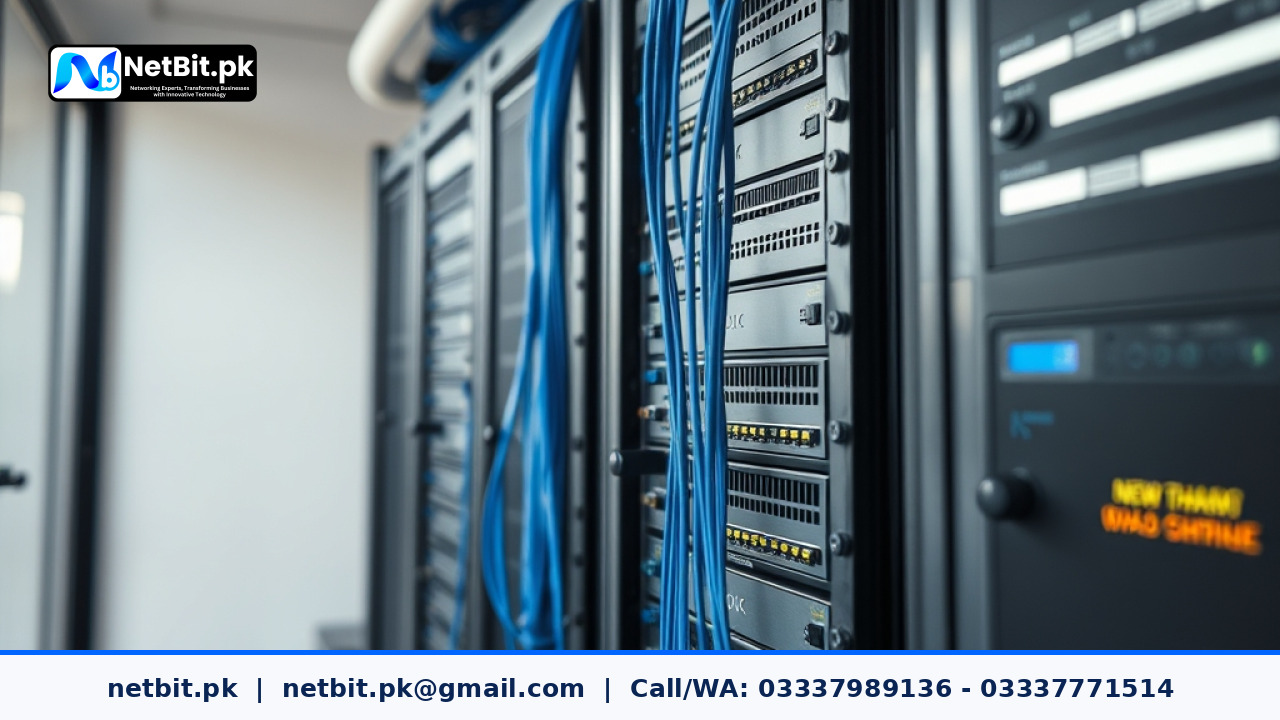
Understanding Tower Server Placement in Modern Offices
For many growing businesses across Pakistan, investing in an on-premise server is a vital step toward better data management, faster application access, and stronger local security. Whether you are running a local database, hosting internal software, or sharing files across your local area network, tower servers remain a popular choice due to their flexibility and ease of deployment. However, many offices make the critical mistake of treating a server like an ordinary desktop computer, tucking it away in a dusty corner or piling boxes on top of it. Proper physical placement and organization are essential to ensure uninterrupted operations and extend the lifespan of your expensive hardware.
At NetBit, our technical team often assists businesses in Khuzdar and across the region with setting up robust server solutions. Through our experience, we have learned that hardware longevity depends heavily on basic environmental factors, neat cable management, and proper physical mounting. In this guide, we will walk you through practical steps to properly organize and position your office tower servers.
Choosing the Right Location for Your Office Server
The first step in setting up a tower server is selecting a secure and stable physical location. Unlike standard desktop workstations that sit right on an employee's desk, a server needs a dedicated, controlled environment.
- Avoid High-Traffic Areas: Keep servers away from hallways, reception areas, or common walkways where someone could accidentally trip over power cords or kick the chassis.
- Elevate Off the Floor: Never place a tower server directly on a concrete or carpeted floor. Carpets trap static electricity, which can fry sensitive internal components, and floors accumulate dust and debris quickly. Use a sturdy server stand or a raised rack shelf.
- Maintain Clearance: Ensure there is at least six inches of open space around all ventilation panels to allow proper airflow and heat dissipation.
Managing Heat and Thermal Loads in Local Offices
Pakistan experiences extreme seasonal temperatures, which can severely impact computer hardware if air conditioning is inconsistent. Heat is the number one enemy of server components like hard drives, processors, and power supply units.
- Monitor Ambient Temperature: Keep the server room or designated server corner air-conditioned. Aim to keep ambient temperatures below 25 degrees Celsius.
- Clean Dust Regularly: Dust buildup inside a tower chassis blocks cooling fans and acts as an insulator, trapping heat. Schedule a routine cleaning every three to six months using compressed air.
- Avoid Enclosed Cabinets Without Ventilation: If you place your tower server inside a wooden cabinet or closed closet, ensure you install exhaust fans to pull hot air out of the enclosure.
Organizing Power and Data Cables
A disorganized nest of cables behind a server is not only an eyesore; it is a major hazard that blocks airflow and makes troubleshooting nearly impossible.
- Separate Power and Data: Keep high-voltage power cables away from low-voltage Ethernet cables to minimize electromagnetic interference.
- Use Labeling: Clearly label every network cable plugged into your server's network interface cards, as well as the main power cord. This saves valuable time during maintenance.
- Secure with Zip Ties: Bundle excess cable length neatly using Velcro straps or cable ties, ensuring no tension is placed on the ports.
Professional Server Solutions by NetBit Tech
Setting up and organizing office infrastructure requires careful planning and hands-on technical expertise. If your business is looking to upgrade its local network, implement secure data backups, or deploy custom software on a dedicated office server, netbit tech is ready to help. Based in Khuzdar, our experienced engineers at netbit software house provide comprehensive IT maintenance, networking, and custom system solutions tailored to your operational needs. Contact netbit today to discuss how we can streamline your business technology and secure your vital data infrastructure.



Reader comments.
Share your question, suggestion or experience related to this article.
No comments yet
There are no approved comments on this article yet. You can be the first person to leave one.