
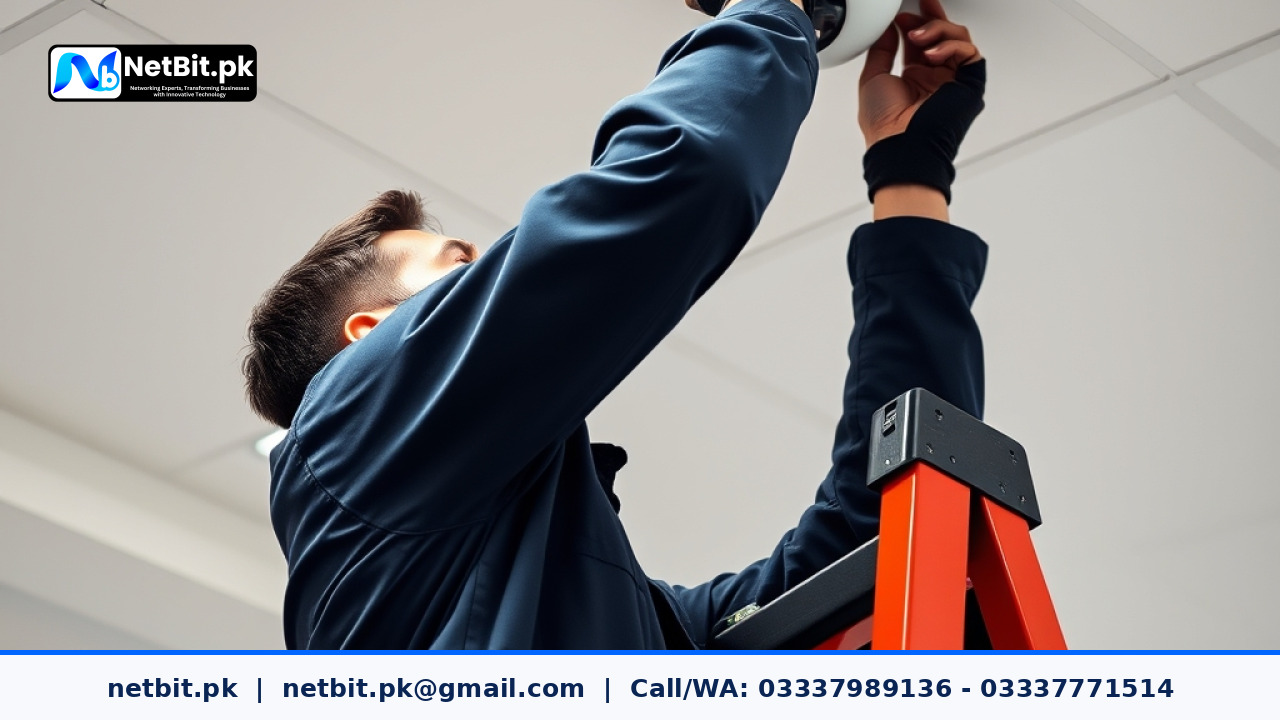
Introduction: Why Proper CCTV Placement Matters
Installing a security system is one of the most effective ways to safeguard commercial properties, office spaces, retail outlets, and warehouses across Pakistan. However, simply buying high-definition CCTV cameras is only half the battle. If a camera is mounted at the wrong angle, pointed directly into direct sunlight, or positioned too high, the footage collected during a critical event can become blurry, glare-ridden, or utterly useless.
Proper camera positioning guarantees clear, actionable footage that helps identify individuals, track asset movement, and discourage unauthorized access. Whether you operate a retail shop in Khuzdar or manage a corporate office building, understanding the basic fundamentals of CCTV camera placement will ensure maximum return on your security investment.
Key Factors to Consider Before Installing Security Cameras
Before drilling holes into concrete walls or running Cat6 network cables across ceilings, a complete site survey is essential. Consider the following crucial factors when planning camera locations:
1. Entry and Exit Points
Every commercial facility has primary and secondary access points. Main gates, reception doors, loading docks, and emergency exits should always be monitored. Positioning a camera near an entry door allows you to record facial features clearly as people enter and leave the facility.
2. Height and Camera Angles
A common mistake made during CCTV setup is mounting cameras too high on walls or roof overhangs to cover a wider area. While high mounting protects the physical camera from vandalism, it often captures only the tops of people's heads or wide hats. For effective identification, mount cameras at a height of 8 to 10 feet from the floor, angled downward at roughly 30 degrees.
3. Managing Lighting Conditions and Glare
Lighting conditions change dramatically throughout the day in Pakistan. A camera facing a glass entrance door might produce crisp images in the morning, but become completely blinded by harsh afternoon sun backlighting. Select cameras equipped with Wide Dynamic Range (WDR) for areas facing direct sunlight, and position cameras away from reflective surfaces like polished glass or bright metallic hoardings.
4. Coverage of High-Value Areas and Cash Counters
Points of sale (POS), cash registers, inventory stockrooms, and main server racks require dedicated surveillance coverage. Ensure these specific spots have direct line-of-sight visual coverage without high shelving units or hanging light fixtures blocking the lens path.
Step-by-Step Guide: How to Properly Position Your Cameras
Follow these practical steps to optimize camera placement across your business premises:
Step 1: Map Out Vulnerable Zones
Draw a simple floor plan of your facility. Identify blind spots such as dark alleys, stairwells, rear hallways, and parking zones. Mark these locations as target zones requiring continuous camera coverage.
Step 2: Choose the Right Focal Length
Camera lenses come in different focal lengths measured in millimeters (mm):
- 2.8mm Lens: Provides a broad 90 to 100-degree field of view. Best suited for small offices, wide entry lobbies, and outdoor parking lots where broad spatial coverage is needed.
- 4.0mm Lens: Offers a 70 to 80-degree field of view with slightly more image depth. Ideal for hallways, store aisles, and cash counters.
- 6.0mm or higher Lens: Provides a narrower field of view with telephoto magnification, ideal for capturing vehicle license plates at main gates.
Step 3: Secure the Cabling and Power Supply
Connect outdoor and indoor IP cameras using high-grade Cat6 ethernet cabling routed through durable PVC conduits. Power over Ethernet (PoE) switches simplify installation by transmitting power and video signals through a single network line. Keep cable runs within standard length limits (under 90 meters) to avoid signal loss or power drops.
Common CCTV Positioning Mistakes to Avoid
Avoid these frequently observed mistakes when configuring your CCTV surveillance system:
- Placing Cameras Behind Window Glass: Infrared (IR) night vision LEDs reflect directly off glass panes, blinding the camera lens at night. Always mount outdoor cameras on external walls rather than behind windows.
- Ignoring Tree and Foliage Growth: Outdoor cameras installed near trees or bushes can easily become obscured over time as branches grow or sway in strong wind, triggering unnecessary motion alerts.
- Underestimating Coverage Overlaps: Avoid placing single cameras in total isolation. Overlapping camera fields of view ensures that if an intruder tampers with one camera, the adjacent camera records the event.
Frequently Asked Questions (FAQs)
How many CCTV cameras does an average office need?
A standard small-to-medium office usually requires 4 to 8 cameras: 1 for the main entrance, 1 for the reception counter, 2 to 4 covering general workspace and corridors, and 1 dedicated to the server room or safe area.
What is the best camera height for outdoor building perimeter defense?
An outdoor perimeter camera should ideally be mounted between 10 to 12 feet above ground level. This provides sufficient height to prevent physical tampering while still keeping angles low enough to capture clear facial features and vehicle details.
Can network switches be used to extend CCTV cable lengths?
Yes, placing an intermediate PoE switch along a long network cable run extends the connection distance by another 100 meters while powering the connected cameras reliably.
Secure Your Business Premises with NetBit Tech
Setting up an effective, blind-spot-free surveillance system requires technical expertise, precise camera calibration, and structured network cabling. At NetBit Software House & Technology, based in Khuzdar, Pakistan, our team delivers complete CCTV surveillance solutions, professional network wiring, switch installation, and comprehensive IT support tailored to your business needs.
Whether you need a fresh CCTV installation for your commercial facility, high-performance Cat6 network setup, or ongoing system maintenance, netbit tech is your trusted local technology partner. Contact netbit khuzdar today to discuss your business security requirements and request a customized surveillance quote.


Reader comments.
Share your question, suggestion or experience related to this article.
No comments yet
There are no approved comments on this article yet. You can be the first person to leave one.