
Understanding Thermal Paste Maintenance for Business Workstations
In offices across Pakistan, heavy daily workloads can cause desktop computer systems to slow down or shut down unexpectedly. One of the most common culprits behind these performance drops is degraded thermal paste. Over time, the microscopic layer of compound between your processor and its cooling heatsink dries out, losing its ability to transfer heat efficiently. When this happens, your CPU throttles its speed to prevent permanent damage, causing noticeable lag during multitasking or running heavy business software.
At netbit, our technical team frequently inspects office workstations in Khuzdar and beyond that suffer from thermal throttling. Keeping your hardware cool extends the lifespan of your computer systems and ensures seamless daily operations. In this guide, we will walk you through the correct procedure for replacing thermal paste safely on standard office desktop systems.
Tools and Safety Precautions Required
Before opening up any computer chassis, you must prepare the right workspace and tools. Working with computer hardware requires care to avoid electrostatic discharge (ESD) and physical damage to delicate components.
Required Equipment:
- High-quality thermal paste (non-conductive silicon or metal-based compound).
- Isopropyl alcohol (90% concentration or higher) and lint-free microfiber cloths.
- Phillips head screwdriver suited for your CPU cooler mount.
- Anti-static wrist strap or grounded metallic work surface.
- Compressed air can for blowing out accumulated dust.
Always shut down your system completely, disconnect the power cable from the wall outlet, and press the power button for five seconds to drain residual electrical charge from the motherboard capacitors before beginning.
Step-by-Step Thermal Paste Replacement Procedure
Follow these structured steps carefully to ensure a clean application and optimal heat transfer on your office computers.
- Open the Chassis: Remove the side panel of the computer case by unscrewing the retaining thumbscrews. Lay the tower flat on a clean, non-conductive table.
- Disconnect the Cooler Fan: Unplug the CPU fan power cable from the motherboard header (labeled CPU_FAN) so you can remove the heatsink completely.
- Remove the Heatsink: Loosen the screws or release the retention clips holding the CPU cooler to the motherboard in a diagonal, alternating pattern to relieve pressure evenly. Gently twist and lift the heatsink away from the processor.
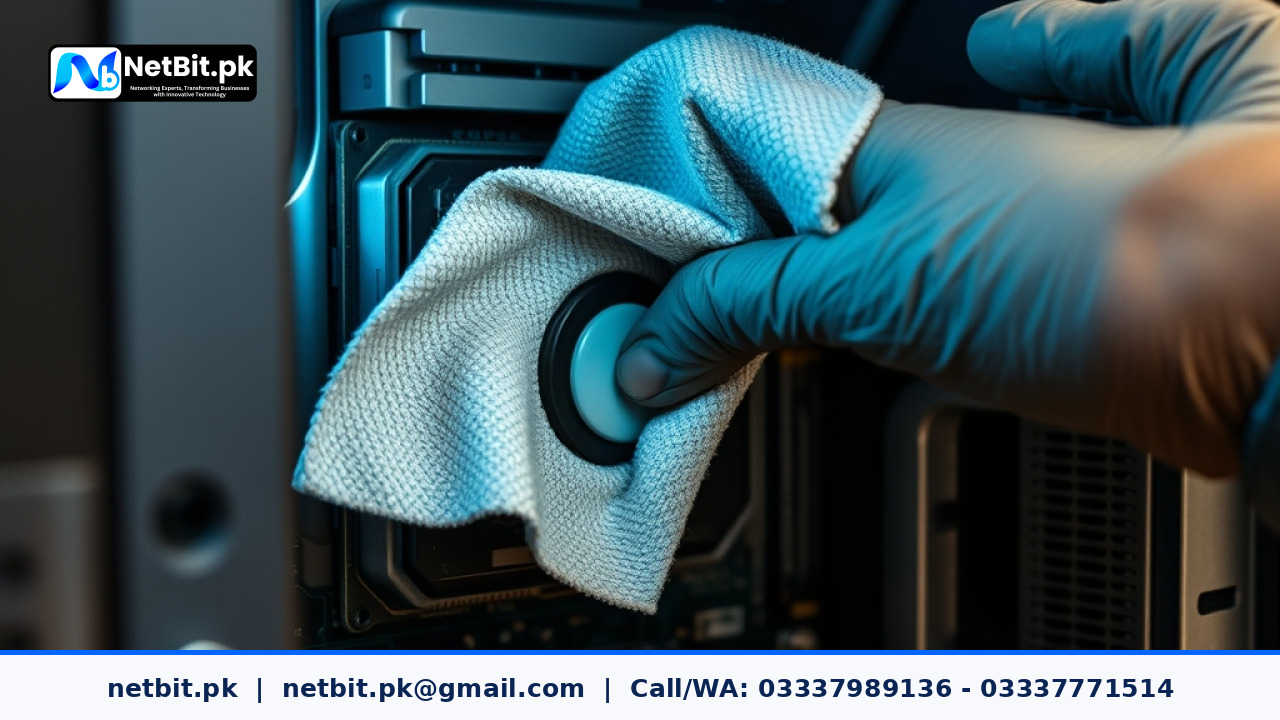
- Clean Old Residue: Moisten a lint-free cloth with isopropyl alcohol and gently wipe away the dried, crusty thermal paste from both the bottom of the heatsink and the top surface of the CPU integrated spreader until both surfaces shine cleanly.
- Apply Fresh Compound: Dispense a pea-sized drop (or an X-pattern for larger chips) of new thermal paste directly onto the center of the clean CPU surface. Avoid putting too much, as excess paste can squeeze out onto the motherboard circuit board.
- Reinstall the Cooler: Carefully lower the heatsink back onto the processor, aligning it with the mounting holes. Tighten the screws gradually in a crisscross pattern until snug. Reconnect the CPU fan cable to the motherboard.
Testing and Monitoring Post-Replacement Temperatures
Once you have reassembled the computer case and plugged all peripherals back in, turn on the system. You should immediately notice a quieter fan profile because the cooler no longer has to spin at maximum RPM to compensate for trapped heat. Use lightweight hardware monitoring software to check idle temperatures, ensuring your CPU rests safely between 35°C and 45°C under normal office application loads.
Regular hardware maintenance prevents sudden hardware failures and keeps your staff productive without frustrating equipment freezes. If your business requires comprehensive IT maintenance, network cabling, custom software, or CCTV installations, the team at netbit khuzdar is ready to assist you.
Partner with NetBit Software House & Technology for Professional IT Solutions
Maintaining stable computer systems is crucial for any growing business, but technical upkeep can pull your focus away from core operations. At netbit tech, we deliver robust solutions tailored to businesses across Pakistan. Whether you need custom software development, reliable mobile and web applications, desktop system configurations, managed office networking (Cat6 cabling, LiteBeam, PowerBeam, switches), or professional CCTV surveillance systems, netbit software house provides dependable, expert execution.
Don't let hardware bottlenecks slow down your enterprise. Reach out to netbit.pk today to discuss how our professional IT maintenance and infrastructure services can safeguard your business technology and elevate your operational efficiency.


Reader comments.
Share your question, suggestion or experience related to this article.
No comments yet
There are no approved comments on this article yet. You can be the first person to leave one.