
Introduction to Office Computer Systems
In the modern Pakistani business landscape, whether you are running a retail shop in Khuzdar or a corporate office in Karachi, your computer systems are the backbone of your operations. Selecting the right hardware is not just about buying the most expensive machine; it is about finding a balance between performance, durability, and cost-effectiveness. At NetBit Software House, we have seen many businesses struggle with slow systems simply because the initial hardware selection did not match their operational needs. This guide aims to help you make informed decisions for your next IT investment.
1. Understanding the Core Components
When selecting a computer system, you must focus on three primary components that dictate how well the machine will perform for your specific tasks: the Processor (CPU), Random Access Memory (RAM), and Storage.
- Processor (CPU): For basic office tasks like word processing and spreadsheets, an Intel Core i3 or Ryzen 3 is sufficient. However, for multitasking or running custom software applications, we recommend at least an Intel Core i5 or Ryzen 5.
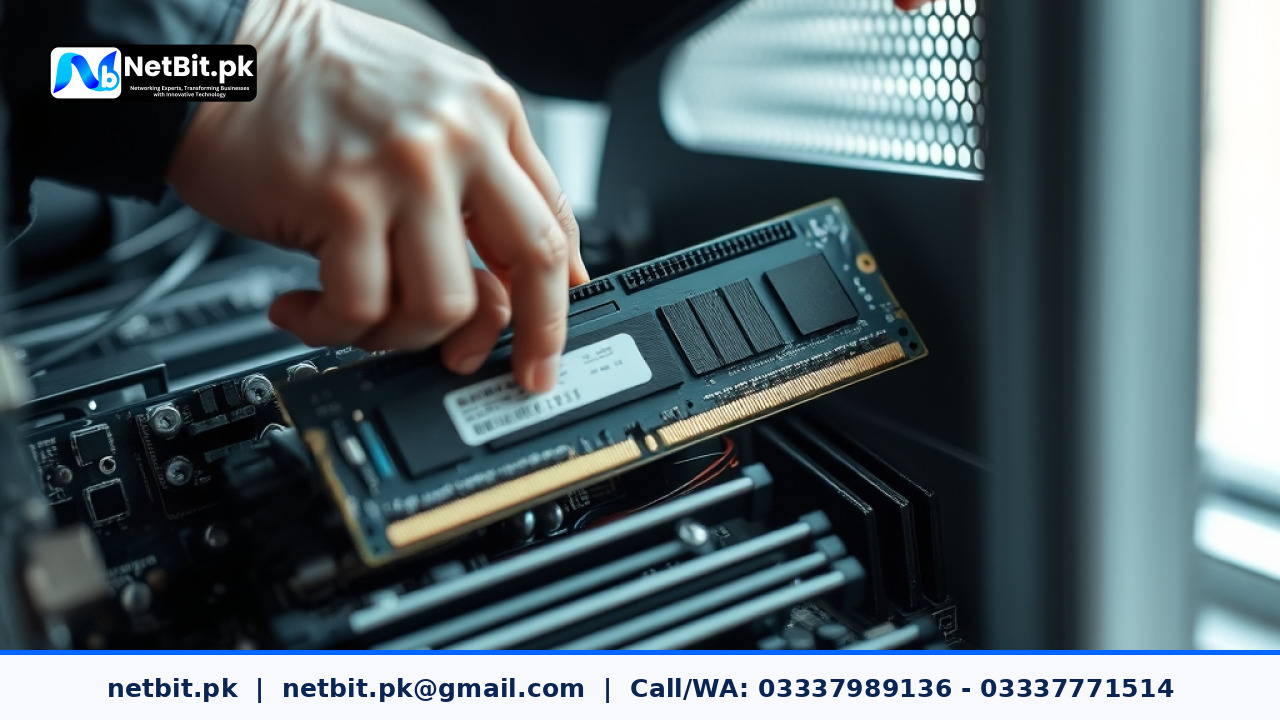
- RAM: In today’s environment, 8GB of RAM is the absolute minimum. If your staff uses multiple browser tabs, accounting software, and communication tools simultaneously, 16GB is a much safer investment to prevent system lag.
- Storage: Never settle for a traditional Hard Disk Drive (HDD) as your primary boot drive. A Solid State Drive (SSD) is significantly faster and will make your system feel twice as fast during daily use.
2. Desktop vs. Laptop: Which is Better for Your Business?
The choice between a desktop and a laptop depends on your workflow. Desktops generally offer better performance for the price and are easier to upgrade or repair. They are ideal for stationary roles like reception desks or data entry stations. Laptops, while more expensive for similar specs, offer portability and a built-in battery backup (UPS), which is crucial during the frequent power outages experienced in various parts of Pakistan.
3. Adapting to the Pakistani Environment
Operating computer systems in Pakistan presents unique challenges, particularly regarding heat and dust. In regions like Khuzdar, dust accumulation inside a computer case can lead to overheating and hardware failure. NetBit Tech recommends choosing cases with dust filters and ensuring that your office has proper ventilation. Additionally, because of voltage fluctuations, every desktop system must be connected to a high-quality stabilizer or an Uninterruptible Power Supply (UPS) to protect the sensitive internal circuitry.
4. Integrating Networking for a Complete System
A computer system is only as good as its connection to the rest of the office. Proper networking ensures that your team can share files, access central databases, and use shared printers without interruption. This involves more than just a Wi-Fi router. A professional setup includes Cat6 cabling for stable connections and managed switches to handle data traffic efficiently. At NetBit, we emphasize structured cabling to prevent the "spaghetti wire" mess that often leads to connectivity issues.
5. The Role of Genuine Software and Security
Using pirated software is a common mistake that leads to security vulnerabilities and system instability. We always advise businesses to use genuine operating systems and professional-grade security software. Furthermore, integrating your computer systems with a reliable CCTV surveillance system allows you to monitor your premises directly from your desktop or mobile app, creating a unified tech environment for your business.
6. Maintenance Routines for Longevity
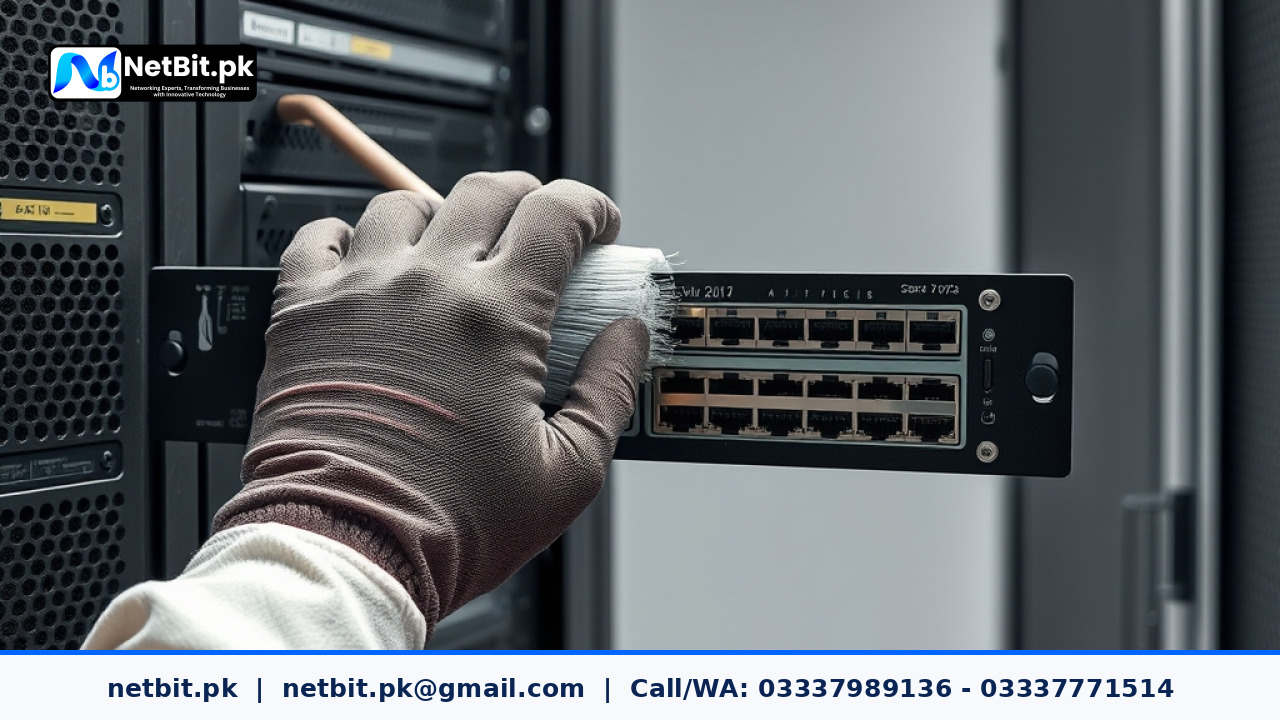
To ensure your investment lasts 5 to 7 years, regular maintenance is required. This includes internal cleaning to remove dust, updating drivers, and managing system logs. If you find your systems slowing down, it may be time for a professional audit to identify bottlenecks, such as fragmented drives or background processes that are consuming too many resources.
Why Professional Installation is Essential
Buying the parts is only the first step. Proper assembly, thermal management, and software configuration require technical expertise. A poorly configured system can lead to frequent crashes and data loss. Professional IT support ensures that your BIOS settings are optimized, your network ports are secure, and your hardware is grounded correctly to prevent electrical damage.
Consult NetBit for Your IT Infrastructure
Setting up an office IT environment can be overwhelming, but you do not have to do it alone. NetBit Software House & Technology specializes in providing end-to-end computer system solutions tailored to the specific needs of Pakistani businesses. From selecting the right desktop systems and laptops to installing complex networking (switches, fiber patch cords, LiteBeam) and CCTV systems, our team in Khuzdar is ready to assist.
Whether you need custom software developed for your unique business logic or a complete hardware overhaul for your office, NetBit Tech provides the professional reliability you deserve. We take pride in building systems that are robust, secure, and ready to grow with your business. Contact us today to discuss your project and let us help you build a technology foundation that works as hard as you do.


Reader comments.
Share your question, suggestion or experience related to this article.
No comments yet
There are no approved comments on this article yet. You can be the first person to leave one.