

Understanding Automated Document Routing
In a busy office environment, handling paper or digital documents manually often leads to bottlenecks. Automated document routing is an office automation technique where software directs files, invoices, or requests to the appropriate personnel based on predefined rules. By implementing this at your organization, you eliminate the need for manual sorting, ensuring that documents move through your business processes without delay.
Why Your Business Needs Automation
Manual routing is prone to human error—files get lost, emails are ignored, and deadlines are missed. With a structured approach, you can ensure that every document, whether it is an expense report or a project proposal, reaches the right desk immediately. This reduces administrative overhead and allows your team to focus on core business objectives.
Step-by-Step: Setting Up Your Routing Rules
- Identify Your Workflow: Map out the journey of a document from entry to final approval.
- Define Trigger Conditions: Set specific criteria, such as document type, sender identity, or priority level.
- Assign Destination Folders or Users: Configure your software to automatically push documents to designated digital folders or notify specific employees.
- Implement Notifications: Ensure the recipient receives an instant alert via email or internal dashboard to prevent stagnation.
Best Practices for Implementation
Start small by automating a single department, such as finance or HR, before rolling it out company-wide. Always maintain a clear audit log so you can track who accessed or approved a document. Consistency is the key to successful office automation; ensure all team members follow the same digital filing naming conventions to prevent confusion.
Why Partner with NetBit for Office Automation?
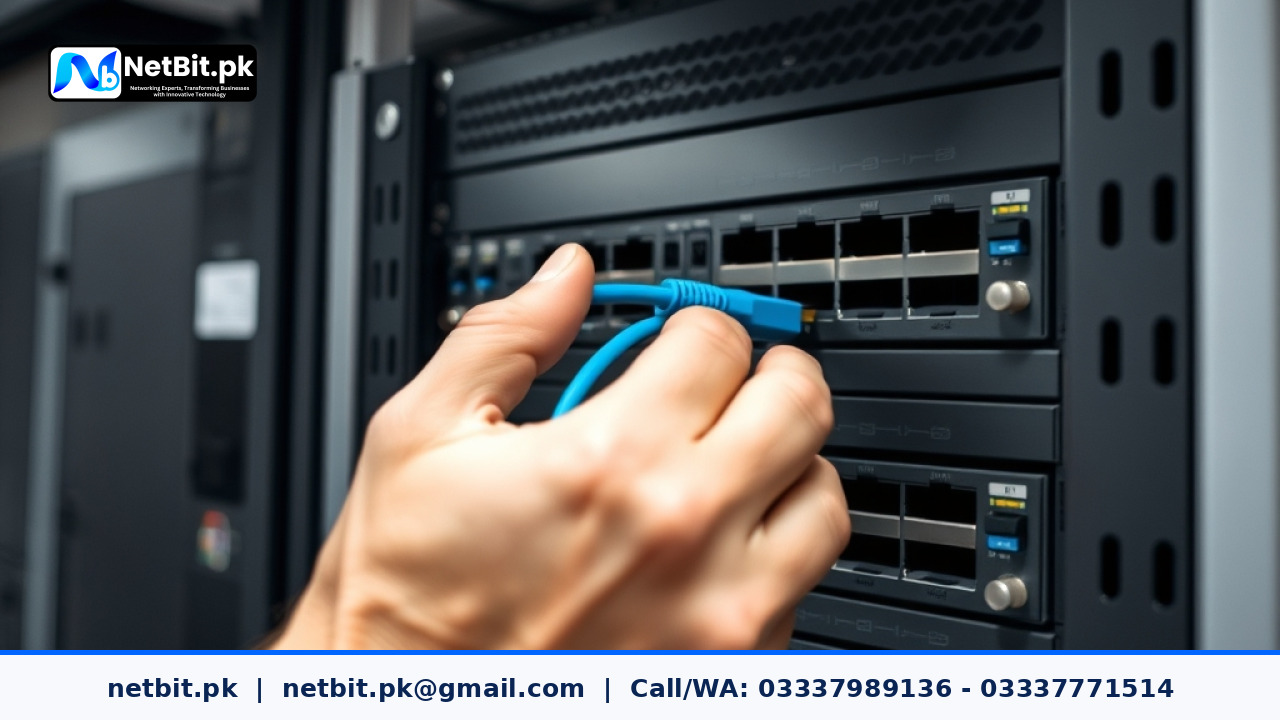
At NetBit Software House & Technology, we specialize in transforming traditional Pakistani businesses into efficient digital powerhouses. Our team in Khuzdar understands the unique challenges of local infrastructure. Whether you need custom software solutions to handle complex document routing, robust networking setups with high-quality switches and Cat6 cabling, or professional CCTV surveillance to secure your physical premises, NetBit provides the technical expertise you need. We do not just install systems; we build long-term partnerships to ensure your technology scales as your business grows. Contact NetBit Tech today to discuss your automation requirements and take the first step toward a more productive office environment.

Reader comments.
Share your question, suggestion or experience related to this article.
No comments yet
There are no approved comments on this article yet. You can be the first person to leave one.