
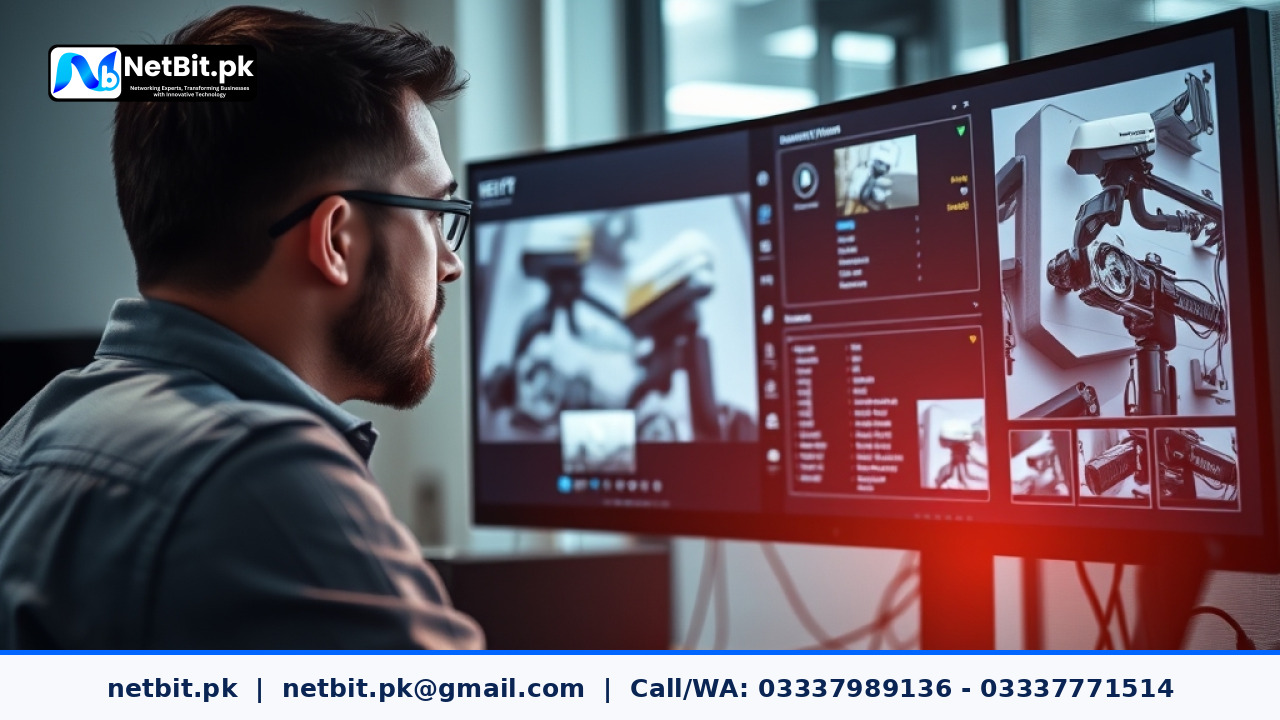
Understanding Motion Detection on Commercial CCTV Systems
Installing a security camera system is only the first step in protecting a commercial property, office, or retail shop in Pakistan. Once your hardware is mounted and connected via structured cabling or network switches, proper software configuration is critical. One of the most important settings on modern digital video recorders (DVRs) and network video recorders (NVRs) is motion detection sensitivity. When configured incorrectly, your security system will either fill up storage drives with false triggers caused by swaying trees, passing traffic, or shadows, or worse, miss critical security events altogether.
For businesses and homeowners alike, finding the right balance ensures reliable surveillance without unnecessary storage overhead or notification fatigue. In this guide, we will walk through the practical steps to properly adjust motion detection sensitivity on commercial CCTV cameras.
Why Accurate Sensitivity Tuning Matters
Most modern IP and analog security cameras rely on pixel-based motion detection. This means the system continuously compares consecutive video frames. If a specific cluster of pixels changes beyond a designated threshold, the camera registers motion and triggers an action—such as starting a high-frame-rate recording, sending a mobile alert, or turning on an active deterrent light.
If your sensitivity is set too high, environmental factors common in local Pakistani weather conditions—like dust storms, heavy monsoon rain, stray animals, or headlights from passing vehicles—will constantly trigger false alarms. Conversely, if the sensitivity is set too low, the system might fail to detect a slow-moving intruder walking across your perimeter.
Step-by-Step Guide to Configuring CCTV Motion Detection
Follow these practical steps to fine-tune your security cameras for optimal performance:
1. Access Your NVR or DVR Interface
Log into your recording device using a connected monitor or via the administrative web panel on your local network workstation. Navigate to the Configuration or Settings menu, and select Event followed by Motion Detection.
2. Mask Irrelevant Areas (Privacy and Motion Masks)
Before adjusting sensitivity levels, use the grid overlay tool to block out areas prone to constant, harmless movement. For example, if your camera view includes a busy public street outside your boundary wall or trees swaying in the wind, draw a mask over those specific zones. This tells the camera to ignore pixel changes in those areas entirely, drastically reducing false alerts.
3. Adjust the Sensitivity Slider Gradually
Most systems feature a sensitivity scale ranging from 1 to 100, or low, medium, and high. Instead of jumping straight to extreme values, start at a moderate baseline, such as 50. Test the system by having someone walk through your designated surveillance zone at a normal pace. Observe whether the NVR instantly registers the movement.
4. Fine-Tune Day and Night Settings
Lighting conditions change drastically between daylight and infrared (IR) night vision. Monochrome night footage is often more susceptible to noise, which can register as false motion. Many advanced commercial cameras allow you to set separate sensitivity profiles for day and night modes. Ensure you test your motion settings after dark to account for IR reflection and shadow shifts.
5. Set Up Target Identification (Human and Vehicle Filters)
If you are using modern AI-enabled IP cameras, look for smart detection settings like Human/Vehicle Detection. Enabling these filters ensures that the camera only triggers alarms when it recognizes the specific shape and movement pattern of a person or automobile, completely ignoring pets, leaves, and lighting changes.
Best Practices for Reliable Security Surveillance
Proper configuration goes hand-in-hand with physical installation. Keep these quick tips in mind to maintain a robust security infrastructure:
- Keep Lenses Clean: Dust and pollution can scatter light and cause false pixel changes, especially during windy days.
- Secure Your Network: Ensure your NVR is connected through reliable networking switches and protected by strong administrative passwords.
- Regularly Test Recordings: Perform weekly checks to verify that your cameras are actively saving footage when motion occurs.
Secure Your Premises with NetBit Tech
At NetBit Software House & Technology (netbit.pk) in Khuzdar, we specialize in delivering comprehensive technology and networking solutions for businesses and educational institutions across Pakistan. While we do not handle electronic monitoring devices or utility meters, our expert team provides professional installation and configuration for high-definition CCTV surveillance systems, structured cabling, Cat6 networks, and robust IT maintenance.
Whether you need a complete office security overhaul, custom software development, or a reliable network infrastructure upgrade, NetBit is your trusted local technology partner. Contact our team in Khuzdar today to discuss your security and IT requirements with our experienced professionals.


Reader comments.
Share your question, suggestion or experience related to this article.
No comments yet
There are no approved comments on this article yet. You can be the first person to leave one.