
Understanding PoE Switches in Modern Pakistani Offices
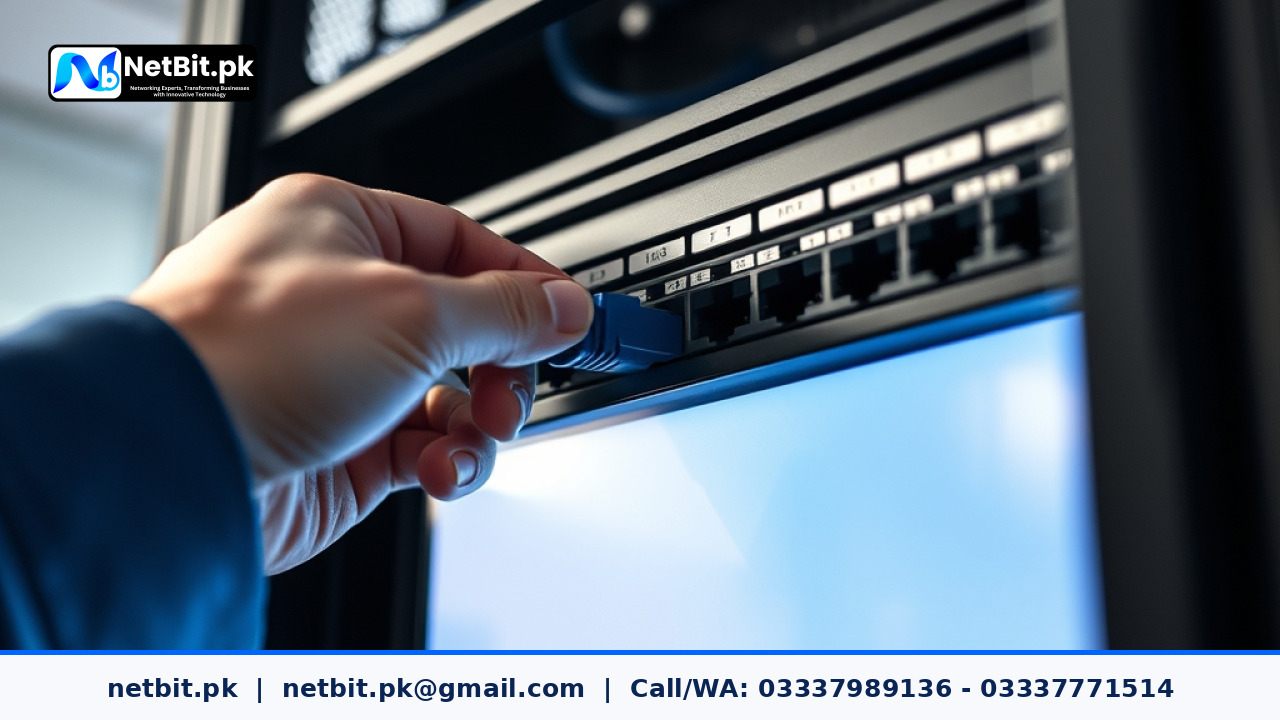
Power over Ethernet, commonly known as PoE, has transformed how businesses in Pakistan set up their internal networks. Instead of running separate electrical wiring and network cables to every device, a PoE switch delivers both data connectivity and electrical power over a single Ethernet cable. Whether you are running VoIP desk phones in a customer support department or powering security cameras across an enterprise floor, a properly configured PoE setup reduces clutter, lowers installation costs, and improves overall network reliability.
However, simply plugging devices into a switch is not enough. Proper planning, power budget management, and port configuration are essential to ensure your network runs without unexpected downtime. In this guide, netbit breaks down the core steps required to properly configure a PoE switch for your office or commercial space.
Assessing Your Office Power Budget
Every PoE switch comes with a total power budget, which is the maximum amount of electrical wattage the unit can supply to all connected ports combined. Before purchasing or configuring hardware, you must calculate the power requirements of your end devices.
- Standard IP Cameras: Usually require between 5W and 15W per camera, depending on infrared night vision and pan-tilt-zoom capabilities.
- VoIP Phones: Generally consume 3W to 7W of power.
- Wireless Access Points: Standard indoor units consume 10W to 20W, while high-performance long-range units may require PoE+ standards.
Always ensure your switch's total power budget exceeds the combined maximum draw of all connected devices by at least 20 percent. Overloading a switch causes ports to drop power intermittently, leading to offline security feeds or dropped phone calls.
Step-by-Step Configuration of Managed PoE Switches
For small office networks, unmanaged switches work fine out of the box. But for growing businesses requiring security and segmentation, a managed PoE switch is necessary. Follow these steps to configure your switch correctly:
- Access the Management Console: Connect your computer to the switch using an Ethernet cable or console cable, and log into the web-based management interface using the default or updated administrator credentials.
- Update Firmware: Ensure the switch is running the latest stable firmware provided by the manufacturer to patch security vulnerabilities and improve hardware stability.
- Configure VLANs (Virtual Local Area Networks): Separate your network traffic by assigning specific ports to distinct VLANs. For example, keep your VoIP phones on VLAN 10, security cameras on VLAN 20, and office computers on VLAN 30. This prevents broadcast storms and secures sensitive data.
- Set PoE Priority Settings: In managed switches, you can configure port priorities (Low, High, Critical). If your power budget nears its limit, the switch will automatically maintain power to critical devices like security cameras while cutting power to lower-priority ports.
- Enable Port Security: Disable unused ports and configure MAC address filtering on active ports to prevent unauthorized physical access to your local network.
Best Practices for Cabling and Physical Installation
Even the best switch will fail if the physical infrastructure is poor. When setting up your PoE network, keep these practical guidelines in mind:
- Use genuine solid-copper Cat6 cabling. Avoid cheap copper-clad aluminum (CCA) cables, as they suffer from high resistance and can cause voltage drops over long distances.
- Keep cable runs under 100 meters to comply with standard Ethernet limitations and prevent signal degradation.
- Ensure proper ventilation around your network rack. PoE switches generate heat due to power delivery; restricted airflow leads to thermal throttling and hardware failure.
Frequently Asked Questions
Can a PoE switch damage a non-PoE device?
Standard IEEE 802.3af/at PoE switches perform a handshake before releasing power. If you plug a standard laptop or non-PoE device into the port, the switch detects that the device does not require power and sends data only, keeping your hardware safe.
What is the difference between PoE and PoE+?
Standard PoE (802.3af) delivers up to 15.4 watts of power per port, while PoE+ (802.3at) delivers up to 30 watts, making it suitable for heavy-duty pan-tilt-zoom cameras and high-capacity wireless access points.
Partner with NetBit Tech for Reliable Office Networking
Setting up a robust, scalable network infrastructure requires precise planning, quality hardware, and expert execution. At netbit, our technical team specializes in comprehensive IT solutions tailored for businesses across Pakistan. From structured Cat6 cabling and fiber patch cord installations to managed switch configurations, LiteBeam setups, and professional CCTV surveillance systems, we deliver dependable results that keep your operations running smoothly.
Are you expanding your office network or upgrading your hardware? Contact netbit tech today to consult with our network engineers and secure a customized IT infrastructure solution designed for your business growth.


Reader comments.
Share your question, suggestion or experience related to this article.
No comments yet
There are no approved comments on this article yet. You can be the first person to leave one.