
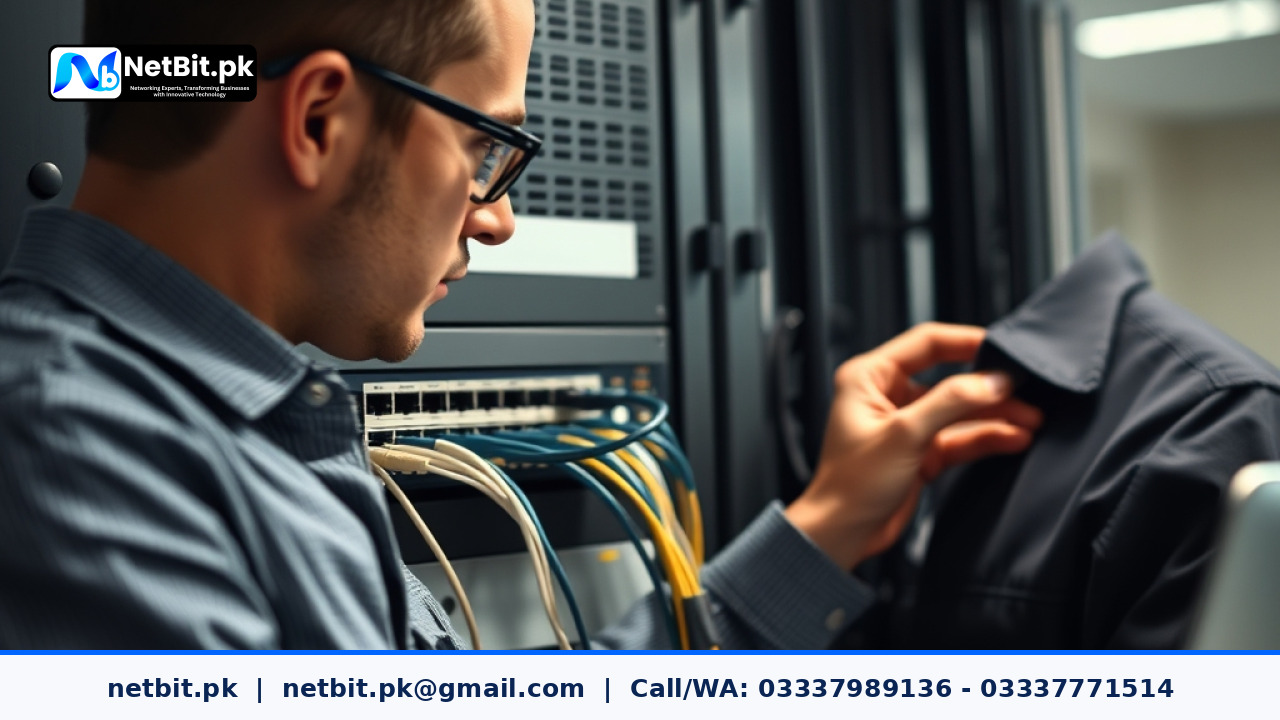
Understanding Office Network Segmentation with VLANs
As businesses in Pakistan grow, so do their internal digital demands. Whether you are running a bustling office in Khuzdar or managing multiple departments from a regional headquarters, placing every connected computer, printer, and IP camera on the exact same local network creates severe security vulnerabilities and unnecessary data congestion. A Virtual Local Area Network (VLAN) allows network administrators to logically divide a single physical switch network into multiple isolated virtual networks.
By leveraging netbit infrastructure solutions, organizations can effectively separate sensitive finance databases from general employee internet browsing and guest Wi-Fi traffic. This prevents unauthorized internal access and optimizes bandwidth distribution. In this technical guide, we will explore the core concepts and steps involved in properly setting up VLANs on managed business switches.
Why Network Segmentation Matters for Pakistani Businesses
Many small and medium enterprises rely on unmanaged switches where every device broadcasts traffic to every other device. This flat architecture leads to several operational hurdles:
- Broadcast Storms: Excessive background traffic reduces overall network performance.
- Security Risks: A compromised workstation can easily scan and access vulnerable shared network drives or office printers.
- Lack of Priority Control: Voice-over-IP (VoIP) calls or CCTV streams compete directly with heavy file downloads.
Implementing VLANs resolves these issues by confining broadcast traffic within specific logical boundaries, ensuring that network segments remain completely isolated unless routing is explicitly permitted.
Step-by-Step VLAN Configuration Guide
Setting up VLANs requires a managed switch that supports IEEE 802.1Q tagging. Follow these practical steps to structure your office network correctly:
- Plan Your VLAN ID Scheme: Assign unique numbers and names to your departments. For example, assign
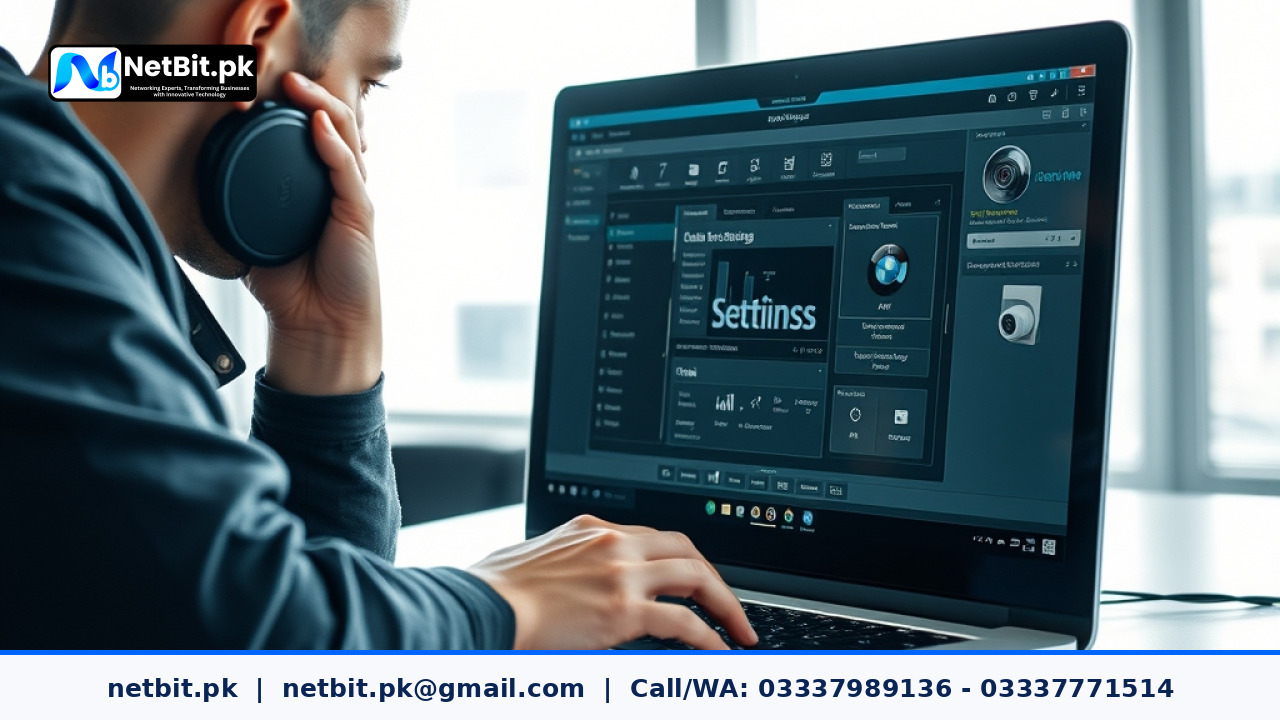
VLAN 10for Management,VLAN 20for Employees,VLAN 30for IP Surveillance, andVLAN 99for Guest Wi-Fi. - Access the Switch Management Interface: Log into your core managed switch via its web GUI or secure shell (SSH) console using administrative credentials provided during setup by netbit tech engineers.
- Create the VLANs: Navigate to the VLAN management section and input your designated VLAN IDs and names. Ensure each ID is explicitly added to the switch database.
- Configure Access Ports: Assign specific switch ports to end-user devices. An access port belongs to a single VLAN and strips VLAN tags before sending frames to the device (such as standard desktop PCs or printers).
- Configure Trunk Ports: Uplink ports connecting your switches to routers or other switches must be configured as trunk ports. Trunk ports carry traffic for multiple VLANs simultaneously using 802.1Q encapsulation tags.
- Test and Verify: Verify connectivity within each VLAN segment and confirm that devices on separate VLANs cannot communicate without passing through an intervening layer-3 router or firewall.
Best Practices for Maintaining VLAN Security
Proper configuration goes beyond initial setup. Maintain a secure and stable networking environment by observing these operational guidelines:
- Change default administrative passwords on all network switches immediately.
- Disable unused switch ports to prevent unauthorized physical connections.
- Document your VLAN mapping table clearly and store backups of switch configuration files securely.
Professional Networking Solutions by NetBit Software House
Building a robust, secure, and high-performance IT infrastructure requires specialized expertise. At netbit khuzdar, our certified engineers deliver comprehensive networking solutions tailored to the unique operational requirements of businesses across Pakistan. From structured Cat6 cabling and fiber patch cord deployment to advanced managed switch configuration, LiteBeam and PowerBeam wireless bridging, and professional CCTV installation, netbit software house ensures your digital operations run smoothly and securely. Partner with netbit today to elevate your business connectivity to the next level.


Reader comments.
Share your question, suggestion or experience related to this article.
No comments yet
There are no approved comments on this article yet. You can be the first person to leave one.