
Understanding the Importance of Structured Cabling
A reliable office network forms the backbone of any modern business operation in Pakistan. Whether you run a bustling commercial office in Karachi or an expanding enterprise in Khuzdar, your daily digital operations depend heavily on the physical infrastructure connecting your computers, switches, and servers. Poorly installed cabling leads to packet loss, slow data transfers, and frequent connection drops that halt productivity.
At NetBit, our field technicians frequently encounter disorganized networks built with substandard wiring. Implementing proper cabling standards prevents bottlenecks and ensures your business applications, local file servers, and web software run smoothly without unnecessary latency.
Tools Required for Professional Cat6 Termination
Before beginning any cabling project, gathering the correct tools ensures a clean, durable connection. Using low-grade tools often results in intermittent connection failures that take hours to diagnose.
- Cat6 Cable Stripper: Safely removes the outer PVC jacket without nicking the inner copper-clad or solid copper conductors.
- RJ45 Pass-Through Connectors: Allows individual wires to pass through the front of the connector for easy visual verification before crimping.
- Heavy-Duty Crimping Tool: Ensures pins bite firmly into the copper conductors while locking the plastic strain relief tab in place.
- Cable Tester: Verifies continuity, pinouts, and checks for crossed pairs or short circuits before deployment.
Step-by-Step Cat6 Termination Guidelines
Correctly following the T568B wiring standard ensures compatibility across all standard networking equipment, including switches, routers, and workstation interface cards.
- Strip the Outer Jacket: Strip approximately 2 inches of the outer PVC jacket from the Cat6 cable using your stripper tool. Be careful not to score the four twisted pairs inside.
- Untwist and Align Pairs: Carefully untwist the pairs and straighten each individual wire. Arrange them in the standard T568B color order: Orange/White, Orange, Green/White, Blue, Blue/White, Green, Brown/White, Brown.
- Trim Evenly: Use wire cutters to trim the aligned wires straight across, leaving about half an inch of exposed copper beyond the jacket.
- Insert into RJ45 Plug: Slide the wires carefully into the RJ45 pass-through connector, double-checking that every wire reaches the very front tip and matches the T568B sequence.
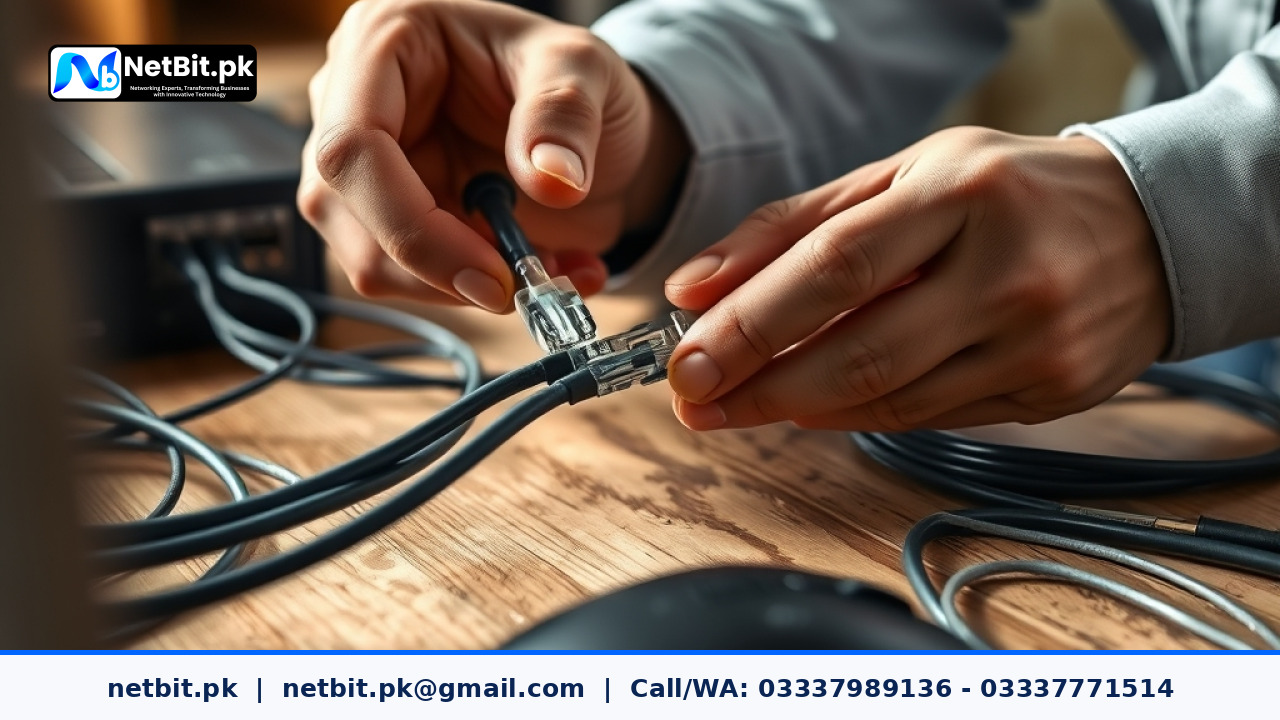
- Crimp and Secure: Insert the connector into the crimping tool and squeeze firmly until the ratcheting mechanism releases. Inspect the back to ensure the strain relief bite grips the outer jacket securely.
Testing and Verifying Your Network Links
Never assume a terminated cable works correctly without physical testing. Plug both ends of the newly terminated cable into a dedicated network cable tester. A proper test sequence lights up numbered indicators from 1 to 8 sequentially on both the main unit and the remote terminator. If any number skips, lights out of order, or remains dark, clip the end and re-terminate immediately.
Organizations across Pakistan trust netbit tech for reliable network installations, structured cabling, and complete IT infrastructure setup. Proper testing safeguards your office environment against hidden hardware faults.
Partner with NetBit for Robust IT Infrastructure
Building a scalable, high-performance office network requires professional expertise, precise execution, and enterprise-grade hardware. Whether you need structured Cat6 cabling, fiber patch cord deployments, robust switches, LiteBeam wireless bridges, or comprehensive CCTV surveillance setup, netbit khuzdar delivers dependable results tailored to your exact operational scale.
Don't let faulty wiring slow down your business growth. Contact netbit software house today to consult with our experienced infrastructure engineers and upgrade your office connectivity to professional standards.



Reader comments.
Share your question, suggestion or experience related to this article.
No comments yet
There are no approved comments on this article yet. You can be the first person to leave one.