
Understanding Cat6 Cabling for Business Networks
A reliable local area network is the backbone of any modern office in Pakistan. Whether you are running custom software, managing local databases, or setting up IP cameras, your physical infrastructure dictates your daily performance. Poorly terminated Cat6 cables lead to packet loss, slow file transfers, and frequent connection drops. At netbit, we often help businesses troubleshoot erratic network behavior that ultimately traces back to sloppy cable termination.
Terminating a Cat6 cable requires precision. Unlike older Cat5e standards, Cat6 cables feature a central plastic spline that separates the four twisted pairs to reduce crosstalk and electromagnetic interference. Handling this spline correctly and maintaining the twist right up to the connector is vital for maintaining gigabit speeds across your office.
Tools Required for Professional Cable Termination
Before starting your wiring project, gather the proper professional tools. Using makeshift tools like kitchen scissors or flathead screwdrivers often damages the copper conductors.
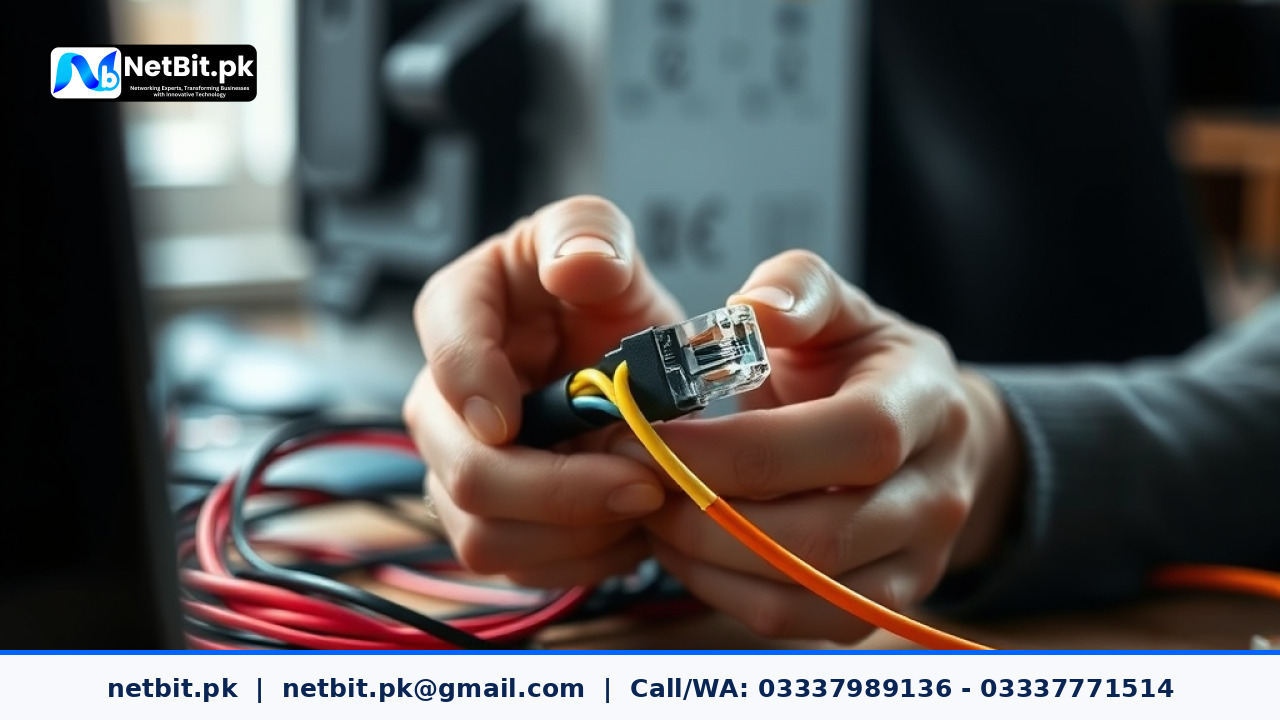
- Cat6 Pass-Through RJ45 Connectors: These allow the wires to pass through the front so you can visually verify the pinout order before crimping.
- Heavy-Duty Crimping Tool: Designed to press pins securely and cut excess wire cleanly.
- Cable Stripper: Adjusts to strip the outer PVC jacket without nicking the inner insulation.
- Network Cable Tester: Essential for verifying continuity and correct wiring standards.
Step-by-Step Guide to Terminating Cat6 Cables
Follow these structured steps to ensure a solid, long-lasting physical connection for your office workstations and switches.
- Strip the Outer Jacket: Measure about two inches from the end of the cable. Use the cable stripper to score the outer PVC jacket. Peel it away to reveal the four twisted pairs and the central plastic spline.
- Remove the Central Spline: Cut away the plastic spline close to the base of the jacket using diagonal cutters. Be careful not to cut the inner wires.
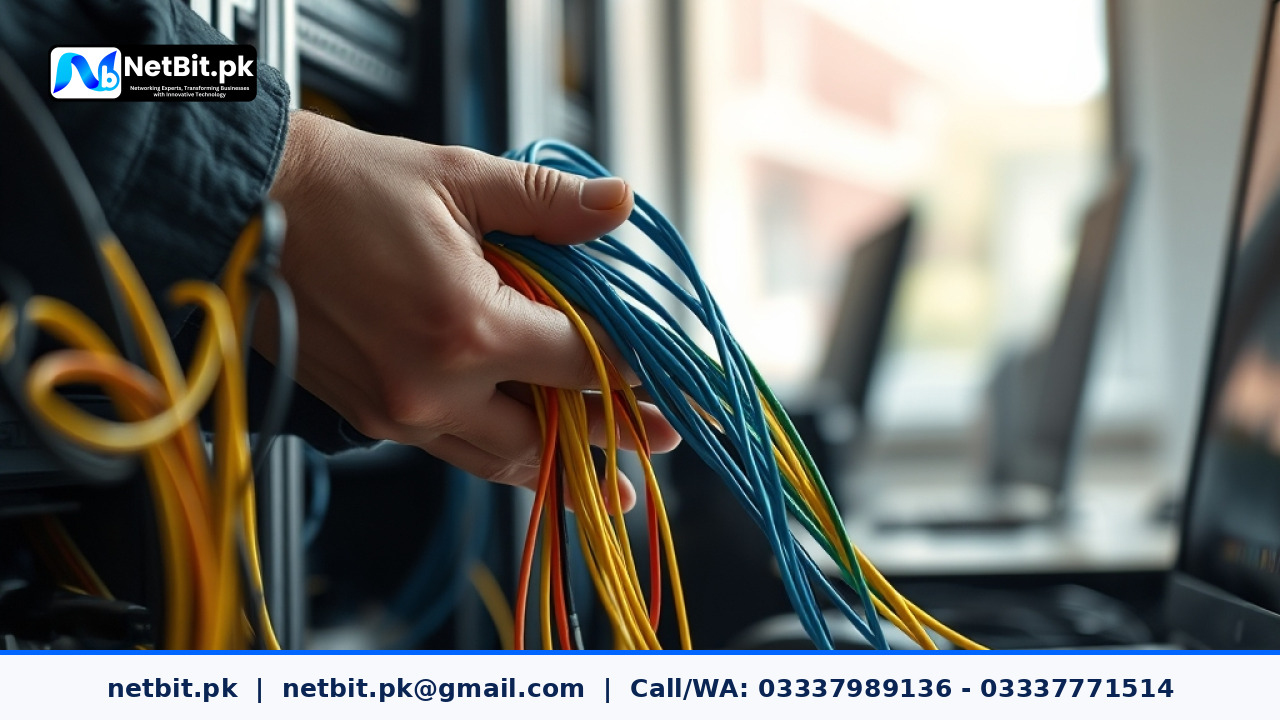
- Untwist and Arrange the Wires: Untwist the pairs carefully. For a standard T568B wiring scheme, arrange the wires from left to right in this exact order: White/Orange, Orange, White/Green, Blue, White/Blue, Green, White/Brown, Brown.
- Straighten and Trim: Flatten the wires between your thumb and forefinger. Trim them straight across so about half an inch of insulated wire remains exposed.
- Insert into the RJ45 Connector: Push the wires firmly into the pass-through connector, ensuring each wire reaches the end channel and follows the correct T568B color sequence.
- Crimp and Test: Place the connector into the crimp tool and squeeze firmly. Use your cable tester to confirm that all eight pins light up sequentially from 1 to 8 without faults.
Frequently Asked Questions
Should I use T568A or T568B wiring standards?
Both standards work, but T568B is the most widely adopted standard across commercial networks in Pakistan. Consistency across all office drops is the most important factor.
Why does my gigabit connection drop to 100Mbps?
If a single wire within the eight-core cable is damaged, improperly terminated, or loose, the network card automatically falls back to 100Mbps speeds. Re-terminating both ends usually resolves the issue.
Partner with NetBit Tech for Enterprise IT Infrastructure
Robust IT infrastructure is critical for operational efficiency. When your business needs professional network installations, structured cabling, switch configuration, or custom software solutions, trust the experts at netbit tech. Based in Khuzdar, our experienced team delivers reliable engineering services tailored to local business requirements. Contact netbit khuzdar today to discuss your next infrastructure upgrade with our professional software house and IT support specialists.
Reader comments.
Share your question, suggestion or experience related to this article.
No comments yet
There are no approved comments on this article yet. You can be the first person to leave one.