
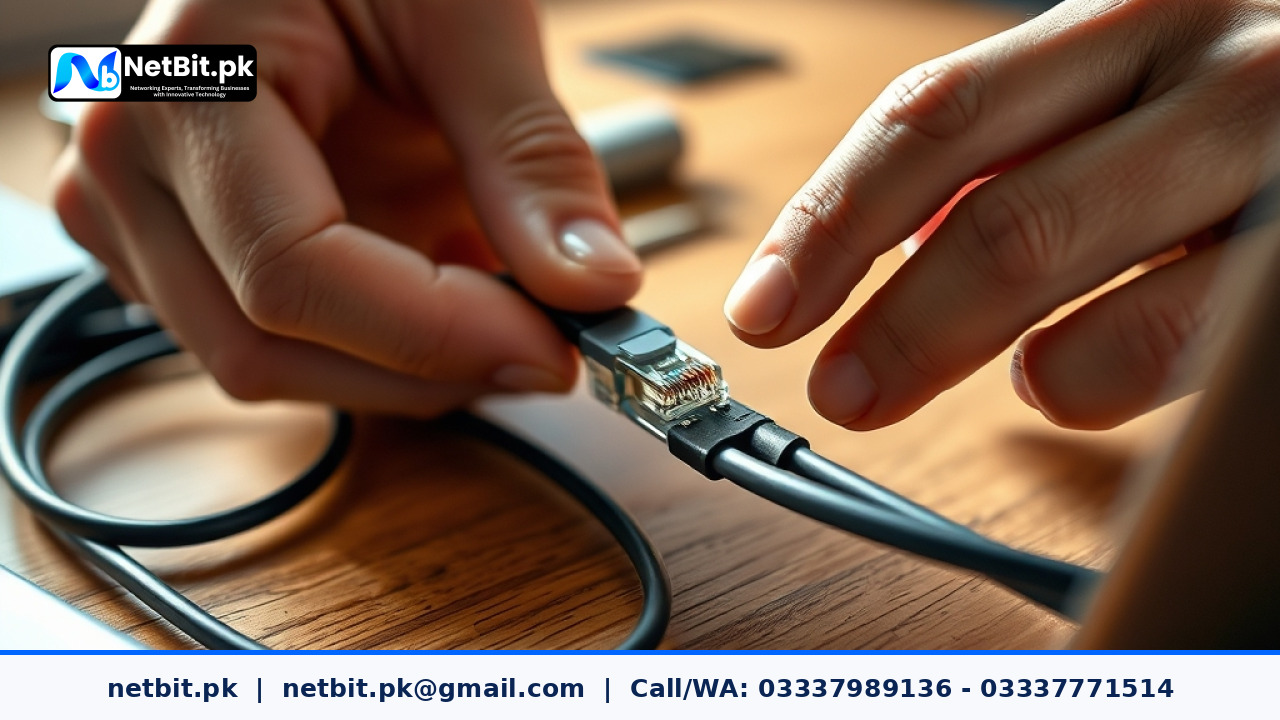
Understanding Cat6 Cable Termination in Modern Pakistani Offices
A reliable local network is the backbone of any productive business operation in Pakistan. Whether you run a corporate office in a major city or a growing enterprise in Khuzdar, poor physical network cabling often leads to packet loss, slow data transfers, and unexpected downtime. At netbit, our networking team frequently encounters dropped connections caused by improperly terminated Cat6 cables. Ensuring each RJ45 connector is punched down or crimped correctly guarantees peak data speeds and long-term network stability.
Cat6 cabling supports Gigabit Ethernet speeds up to 1,000 Mbps over short distances, but achieving this performance requires precise handling of the cable's internal components, such as the central spline and twisted wire pairs. Improper stripping, excessive untwisting, or loose pin contacts can degrade signal integrity significantly.
Essential Tools for Clean Cable Termination
Before beginning any network cabling project, gather the proper professional tools to ensure durability and precision:
- Cat6 Cable Stripper: Designed to score the outer PVC jacket without nicking the inner insulated conductors.
- RJ45 Pass-Through Connectors: Allow individual wire strands to pass through the front, simplifying color verification.
- Heavy-Duty Crimping Tool: Secures the connector pins and relieves cable tension cleanly.
- Network Cable Tester: Verifies continuity and correct pinout configurations before connecting active hardware.
Step-by-Step Guide to Terminating Cat6 Cables
Follow this structured process to achieve clean, reliable terminations for patch panels, wall outlets, or direct workstation drops:
- Strip the Outer Jacket: Measure roughly two inches from the end of the Cat6 cable. Use the stripper tool to remove the outer jacket, taking care not to damage the inner wire insulation.
- Remove the Central Spline: Cut away the plastic cross-shaped separator (spline) that keeps the four twisted pairs apart. Trim it flush with the edge of the outer jacket.
- Untwist and Align the Wires: Untwist the pairs just enough to arrange them according to the T568B standard wiring scheme (Orange-White, Orange, Green-White, Blue, Blue-White, Green, Brown-White, Brown). Keep the untwisted length under half an inch to minimize electromagnetic interference (crosstalk).
- Trim and Insert: Use wire cutters to shear the aligned wires straight across, leaving about half an inch of exposed copper. Carefully push the wires into the RJ45 pass-through connector, ensuring every color matches the intended pin slot.
- Crimp and Test: Place the connector into the crimping tool and squeeze firmly until the internal pins seat into the conductors. Finally, test the completed cable using a dedicated network continuity tester to confirm all eight lanes light up correctly.
Common Mistakes to Avoid During Cabling Projects
Avoiding minor setup errors saves hours of troubleshooting down the line:
- Excessive Untwisting: Leaving more than 13mm of wire untwisted introduces signal degradation and reduces network performance.
- Nicking the Copper: Using utility knives instead of a calibrated stripper can score the copper strands, leading to intermittent connection drops.
- Skipping Testing: Always verify every run with a physical tester before tucking cables behind office drywall or routing them through server racks.
Professional Networking and IT Solutions with NetBit Tech
Proper physical infrastructure is just the beginning of a secure office network. When your business needs scalable IT solutions—ranging from structured Cat6 cabling and fiber patch cords to enterprise switches, LiteBeam, PowerBeam wireless links, and robust CCTV surveillance systems—rely on certified professionals. Operating from Khuzdar, the technical experts at netbit tech deliver comprehensive networking solutions tailored to local business requirements. Contact netbit software house today to upgrade your office network infrastructure with dependable, high-performance hardware installation.


Reader comments.
Share your question, suggestion or experience related to this article.
No comments yet
There are no approved comments on this article yet. You can be the first person to leave one.