

Understanding Cat6 Cable Termination
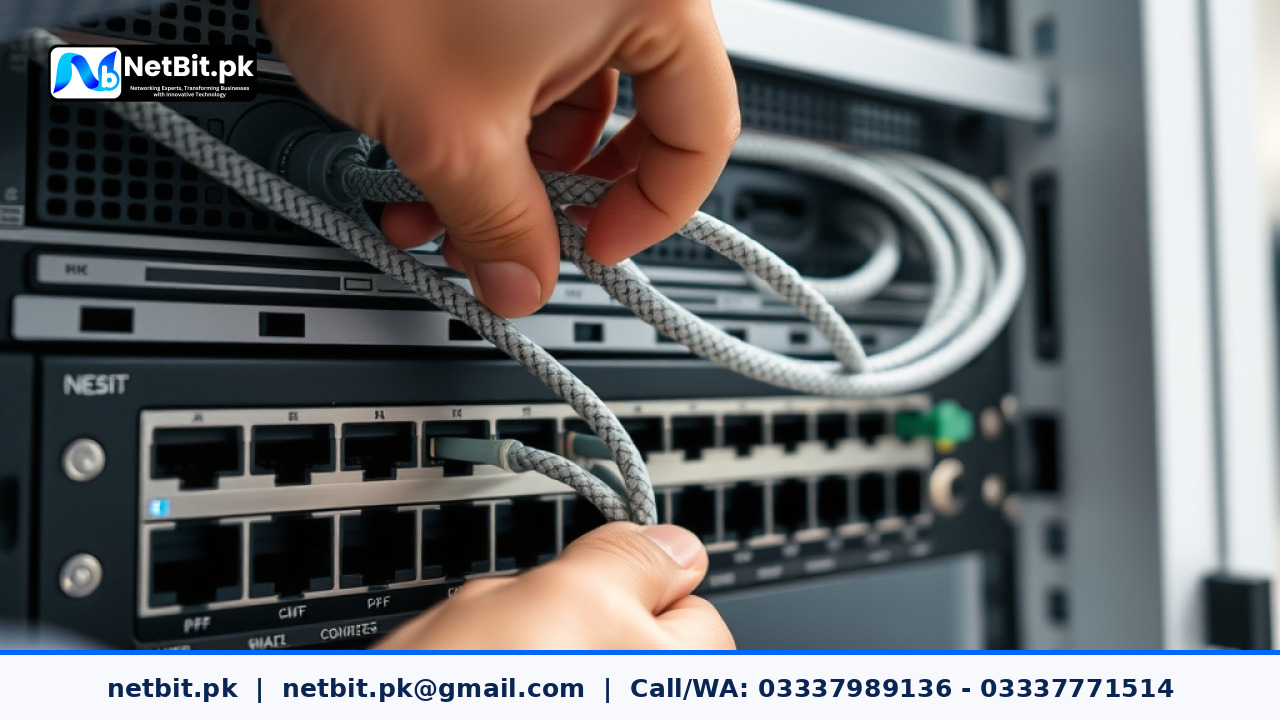
Reliable office networking starts at the physical layer. Whether you are running cables across a commercial floor in Khuzdar or setting up a multi-floor office in Pakistan, the quality of your cable termination directly impacts your network stability. Poorly terminated Cat6 cables often lead to packet loss, slow data transfers, and intermittent connection drops. Understanding the correct procedure ensures your local area network performs at its maximum potential without unexpected downtime.
Tools and Materials Needed
Before beginning any cabling project, gather the proper professional tools to ensure clean and secure connections. Makeshift tools often ruin the copper strands and compromise signal integrity.
- Cat6 UTP Cable: High-grade solid copper cables designed for structured cabling.
- RJ45 Pass-Through Connectors: Designed for Cat6 to allow wire alignment checks.
- Crimping Tool: A ratchet-style crimper for standard RJ45 modular plugs.
- Cable Stripper: Designed to remove the outer jacket without nicking inner conductors.
- Network Cable Tester: Essential for verifying continuity and pinout order.
Step-by-Step Termination Process
Follow these structured steps to ensure every RJ45 plug is punched and crimped correctly according to industry standards.
- Strip the Outer Jacket: Use the cable stripper to remove about 2 inches of the outer PVC jacket, exposing the four twisted pairs and the central plastic spline.
- Remove the Spline: Cut away the central plastic separator using diagonal cutters. This spline reduces crosstalk between wire pairs.
- Untwist and Align the Wires: Untwist the pairs carefully. Arrange them according to the T568B wiring standard, which is most common in commercial networks: Orange-White, Orange, Green-White, Blue, Blue-White, Green, Brown-White, and Brown.
- Trim Evenly: Flatten the aligned wires between your fingers and trim them straight across, leaving about half an inch of exposed copper.
- Insert into the Connector: Push the wires firmly into the RJ45 pass-through connector, ensuring each wire reaches the end and maintains the correct color sequence.
- Crimp and Secure: Place the connector into the crimping tool and squeeze firmly until the ratchet releases. The internal blades will pierce the copper conductors securely.
Testing and Troubleshooting
Never skip testing your newly terminated cables. Connect both ends to a dedicated network cable tester. A successful test lights up all corresponding numbers sequentially from 1 to 8. If a light is skipped or stays dark, cut off the connector and repeat the termination process.
Partner with NetBit for Professional IT Infrastructure
Managing physical networking infrastructure requires precision, professional tools, and hands-on experience. If your business needs structured cabling, secure switching, or complete IT maintenance in Khuzdar and across Pakistan, trust netbit to deliver scalable solutions. The expert team at netbit tech specializes in robust networking, custom software applications, and reliable hardware setups tailored to local business requirements. Contact netbit software house today to consult with our engineers and upgrade your office connectivity for optimal long-term performance.


Reader comments.
Share your question, suggestion or experience related to this article.
No comments yet
There are no approved comments on this article yet. You can be the first person to leave one.