
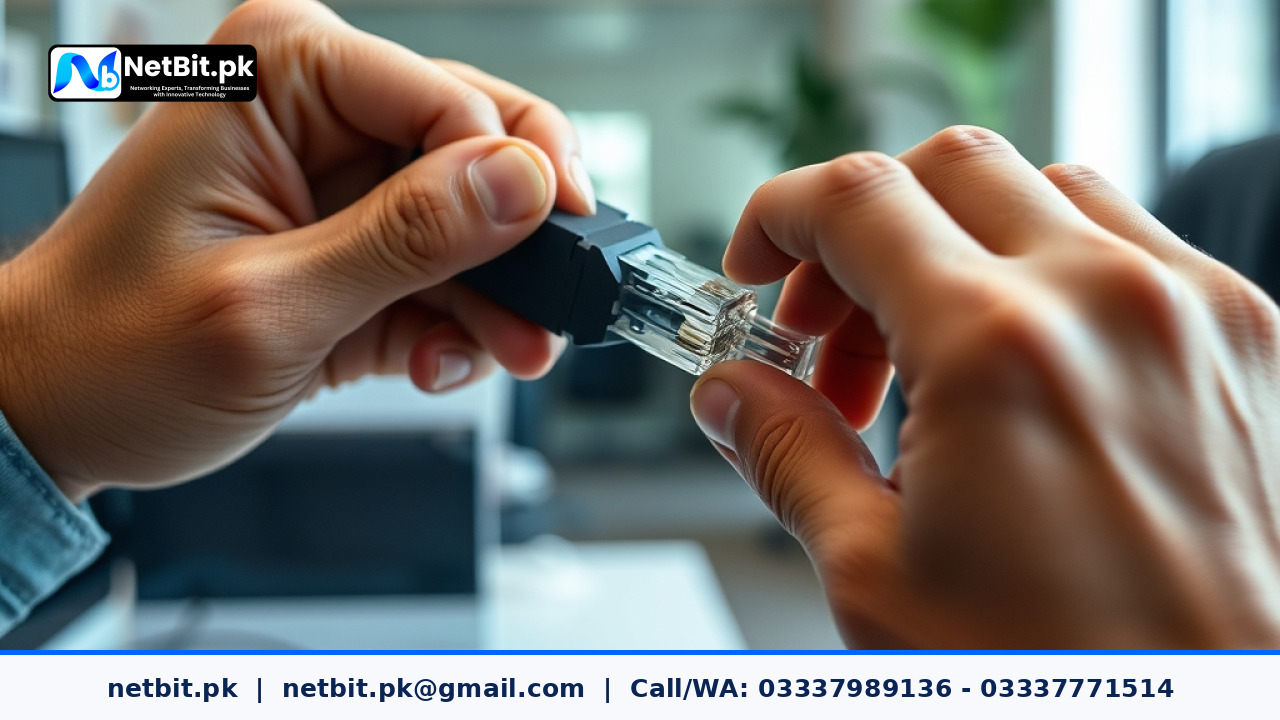
Understanding RJ45 Termination in Modern Office Networks
A reliable office network relies heavily on the physical layer of your IT infrastructure. Whether you are setting up a new office in Khuzdar or upgrading an existing commercial workspace in Pakistan, the quality of your cable terminations determines your local network stability. Improperly crimped RJ45 connectors often lead to packet loss, slow data transfers, and intermittent connection drops that disrupt daily business operations.
At netbit, our networking team frequently inspects office setups where poor crimping is the hidden culprit behind slow file transfers and dropped video calls. Mastering the correct technique for terminating Cat6 cables with RJ45 plugs ensures maximum signal integrity and longevity for your local area network (LAN).
Tools and Materials Required for Proper Termination
Before beginning the termination process, gathering the correct tools ensures a clean, professional finish. Using substandard tools can easily damage the delicate copper conductors inside a Cat6 cable.
- Cat6 UTP Cable: High-grade solid or stranded copper-clad twisted pair cable.
- RJ45 Modular Plugs: Pass-through or standard connectors rated for Cat6.
- Crimping Tool: A heavy-duty ratchet crimper designed for RJ45 connectors.
- Cable Stripper: Designed specifically to score the outer PVC jacket without nicking the inner wires.
- Wire Cutters / Snips: For trimming individual wire ends cleanly.
- Cable Tester: An essential handheld tool to verify pin-to-pin continuity after crimping.
Step-by-Step Guide to Terminating RJ45 Connectors
Follow this methodical process to ensure every cable you prepare meets professional networking standards.
1. Strip the Outer Jacket
Measure about 1.5 to 2 inches from the end of the Cat6 cable. Carefully use your cable stripper to score the outer PVC jacket. Rotate the stripper around the cable once or twice, then pull off the stripped jacket to expose the four twisted pairs and the internal plastic spline. Cut away the plastic spline completely.
2. Untwist and Straighten the Wires
Untwist each of the four pairs (Orange, Green, Blue, and Brown) carefully. Straighten each individual wire completely using your fingers. Keeping twists tight up to the point of entry is important, but you must straighten them out fully to arrange them in the correct color standard.
3. Arrange Wires in T568B Order
Most commercial networks in Pakistan follow the international T568B wiring standard. Arrange your wires strictly from left to right in the following order:
- White/Orange
- Orange
- White/Green
- Blue
- White/Blue
- Green
- White/Brown
- Brown
4. Trim and Insert into the RJ45 Plug
Hold the straightened, ordered wires firmly between your thumb and forefinger. Use your wire cutters to trim the ends straight across, leaving roughly half an inch (about 12mm) exposed from the base of the outer jacket. Carefully push the wires into the RJ45 connector, ensuring each wire slides into its designated guide channel. Verify that the outer PVC jacket extends slightly inside the base of the connector so the plastic strain relief tab can clamp down securely onto the jacket rather than the individual wires.
5. Crimp and Test the Connection
Insert the loaded RJ45 plug firmly into the crimping tool and squeeze the handles completely until the ratchet mechanism releases. Inspect the connector visually to ensure all copper pins are pushed down firmly into the wires. Finally, plug both ends of the cable into your cable tester to confirm that all eight LEDs light up sequentially from 1 to 8 without any crossed or broken lines.
Best Practices for Office Cabling Maintenance
Maintaining a clean networking closet prevents physical wear and tear on your connections. Always label both ends of your patch cables, avoid sharp 90-degree bends, and keep high-voltage electrical lines away from your data runs to prevent electromagnetic interference. When implemented correctly, structured cabling provides reliable performance for years.
Partner with NetBit for Professional IT Infrastructure
Building a robust office network requires precision, the right hardware, and experienced technical execution. If your business is expanding its local network, upgrading switches, or setting up structured Cat6 cabling, netbit tech is ready to help. Based in Khuzdar, netbit khuzdar delivers complete IT solutions including custom software, mobile apps, CCTV surveillance, and enterprise-grade networking. Contact netbit software house today to discuss how our certified team can optimize your business infrastructure for maximum efficiency and security.



Reader comments.
Share your question, suggestion or experience related to this article.
No comments yet
There are no approved comments on this article yet. You can be the first person to leave one.