
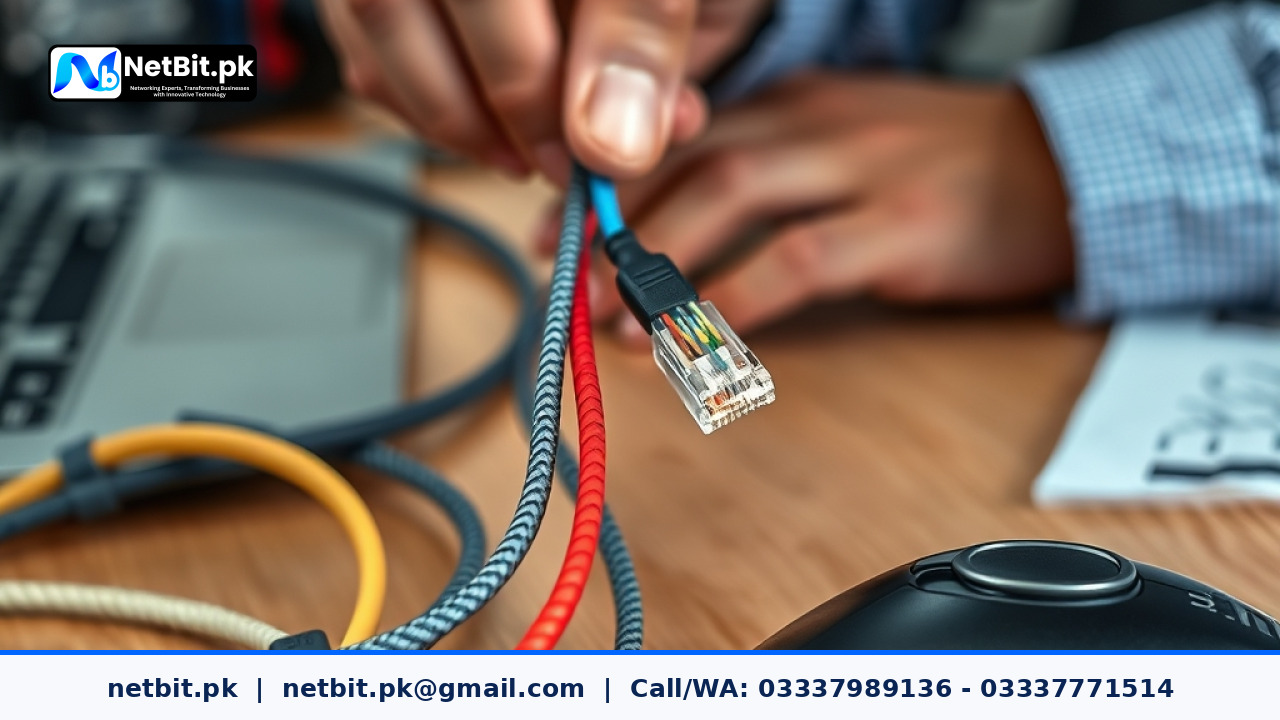
Understanding Cat6 Cable Termination Fundamentals
Reliable office networking depends heavily on physical infrastructure. When running local area networks across commercial offices or educational institutions in Pakistan, the quality of your physical cable termination dictates network stability. Improperly terminated Cat6 cables introduce interference, packet loss, and frequent connection drops that frustrate employees and disrupt business operations.
At netbit, our network engineers frequently resolve connectivity bottlenecks that trace back to poorly crimped RJ45 connectors. Whether you are setting up network switches, patch panels, or connecting desktop workstations, mastering the physical termination process ensures gigabit data speeds and long-term network reliability.
Tools and Materials Required for Proper Termination
Before beginning any wiring task, gather professional-grade tools to ensure precision and safety:
- Cat6 UTP Cable: Solid copper core twisted pair cable designed for structured cabling.
- RJ45 Pass-Through Connectors: Designed for Cat6 cables, accommodating thicker wire gauges.
- Cable Stripper: Calibrated to score the outer PVC jacket without nicking the inner copper conductors.
- Crimping Tool: Ratchet-style crimper that applies even pressure across the connector pins.
- Cable Tester: Essential tool for verifying continuity and correct wire mapping.
Step-by-Step Guide to Crimping RJ45 Connectors
Follow this methodical, step-by-step procedure to achieve a clean, dependable connection every time:
- Strip the Outer Jacket: Use the cable stripper to remove roughly 1.5 to 2 inches of the outer PVC jacket. Rotate the stripper carefully to avoid damaging the insulation of the four internal twisted pairs.
- Untwist and Align Wires: Separate the four twisted pairs. Untwist the individual wires completely and straighten them out. Arrange them strictly according to the T568B wiring standard widely used across Pakistan:-
- Pin 1: White/Orange
- Pin 2: Solid Orange
- Pin 3: White/Green
- Pin 4: Solid Blue
- Pin 5: White/Blue
- Pin 6: Solid Green
- Pin 7: White/Brown
- Pin 8: Solid Brown
- Trim Evenly: Hold the aligned wires firmly between your thumb and forefinger. Use wire cutters to trim the ends straight across, leaving approximately half an inch (12mm) of exposed wire beyond the outer jacket.
- >Insert into the Connector: Carefully push the wires into the RJ45 pass-through connector. Ensure each wire reaches the very front tip of the connector and maintains the correct T568B color order from left to right with the plastic locking tab facing downward.
- Crimp and Secure: Place the connector into the crimping tool and squeeze the handles firmly until the ratchet releases. The internal metal blades will pierce the wire insulation, making solid electrical contact while securing the plastic strain relief.
- Test the Connection: Plug both ends of the terminated cable into a network cable tester to verify that all eight LED indicators light up sequentially without any crossed or broken pairs.
Frequently Asked Questions
What is the difference between T568A and T568B wiring standards?
Both standards are acceptable for Ethernet wiring, but T568B is the dominant commercial standard used throughout Pakistan. Consistency is critical; always use the same wiring standard on both ends of your patch cable to avoid crossover issues.
Why do my Cat6 connectors keep failing the cable test?
Common causes include incorrect wire color sequence, wires not pushed fully to the front of the connector before crimping, or nicked copper strands caused by aggressive cable stripping.
Can I use standard Cat5 connectors on Cat6 cables?
It is strongly discouraged. Cat6 conductors and insulation thickness are generally larger than Cat5, making standard connectors prone to loose fits, high resistance, and intermittent signal loss.
Partner with NetBit Tech for Enterprise Networking Solutions
Building a robust, high-performance local network requires specialized expertise, quality hardware, and precise execution. If your business in Khuzdar or across Pakistan is expanding its office infrastructure, upgrading switches, or deploying structured Cat6 and fiber optic cabling, netbit tech is your trusted technology partner.
From custom software development and mobile applications to professional CCTV surveillance systems and enterprise networking, netbit software house delivers reliable, scalable IT solutions tailored to your operational needs. Contact our team today to discuss your next infrastructure upgrade or software project.



Reader comments.
Share your question, suggestion or experience related to this article.
No comments yet
There are no approved comments on this article yet. You can be the first person to leave one.