
Introduction to Office Network Cable Management
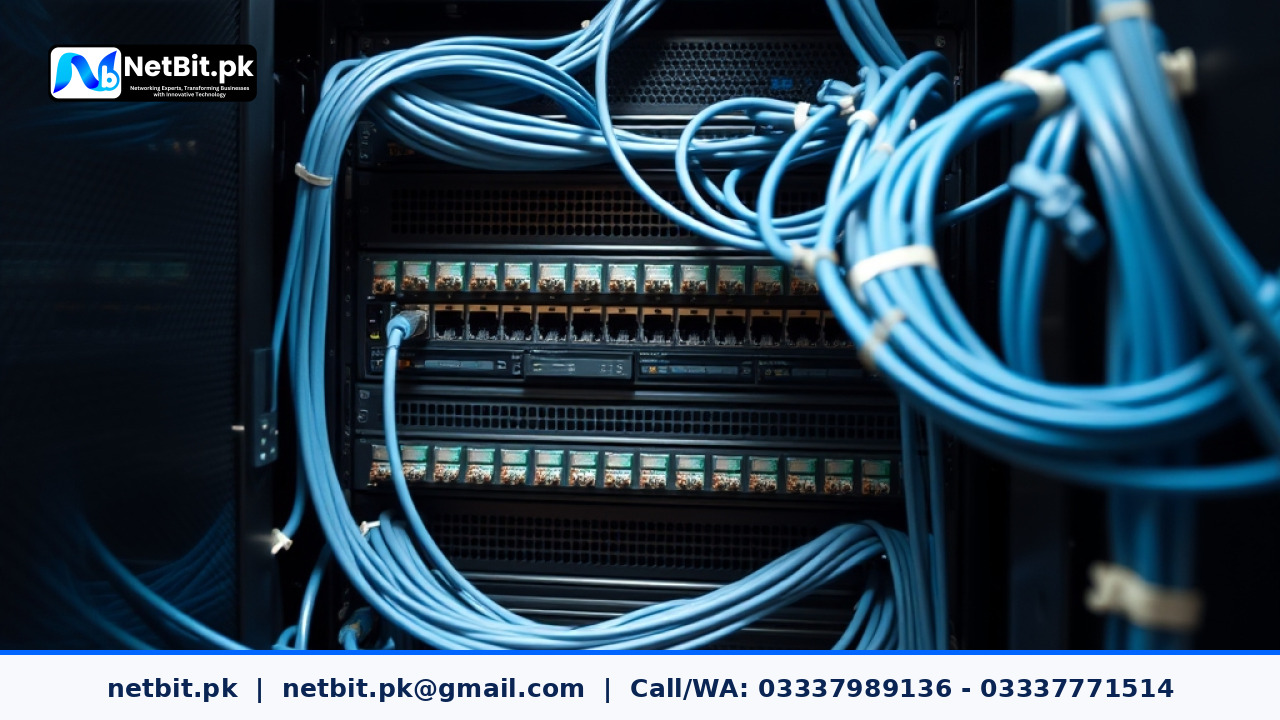
Every growing business relies on a stable computer network to share files, communicate with clients, and run daily operations. However, as offices expand, network racks and patch panels often turn into tangled messes of wires. When a connection drops or a device loses internet access, finding the right cable becomes a frustrating and time-consuming task.
Properly tracing and labeling your office network cables is a simple yet powerful way to keep your business running smoothly. When every wire has a clear purpose and a readable label, your team or your IT support partner can resolve problems in minutes rather than hours. At NetBit, we often help local businesses clean up messy wiring closets to restore order and reliability to their office infrastructure.
Why Unlabeled Network Cables Cause Hidden Delays
Many offices start small with just a single router and a couple of desktop computers. Over time, new printers, VoIP phones, security cameras, and extra workstations are plugged in haphazardly. Without a systematic labeling process, several common issues emerge:
- Extended Downtime: When a switch port fails or a cable gets damaged, technicians spend valuable time unplugging cords at random just to see what disconnects.
- Accidental Unplugging: Employees or cleaning staff might pull the wrong wire while moving equipment, taking down a crucial office printer or server.
- Maintenance Confusion: Adding new hardware becomes risky when nobody knows which switch port connects to which room or desk.
Taking a proactive approach to cable management protects your hardware investments and keeps your daily work flowing without interruption.
Tools Needed for Effective Cable Tracing and Labeling
Before you start organizing your office network, gather a few basic tools to make the job neat and durable:
- Cable Label Printer: Invest in a dedicated label maker that prints laminated, heat-shrink, or wrap-around adhesive labels. Standard paper tape peels off quickly in warm server rooms.
- Tone Generator and Probe: This essential networking tool helps you trace hidden wires behind walls or through crowded bundles without pulling them out.
- Velcro Cable Ties: Avoid rigid plastic zip ties, which can pinch delicate copper wires inside Ethernet cables. Velcro ties are reusable and easy to adjust.
- A Simple Documentation Sheet: Keep a digital or printed map noting which patch panel port connects to which room number or desk outlet.
Step-by-Step Guide to Tracing and Labeling
Follow these practical steps to bring order to your office local area network:
- Map Your Existing Connections: Start by identifying major endpoints such as wireless access points, network printers, and main office computers.
- Test and Trace Unknown Wires: If a wire has no clear destination, use your tone generator to trace the signal from the wall jack to the corresponding port on your switch or patch panel.
- Apply Consistent Labeling Rules: Create a short, logical naming convention. For example, use a format like
RM102-PC01to indicate Room 102, Computer 01. Place labels near both ends of every cable so they are visible from the front. - Secure the Bundles: Group parallel cables together neatly using Velcro ties. Keep power cables separated from Ethernet data cables to reduce electromagnetic interference.
Maintaining Your Network Documentation
Labeling your cables once is a great start, but keeping your documentation updated is just as important. Whenever you move a desk, add a new security camera, or install an extra network switch, update your physical labels and digital records right away. Simple habits like these prevent small fixes from turning into major network headaches.
Ready to Organize Your Office Network with NetBit?
If your office network closet is cluttered, tangled, and difficult to troubleshoot, you do not have to sort it out alone. A well-organized network saves time, improves data speed, and gives you total peace of mind. The expert team at NetBit tech and software house is ready to help you plan, trace, and optimize your business infrastructure. Contact us today to discuss your networking needs and let our professionals transform your workspace into a fast, reliable, and neatly managed digital environment.



Reader comments.
Share your question, suggestion or experience related to this article.
No comments yet
There are no approved comments on this article yet. You can be the first person to leave one.