

Recent Developments in Pakistan's Enterprise IT Infrastructure
As digital operations expand across major commercial centers and regional technology hubs like Khuzdar, Pakistani businesses are fundamentally changing how they approach office network design. Reliable internal data flow is no longer optional—it is the direct foundation of daily operations, real-time client communication, custom software access, and secure business management.
Recent developments across the technology sector show a distinct shift away from unmanaged consumer-grade networking hardware toward structured, enterprise-level IT infrastructure. Forward-thinking companies are recognizing that poorly organized wiring, unmanaged desktop switches, and temporary wireless extensions lead to frequent downtime, poor network performance, and significant loss of working hours.
Core Technologies Shaping Modern Office Networks
Upgrading office IT infrastructure involves integrating robust hardware standards designed to handle heavy daily network loads. Today’s modern business environment relies heavily on three core infrastructure pillars:
1. Structured Cat6 Cabling and Fiber Backbones
Copper network wiring remains the standard for interconnecting workstations, desktop systems, and IP phones. Modern office installations across Pakistan now standardizing on twisted-pair Cat6 cabling to support high bandwidth demands across local area networks (LANs).
However, when connecting network racks across different floors or linking separate office wings, copper cabling faces physical distance and interference limits. To overcome this, network architects utilize high-speed fiber patch cords connected directly to SFP optical transceivers on managed switches. Using fiber backbones eliminates signal loss caused by electrical interference and provides clean, unthrottled bandwidth between core switches and edge distribution points.
2. Long-Range Point-to-Point Wireless Bridging
For industrial sites, educational campuses, and multi-building facilities throughout Pakistan, running physical underground cables between separate structures can be costly or logistically challenging due to civil works. Enterprise IT infrastructure has adapted to this challenge through high-capacity outdoor wireless bridges.
Utilizing dedicated directional radios such as LiteBeam and PowerBeam units operating on clean 5 GHz frequencies, organizations can create secure, invisible network bridges across distances ranging from several hundred meters to multiple kilometers. When properly aligned with clear line-of-sight, these wireless links deliver multi-megabit carrier-grade bandwidth to secondary offices, remote warehouses, and security stations without digging a single cable trench.
3. Managed Network Switches and Traffic Isolation
Unmanaged switches are rapidly being replaced by managed gigabit network switches in professional office environments. Managed hardware allows IT teams to implement Virtual Local Area Networks (VLANs) to separate internal corporate traffic into distinct subnets.
By isolating internal database servers, staff workstations, guest wireless access points, and commercial CCTV camera streams, companies protect sensitive corporate data while preventing bandwidth-heavy camera feeds from congesting primary business applications.
Step-by-Step Guide: Upgrading Your Office IT Network Infrastructure
If your organization is planning an infrastructure refresh or moving into a new office building, following a systematic deployment checklist ensures maximum system uptime and scalable growth:
- Perform a Thorough Site Survey: Identify all workstation physical locations, printer points, server rack locations, and power access points. Assess structural walls and line-of-sight pathways if outdoor wireless bridges like LiteBeam or PowerBeam are required.
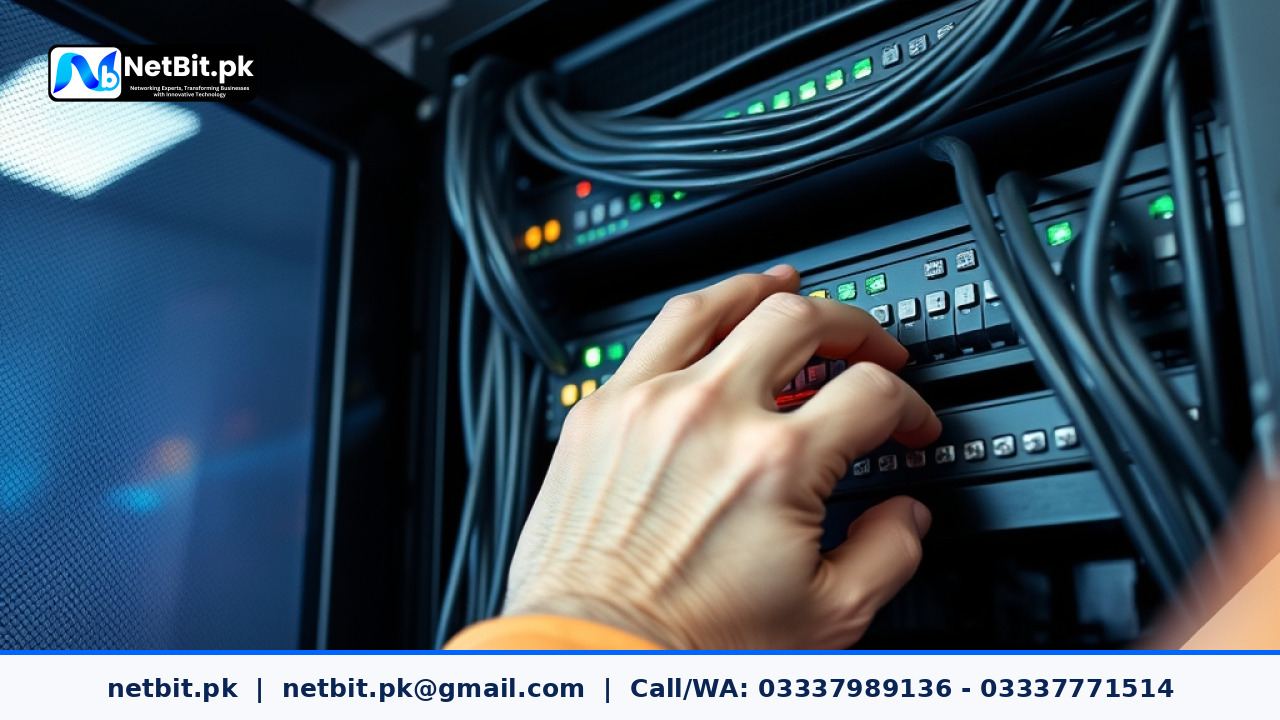
- Install Centralized Patch Panels: Avoid running direct ethernet cables straight into active switch ports. Terminate all solid-core Cat6 cables into central patch panels inside a secure, ventilated server rack. Label every network port clearly on both ends.
- Deploy Fiber Optic Uplinks for Vertical Backbone Connectivity: Use high-quality fiber patch cords to connect distribution switches across multiple floors back to your core network switch, ensuring low latency and maximum throughput.
- Configure Managed Switches and VLANs: Log into your switch management interface to assign port security, set up bandwidth limits where appropriate, and separate camera traffic from corporate computer networks.
- Protect Core Systems with Uninterruptible Power Supplies (UPS): Connect core switches, firewalls, and server equipment to dedicated UPS power back-ups to guard against sudden power outages and line voltage fluctuations.
Frequently Asked Questions About IT Infrastructure
What is the maximum effective distance for standard Cat6 ethernet cabling?
Standard Cat6 copper cables support reliable gigabit network transmission up to a maximum distance of 100 meters (328 feet). For cable runs exceeding 100 meters, standard practice requires using fiber optic patch cables or installing an intermediate active switch to prevent signal degradation.
How reliable are wireless bridge devices like LiteBeam and PowerBeam for business networks?
When installed with precise antenna alignment, rigid mounting poles, and a clear line-of-sight, outdoor wireless bridges deliver near-line-rate stability and extremely low latency. They serve as a reliable, cost-effective alternative to physical cable runs between nearby buildings.
Why is structured cable management essential inside server racks?
Structured cable management prevents accidental disconnections during routine maintenance, improves airflow across server and switch fans to prevent overheating, and drastically reduces troubleshooting time when diagnosing connectivity issues.
Upgrade Your Business IT Infrastructure with NetBit Tech
Building a resilient, high-speed office network demands technical expertise, careful planning, and professional execution. At NetBit Software House & Technology, located in Khuzdar, Pakistan, we provide end-to-end IT infrastructure, networking, and software solutions designed to keep your business running smoothly without interruption.
Our dedicated engineering team offers complete technical services including structured Cat6 cabling, fiber patch cord integration, managed switch configuration, long-range LiteBeam and PowerBeam wireless bridging, and commercial CCTV surveillance installations. Beyond network cabling and physical hardware, NetBit Khuzdar delivers tailored custom software development, mobile apps, web applications, desktop systems, and complete IT support packages for enterprises of all sizes.
Whether you are establishing a new office facility or upgrading an existing network backbone, trust NetBit Tech to deliver clean, professional, and scalable technology solutions. Contact our expert team today at netbit.pk to schedule a comprehensive technical assessment for your business!


Reader comments.
Share your question, suggestion or experience related to this article.
No comments yet
There are no approved comments on this article yet. You can be the first person to leave one.