

The Changing Landscape of Business Server Infrastructure
Running a company in Pakistan today requires dependable computer systems that handle day-to-day operations without unannounced downtime. Whether you operate an inventory warehouse in Karachi, an educational academy in Quetta, or a commercial office in Khuzdar, your central server acts as the heartbeat of your enterprise. It manages point-of-sale software, hosts shared accounting databases, and secures confidential client documentation.
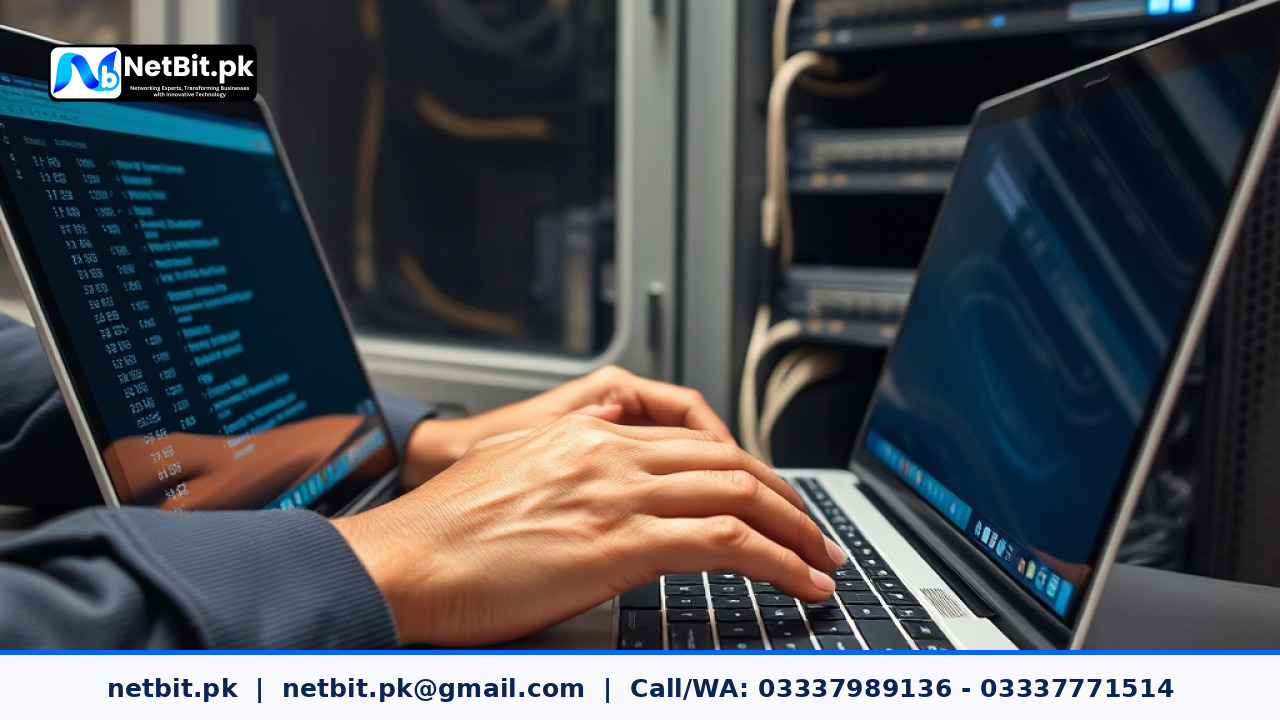
However, technology never stands still. Recent updates across enterprise software frameworks, modern Linux server distributions, and Microsoft Windows Server life cycles have made older operating environments vulnerable to modern security threats and hardware bottlenecks. Upgrading your local server infrastructure is no longer just an optional IT luxury; it is a critical operational update to maintain transaction speeds, prevent unexpected hardware failures, and secure company assets.
Why Outdated Server Platforms Put Pakistani Enterprises at Risk
Many offices across Pakistan continue to run outdated platforms such as Windows Server 2012 or unsupported Linux releases because the machines appear to work fine on the surface. Operating on expired platforms introduces serious risks:
- Absence of Security Patches: When vendors end standard maintenance support, security vulnerabilities discovered by bad actors remain open indefinitely, exposing financial and employee records to local network breaches.
- Driver and Hardware Incompatibility: Modern motherboards, SAS RAID controllers, and high-speed network interface cards do not offer official driver support for legacy operating systems, making repairs difficult during an outage.
- Degraded Database Performance: Modern enterprise resource planning (ERP) packages and relational database systems require multi-threaded processor efficiency and fast memory channels that legacy operating systems cannot optimize.
Key Modern Server Trends Every Business Owner Must Review
Upgrading an office server does not mean discarding your entire setup. In most cases, targeted updates to software layers and internal storage architecture deliver remarkable increases in stability and responsiveness.
1. Shifting from Mechanical Disks to Enterprise NVMe Storage
Traditional spinning hard drives (HDDs) have long been the backbone of business file storage due to their affordability. While mechanical drives remain useful for cold data storage, modern applications demand significantly faster input/output operations per second (IOPS). Modernizing your server system with high-endurance enterprise Solid State Drives (SSDs) or NVMe modules ensures that accounting queries, file sharing across office departments, and end-of-day billing processes complete within seconds rather than dragging out over hours.
2. Embracing Lightweight Hypervisors for Workload Isolation
In the past, Pakistani businesses often installed every single service on one bare-metal operating system. If the local accounting software crashed, the shared file storage and internal email router collapsed along with it. Modern server standards emphasize bare-metal virtualization platforms, such as Proxmox VE or enterprise VMware. By virtualizing your server, your critical applications exist in separate, secure environments. If one guest container requires an update or experiences a software conflict, the remaining office tools continue running smoothly.
3. Automated Local and Offsite Data Synchronization
A dependable server strategy always includes a resilient disaster recovery workflow. Relying on an office clerk to manually copy database files to an external USB flash drive every evening is unreliable and prone to human error. Contemporary business server setups utilize scheduled rsync jobs, snapshot-based disk images, and automated off-site synchronization over local network links. These automated snapshots ensure that even in the event of hardware failure, ransomware attacks, or unexpected power surges, your business operations can recover within minutes.
Practical Checklist for Auditing Your Office Server
Before planning your next hardware refresh or operating system transition, review this quick diagnostic checklist to determine whether your setup meets modern standards:
- Operating System Status: Check your server OS version. If it has reached End of Life (EOL) from the software vendor, schedule an immediate migration.
- Storage Health and Redundancy: Confirm your RAID controller status. Are all storage volumes configured with RAID 1, RAID 5, or RAID 10 redundancy, or will a single drive failure halt your entire company?
- Uninterruptible Power Integration: Ensure your server communicates directly with your battery backup system (UPS) via management cables so it can execute an automated, graceful shutdown during prolonged power outages.
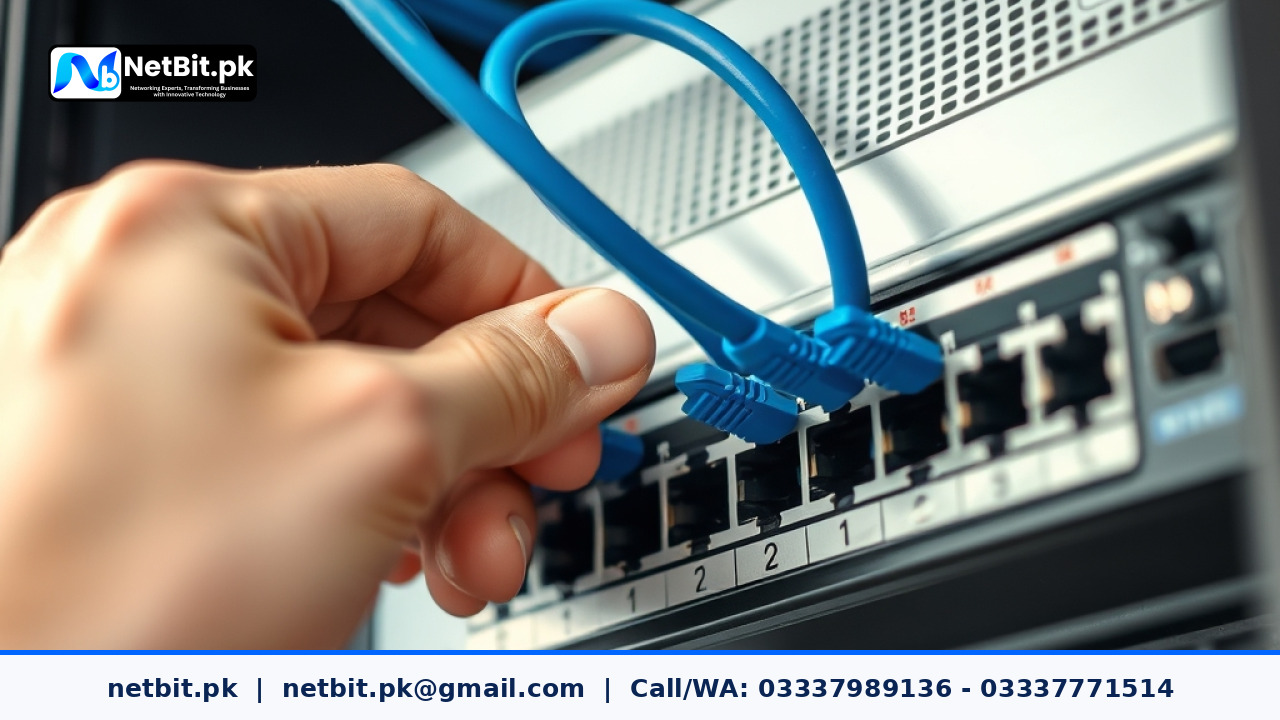
- Local Area Network Throughput: Verify that your server connects to an unmanaged or managed gigabit switch via certified Cat6 cabling, eliminating network transmission bottlenecks for connected desktop workstations.
Frequently Asked Questions
How often should a Pakistani business upgrade its server operating system?
Enterprise server platforms generally have long-term support cycles of five to ten years. Businesses should perform comprehensive software audits every two to three years and plan major operating system upgrades well before the platform enters extended or end-of-life support status.
Can a standard desktop PC function as our primary office server?
While an ordinary desktop computer can handle basic file sharing for two or three computers, it lacks redundant power supplies, ECC (Error-Correcting Code) memory, and RAID controller resilience. A dedicated server build ensures continuous multi-user access without overheating or suffering silent memory corruption during heavy commercial usage.
How does upgrading storage improve multi-user accounting software?
Multi-user databases constantly write temporary index locks and log files to the disk. Mechanical drives quickly form a queue when five or ten staff members enter sales invoices at the same time. Fast enterprise SSD storage processes these concurrent requests instantly, eliminating software lag for cashiers and inventory managers.
Partner with NetBit Tech for Robust Server Solutions in Pakistan
Deploying, upgrading, and maintaining an enterprise-grade server requires deep technical knowledge, practical experience, and reliable hardware integration. At NetBit Software House & Technology, located in Khuzdar, Balochistan, our certified IT specialists help organizations across Pakistan design stable, secure, and modern digital foundations.
From bare-metal operating system installations and storage performance optimization to virtualized environment deployments and structured Cat6 network integration, NetBit delivers turnkey server solutions engineered to withstand demanding enterprise requirements. We configure reliable RAID redundancy, set up automated backup workflows, and secure your systems against internal and external vulnerabilities.
Contact NetBit Tech today to audit your existing server architecture or plan a smooth upgrade that keeps your business running at peak performance.

Reader comments.
Share your question, suggestion or experience related to this article.
No comments yet
There are no approved comments on this article yet. You can be the first person to leave one.