
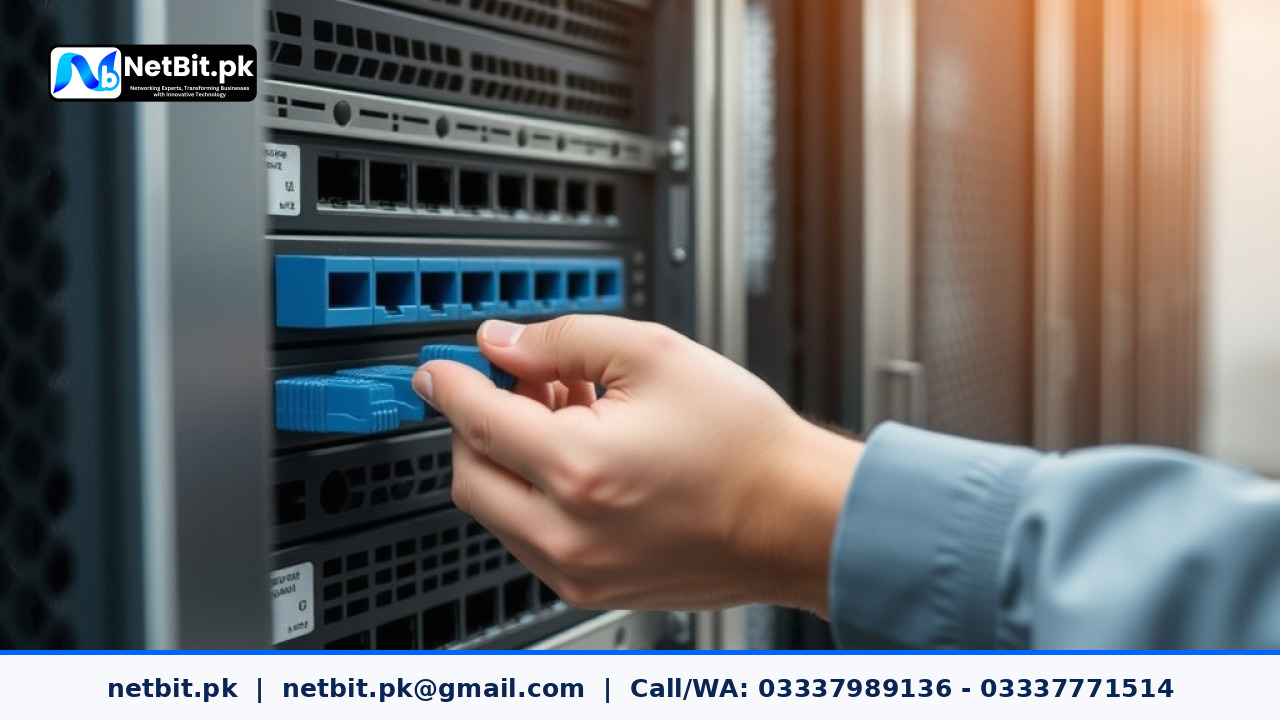
Recent cybersecurity advisories and global technology news highlight a significant shift in enterprise server management. Automated network scanners are increasingly targeting outdated, unpatched business servers connected to public IP addresses across Pakistan. Whether an organization relies on an on-premises domain controller, an internal accounting database server, or a custom web hosting setup, keeping server software and infrastructure updated is no longer optional—it is a critical operational requirement.
For small and medium enterprises, educational institutions, and corporate offices across Pakistan, understanding these recent server updates helps prevent data loss, unauthorized access, and unexpected hardware downtime. This report examines the essential server solutions, system patching protocols, and hardware adjustments required to keep local server environments stable and secure.
The Latest Server Patching Trends and Security Advisories
Over the past few months, major server operating system vendors, including Microsoft and enterprise Linux distributors (Red Hat, Ubuntu, and Debian), released critical cumulative updates. These patches address severe vulnerabilities related to Remote Code Execution (RCE) and local privilege escalation.
When a server remains unpatched, malicious scripts can exploit known software bugs to gain administrative control over the entire internal network. For Pakistani organizations handling customer databases, inventory records, or employee management systems, an unpatched server creates an open gateway for ransomware attacks.
Critical Linux Kernel and Windows Server Patches
System administrators must prioritize applying recent security patches for both Linux and Windows environments:
- Windows Server Updates: Recent patches focus on closing security flaws within Active Directory Domain Services, Remote Desktop Services (RDP), and Server Message Block (SMB) file-sharing protocols.
- Linux System Patches: Recent Linux kernel updates address vulnerabilities in OpenSSH, systemd, and local file system drivers, ensuring remote shell access remains properly authenticated.
- Database Server Upgrades: Modern releases of MySQL, PostgreSQL, and Microsoft SQL Server introduce stronger encryption ciphers for data at rest and data in transit.
Environmental and Power Infrastructure Challenges in Pakistan
Software patches are only one side of effective server management. Operating server hardware in Pakistan presents physical environmental challenges that directly impact system stability and hardware longevity.
Managing Ambient Heat and Dust
In regions like Balochistan, Sindh, and Punjab, summer temperatures often exceed safe operating limits for standard electronic hardware. Server rooms that lack continuous air conditioning experience thermal throttling, where the server processor automatically reduces its speed to prevent melting. Dust accumulation inside server chassis further insulates sensitive components, causing cooling fans to fail prematurely.
Power Supply Stability and Electrical Redundancy
Frequent grid load-shedding and sudden voltage spikes pose a constant risk to enterprise storage disks and server power supply units (PSUs). Implementing dual hot-swappable power supplies connected to isolated Uninterruptible Power Supply (UPS) units ensures that a sudden outage does not cause storage pool corruption or ungraceful system shutdowns.
Essential Server Upgrade Strategies for Local Businesses
Modernizing business servers does not always require replacing entire hardware systems. Strategic upgrades to internal components and network configurations can significantly boost speed and security.
1. Transitioning from Hard Drives to Enterprise SSDs
Legacy mechanical hard drives (HDDs) remain a common bottleneck in older office servers. Replacing legacy HDDs with enterprise-grade Solid State Drives (SSDs) operating in redundant RAID configurations dramatically improves database read/write response times while consuming less power and producing less operational heat.
2. Hardening Remote Access Protocols
Exposing Remote Desktop Protocol (RDP) ports directly to the public internet is one of the leading causes of server breaches in Pakistan. Businesses must implement secure VPN gateways or SSH tunnels with multi-factor authentication before granting off-site employees access to internal servers.
3. Segmenting Server Traffic with VLANs
Connecting office desktop PCs and server hardware to the exact same physical network allows local malware infections to spread quickly. Configuring Virtual Local Area Networks (VLANs) on managed network switches isolates server traffic, ensuring only authorized administrator machines can communicate directly with primary servers.
Step-by-Step Checklist for Server Maintenance
- Audit Active Accounts: Disable unused user accounts, temporary vendor access credentials, and default system logins.
- Verify Automated Backups: Confirm that daily local system images and off-site backup copies are completing successfully without errors.
- Clean Physical Hardware: Schedule quarterly server rack maintenance to blow out accumulated dust from fans, heatsinks, and power supply vents.
- Check Disk Health Status: Review S.M.A.R.T. monitoring indicators and RAID controller logs to replace degrading drives before total failure occurs.
- Apply OS Security Updates: Test system patches on a non-production server before deploying updates to main business systems during off-peak hours.
Frequently Asked Questions (FAQs)
How often should a business server receive software updates?
Critical security updates should be reviewed and installed monthly. Emergency patches addressing actively exploited zero-day vulnerabilities should be applied immediately after system backups are completed.
What ambient temperature should an office server room maintain?
An ideal server room temperature should be maintained between 18°C and 22°C (64°F to 72°F) with relative humidity levels kept between 40% and 55% to prevent static electricity build-up and condensation.
Why is a domestic PC not suitable to run as a business server?
Domestic desktop computers lack redundant power supplies, error-correcting code (ECC) RAM, hot-swappable drive bays, and server-grade cooling systems required to operate continuously 24/7 under heavy multi-user workloads.
Protect and Upgrade Your Server Infrastructure with NetBit
Managing robust server systems, enterprise networking infrastructure, and secure office environments requires dependable local technical expertise. NetBit Software House & Technology, operating from Khuzdar, Balochistan, provides tailored IT infrastructure and software engineering services for businesses, educational institutions, and organizations throughout Pakistan.
Our technical team specializes in custom software development, web applications, desktop systems, structured networking (including Cat6 cabling, fiber patch setups, managed switches, and point-to-point LiteBeam or PowerBeam links), CCTV security camera deployments, and full IT maintenance support. Whether you need to deploy a new local business server, optimize your network security, or design custom business software, NetBit Tech delivers reliable, professional solutions designed to meet your precise requirements.
Contact NetBit today to schedule a comprehensive server audit or consult with our engineering team on your next IT upgrade.


Reader comments.
Share your question, suggestion or experience related to this article.
No comments yet
There are no approved comments on this article yet. You can be the first person to leave one.