
Modern Hardware Standards Driving Desktop Performance Across Pakistan
Educational institutions, corporate offices, and software houses across Pakistan are making a noticeable shift in how they procure and maintain their computer systems. For over a decade, standard office environments relied heavily on legacy dual-core or basic quad-core processors, low-capacity Mechanical Hard Disk Drives (HDDs), and minimal system memory. However, the rise of resource-intensive web applications, local database management, digital design tools, and enterprise software has rendered older hardware configurations obsolete.
Today, organization leadership and IT administrators recognize that modernizing computer systems is directly tied to operational output. In technology hubs and emerging digital centers like Khuzdar, Balochistan, local enterprises are adopting standardized hardware guidelines aimed at preventing hardware bottlenecks, reducing downtime, and extending the lifespan of desktop workstations.
Key Architectural Shifts in Office Workstations
Upgrading office computer systems involves more than purchasing new monitors or sleek cases. It requires an understanding of motherboard chipsets, memory bandwidth, thermal thresholds, and solid-state storage buses. Industry reports from local tech suppliers highlight three core areas where Pakistani businesses are modernizing their desktop inventory.
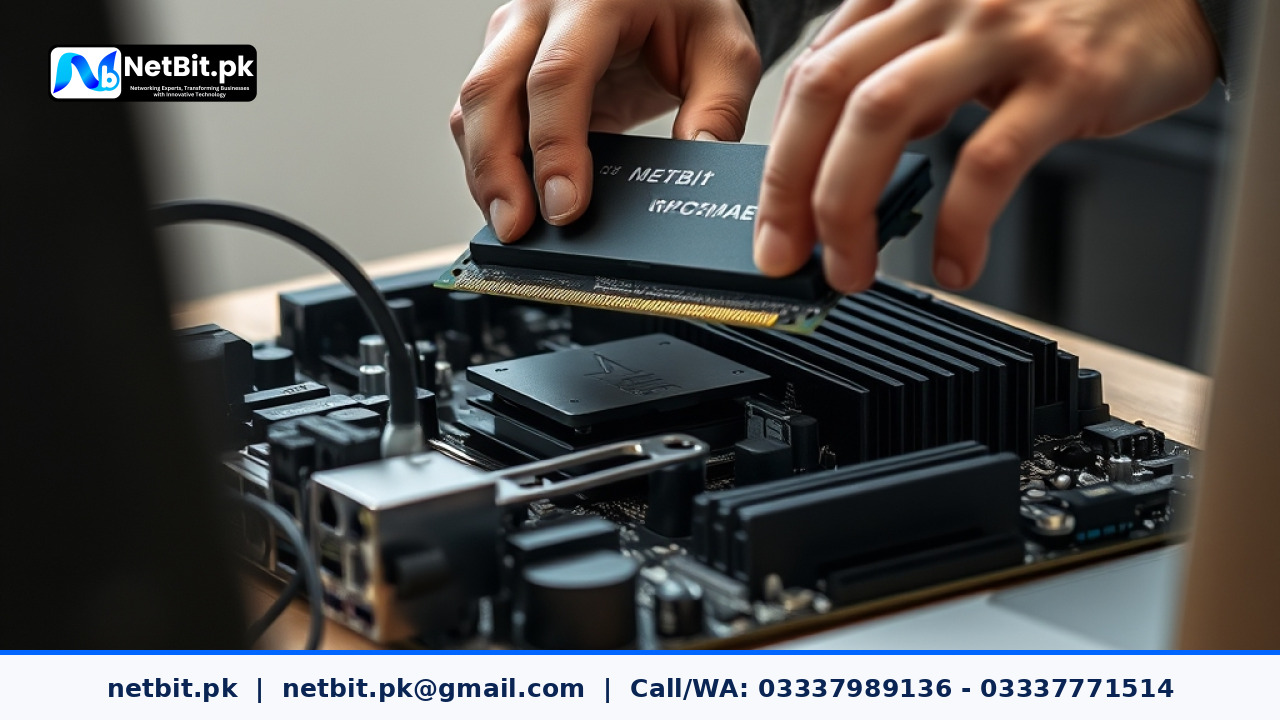
1. Transition to Multi-Core Processors and DDR5 RAM
Modern multi-tasking demands significant parallel processing power. Legacy systems frequently lock up when running background database services alongside browser-based enterprise resource planning (ERP) systems. The current standard for entry-to-mid-tier office computer systems centers around processors with a minimum of 6 physical cores and 12 thread capacity.
Alongside updated processor sockets, organizations are shifting from older DDR3 and DDR4 memory modules to high-bandwidth DDR5 RAM. With base data transfer rates starting significantly higher than DDR4, DDR5 enables smooth execution of data-heavy local applications. For software developers, graphic designers, and administrative personnel operating complex spreadsheets, upgrading to dual-channel 16GB or 32GB RAM arrays eliminates daily application lag.
2. Standardization of NVMe PCIe Solid-State Storage
Perhaps the single most impactful physical hardware upgrade seen in Pakistani computer systems over the past two years is the retirement of traditional SATA HDDs for primary system drives. Traditional mechanical drives, operating at 5400 or 7200 RPM, create severe read/write bottlenecks during operating system boots and file transfers.
Modern workstation deployments standardise on NVMe (Non-Volatile Memory Express) M.2 SSDs utilizing PCIe Gen 3 or Gen 4 interfaces. By plugging directly into the motherboard PCIe bus, NVMe drives deliver read speeds exceeding 3,000 MB/s—compared to just 150 MB/s on older HDDs. Operating systems boot in seconds, software opens instantly, and local data indexing operates seamlessly.
3. Power Supply and Thermal Management for Local Climates
Pakistani climate conditions—specifically high ambient summer temperatures and dust exposure—pose unique physical challenges to computer systems. Standard OEM office desktop builds often include low-tier power supply units (PSUs) without active thermal cooling or proper efficiency ratings.
Local IT managers in regions such as Khuzdar are now prioritizing build quality in hardware procurement:
- 80 PLUS Rated PSUs: Installing power supplies rated 80 PLUS Bronze or higher ensures stable power delivery, protecting sensitive motherboard VRMs (Voltage Regulator Modules) against minor voltage ripples.
- High-Airflow Chassis and Dust Filtration: Mesh front panel desktop cases with removable dust filters prevent thermal throttling by maintaining consistent air intake across CPU heat sinks.
- Dedicated Thermal Compounds: Applying high-conductivity thermal paste between the CPU die and cooler reduces operating temperatures by up to 10 degrees Celsius under heavy compute workloads.
Practical Steps for Upgrading Business Computer Systems
Before purchasing new equipment or upgrading existing desktop towers, IT personnel should follow a structured evaluation framework to ensure hardware compatibility and cost efficiency.
- Audit Hardware Compatibility: Check motherboard socket types, available RAM slots, power supply wattage, and M.2 storage slots before buying components. Installing an NVMe drive on a board that only supports SATA M.2 will result in detection failure.
- Standardize System Images: Use automated deployment tools to install uniform 64-bit operating systems, security patches, and required work software across all upgraded computer systems.
- Implement Local Data Backups: Ensure critical business documents and project files are backed up to local network attached storage or offsite servers before replacing system storage drives.
- Establish Preventive Maintenance Schedules: Schedule bi-annual dust cleaning and hardware diagnostics to clear fan vents and check storage health stats using thermal and SMART drive monitoring utilities.
Frequently Asked Questions Regarding Computer Systems
Is it better to upgrade existing desktop computers or buy complete new systems?
If your current computer systems possess motherboards supporting modern 64-bit processors and SSD storage, upgrading RAM and replacing mechanical HDDs with NVMe SSDs offers a cost-effective performance boost. However, if system motherboards are limited to legacy processor sockets and DDR3 memory, replacing the system unit entirely is the more economical long-term investment.
Why is dual-channel memory important for office computer systems?
Installing two identical memory sticks (e.g., two 8GB RAM sticks) enables dual-channel mode, doubling the data bus width between the memory controller and the CPU. This results in measurable performance gains in graphics rendering, software compilation, and overall system responsiveness compared to running a single 16GB stick in single-channel mode.
What is the minimum recommended hardware specification for office PCs in 2025?
For standard administrative and business operations in Pakistan, the recommended minimum baseline hardware spec includes: a modern 6-core processor, 16GB dual-channel DDR4 or DDR5 RAM, a 512GB NVMe M.2 SSD for the primary OS drive, an 80 PLUS certified 450W power supply, and a well-ventilated micro-ATX or ATX case.
Build Reliable Computer Systems and IT Infrastructure with NetBit Tech
Navigating hardware specifications, system upgrades, custom desktop assemblies, and network infrastructure can be challenging for growing businesses and institutions. NetBit Software House & Technology, located in Khuzdar, Pakistan, provides expert guidance and technical solutions tailored to your operational needs.
Whether your organization requires custom software applications, desktop systems assembly, IT maintenance, structured Cat6 and fiber networking, or complete hardware diagnostic services, netbit tech delivers dependable engineering standards. Our technical teams assist businesses in selecting, deploying, and maintaining high-performance hardware configurations built to withstand local operational environments.
Contact netbit khuzdar today to consult with our technical specialists, upgrade your business computer systems, or discuss custom software development projects designed to elevate your business output.

Reader comments.
Share your question, suggestion or experience related to this article.
No comments yet
There are no approved comments on this article yet. You can be the first person to leave one.