
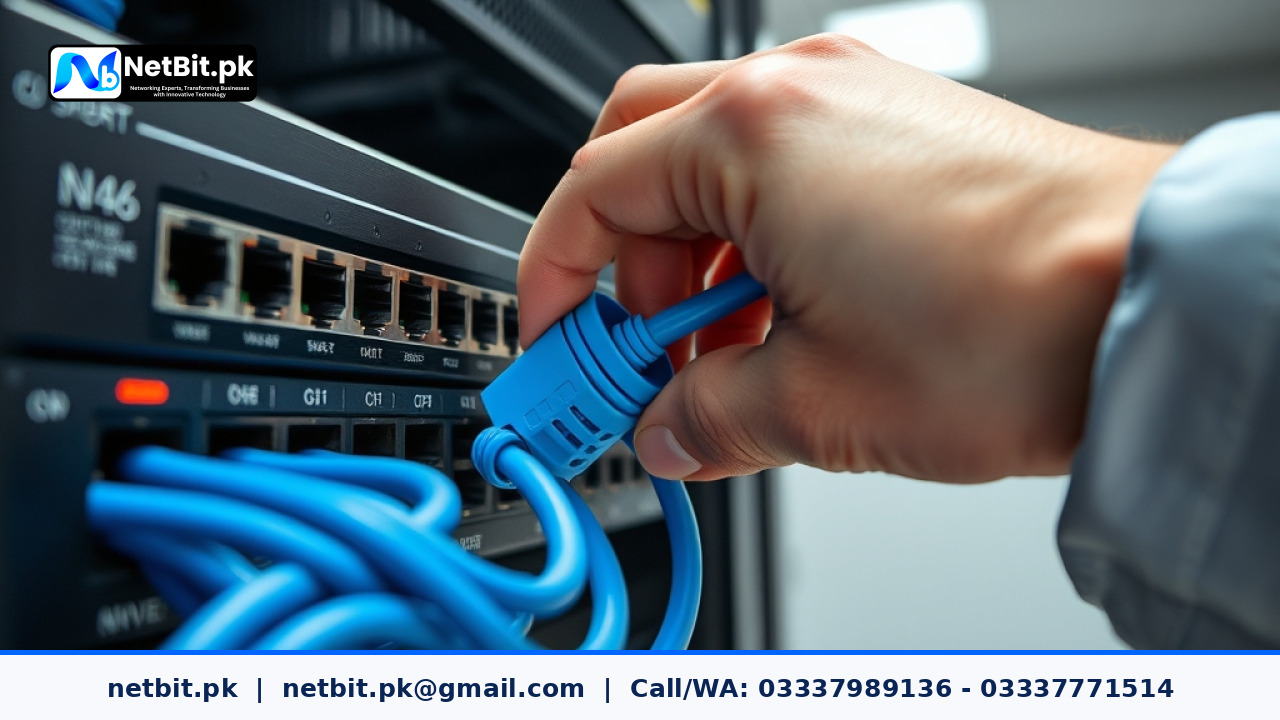
Across Pakistan, commercial entities, educational institutions, and regional enterprises in expanding hubs like Khuzdar, Quetta, and interior Sindh are upgrading their core physical networks. As digital administrative systems, cloud platforms, and local software applications become everyday requirements for modern commerce, legacy network setups are showing severe performance bottlenecks. A modern web application or enterprise database cannot perform reliably when choked by degraded wiring, unmanaged switches, or unstable outdoor connections.
This news update explores the current infrastructure transition sweeping local Pakistani organizations, highlighting practical technical solutions—from structured Cat6 cabling and fiber patch cords to long-range wireless links using PowerBeam and LiteBeam hardware—that keep business operations running without interruption.
The Transition from Legacy Wiring to Structured Cat6 and Fiber Optics
For years, many small to mid-sized offices across regional commercial sectors relied on informal, unstructured ethernet wiring. Unshielded Cat5e cables were frequently routed alongside high-voltage electrical conduits, dropped across drop-ceilings without tray support, or left dangling behind office desks. In today's bandwidth-demanding workplace, this setup causes chronic packet loss, signal interference, and persistent operational delays.
Why Cat6 Has Become the Baseline Standard
Pakistani businesses are rapidly adopting Cat6 structured cabling as their primary desktop and workplace interconnect standard. Cat6 cables feature internal longitudinal separators (splines) that isolate individual twisted copper pairs, drastically reducing near-end crosstalk (NEXT) and system noise. When properly terminated into standard keystone jacks and patch panels, Cat6 comfortably delivers gigabit network speeds across standard 100-meter channel distances.
The Role of Fiber Patch Cords in Core Backbone Racks
While copper Cat6 cabling handles the horizontal runs between wall outlets and desktop work computers, fiber optic patch cords have taken over backbone connections within server racks and between different floors. Single-mode and multi-mode fiber patch cords provide immune-to-interference links between core network switches. Utilizing duplex LC-to-LC or SC-to-LC fiber jumpers ensures high throughput without the length limitations or electromagnetic interference associated with heavy copper wiring.
Bridging Remote Locations: Outdoor Point-to-Point Wireless Infrastructure
In regions like Balochistan, where topographical challenges, rocky terrain, and road infrastructure make digging underground cable trenches impractical or cost-prohibitive, regional businesses face a unique connectivity challenge. Connecting a main administrative office to a warehouse, factory floor, or secondary campus 2 to 15 kilometers away used to require expensive leased lines.
High-Performance Wireless Bridging with LiteBeam and PowerBeam
To overcome these physical distance barriers, network engineers are deploying outdoor point-to-point (PtP) and point-to-multipoint (PtMP) wireless bridging hardware. Specialized directional devices like Ubiquiti LiteBeam and PowerBeam units allow organizations to project dedicated high-speed network links across several kilometers with clear line-of-sight.
- LiteBeam Systems: Ideal for lightweight, cost-effective directional bridging across short to medium distances. They offer high gain and narrow beamwidth to mitigate local radio frequency noise in growing industrial zones.
- PowerBeam Hardware: Engineered with integrated dish reflectors, PowerBeam units provide tight beam directivity and superior noise immunity, making them perfect for long-distance point-to-point backhauls across rugged terrain.
By establishing these high-gain wireless bridges, local businesses can extend their main local area network (LAN) across multiple sites, allowing shared access to central desktop systems, custom database applications, and central CCTV security monitoring without ongoing monthly bandwidth fees.
Upgrading the Server Room: Managed Switches and Clean Patch Panels
A frequent failure point in local office infrastructure is the network rack itself. Tangled cabling—often called "spaghetti wiring"—makes basic IT troubleshooting, maintenance, and cable replacements a risky task. Disconnecting one bad cable can accidentally pull down an entire department's connection.
Implementing Managed Network Switches
Unmanaged desktop switches are quickly being replaced by rack-mounted managed switches. Managed switches give network administrators deep visibility into network traffic, power-over-ethernet (PoE) budgets for IP cameras, and remote port control. More importantly, managed switches enable Virtual Local Area Networks (VLANs), allowing a company to separate sensitive financial software data from public guest wireless traffic and heavy CCTV video streams.
Proper Patch Panel Cable Management
Modern IT infrastructure standards require all permanent horizontal Cat6 cabling to terminate neatly into rack-mounted patch panels. Flexible Cat6 patch cords are then used to connect the patch panel ports directly to switch ports. Incorporating horizontal wire managers and strain relief bars prevents mechanical stress on wire conductors, keeping the physical infrastructure reliable for decades.
Practical Action Plan for Pakistani Business Network Upgrades
If your organization is experiencing slow local file sharing, dropped software sessions, or network instability, follow these straightforward action steps to modernize your physical infrastructure:
- Audit Existing Cables: Inspect your current network wiring. Replace degraded cables, damaged patch cords, or non-standard telephone wire connections with solid copper Cat6 lines.
- Organize Server Racks: Install dedicated 19-inch equipment racks or wall-mount cabinets. Group switches, patch panels, and power distribution units (PDUs) neatly using horizontal brush panels and cable rings.
- Isolate High-Bandwidth Traffic: Put high-bandwidth devices like CCTV cameras and network storage drives on dedicated switch ports or separate VLANs so they do not slow down everyday office database management.
- Protect Equipment Power: Pair all core switches and wireless dish radios with line-interactive Uninterruptible Power Supply (UPS) units to prevent sudden shutoffs during local power fluctuations.
Frequently Asked Questions (FAQs)
What is the maximum effective length for Cat6 cabling runs?
The standard maximum distance for a Cat6 cable run is 100 meters (328 feet). This typically includes 90 meters of solid core horizontal cabling inside wall conduits plus up to 10 meters total of flexible stranded patch cords at the ends.
When should a business use fiber patch cords instead of copper Cat6?
Fiber optic patch cords should be used when connecting network switches across different floors, linking separate server cabinets, or when cable runs must pass directly near heavy electrical machinery that generates magnetic interference.
Can outdoor wireless bridges like PowerBeam handle heavy software data and CCTV feeds?
Yes. When installed with clear line-of-sight and properly aligned, PowerBeam and LiteBeam links provide hundreds of megabits per second of actual TCP/IP throughput, making them fully capable of handling live multi-channel CCTV video feeds and real-time database transactions.
Upgrade Your Business IT Infrastructure with NetBit Software House & Technology
Building a stable, secure, and future-proof digital environment requires both reliable network hardware and expert installation. Whether you need to overhaul your office structured cabling, deploy point-to-point wireless bridges across site locations, mount server racks, or install centralized CCTV surveillance, professional engineering makes all the difference.
At netbit (netbit.pk), based in Khuzdar, Balochistan, our team delivers complete end-to-end technical services tailored for Pakistani businesses, educational institutions, and commercial facilities. From custom software and mobile applications to structured Cat6 networking, fiber patch cord routing, and outdoor wireless deployment, netbit tech provides dependable solutions built to global technical standards.
Contact netbit software house today to evaluate your facility's network cabling, rack organization, or custom tech requirements. Let our experienced technicians build a clean, high-performance IT infrastructure that keeps your operations running smoothly every single day.



Reader comments.
Share your question, suggestion or experience related to this article.
No comments yet
There are no approved comments on this article yet. You can be the first person to leave one.