

Introduction to Patch Management in IT Maintenance
In modern computer networks and office environments, software and operating systems receive regular updates. These updates are commonly known as patches. A patch is a small piece of software designed to fix bugs, close security vulnerabilities, or improve system stability. In routine IT maintenance and support, applying these updates by hand across dozens of computers, office workstations, and servers takes a lot of time. This is where automated patch management technology becomes essential.
For everyday business owners and office managers in Pakistan, keeping workplace computers secure and functional can feel overwhelming when done manually. Automated patch management simplifies this entire workflow. Instead of an IT technician visiting every single desk with a flash drive or clicking update on every screen, an automated management system detects missing updates, downloads verified files, and applies them across the entire network on a fixed schedule.
How Automated Patch Management Architecture Works
Automated patch management software operates using a centralized client-server architecture. Understanding this structure helps technical teams and business owners plan their support routines effectively.
1. The Central Management Console
At the center of the architecture is the patch server or central management console. This console maintains communication with software vendors, operating system update repositories, and third-party application providers. The central server checks for newly released security bulletins and critical bug fixes. It evaluates which updates match the hardware and software running inside your company.
2. Local Agent Software
Each client computer, laptop, or server on the office network runs a lightweight background program called an agent. This agent reports local system details back to the central console. It shares current operating system version numbers, installed software titles, and recent update history. Because the agent consumes very few system resources, employees can continue their daily office work without noticeable slowdowns.
3. The Local Distribution Repository
In offices with multiple computers, downloading large updates from the internet on every single machine can consume huge amounts of bandwidth. A proper patch management architecture uses a local cache or distribution repository. The central server downloads the update package once from the vendor. Then, it distributes the file locally over the office local area network (LAN) to all connected computers. This saves internet data and speeds up deployment significantly.
Core Benefits for Maintenance and Support
Integrating automated patching into your routine maintenance and support strategy delivers practical operational advantages:
- Consistent Vulnerability Protection: Security flaws are discovered daily. Automated systems quickly identify exposed machines and apply necessary security patches before threats cause data loss or downtime.
- Reduced Routine Downtime: IT staff can schedule heavy updates and computer restarts during non-working hours, such as late evenings or weekends, so daytime work remains uninterrupted.
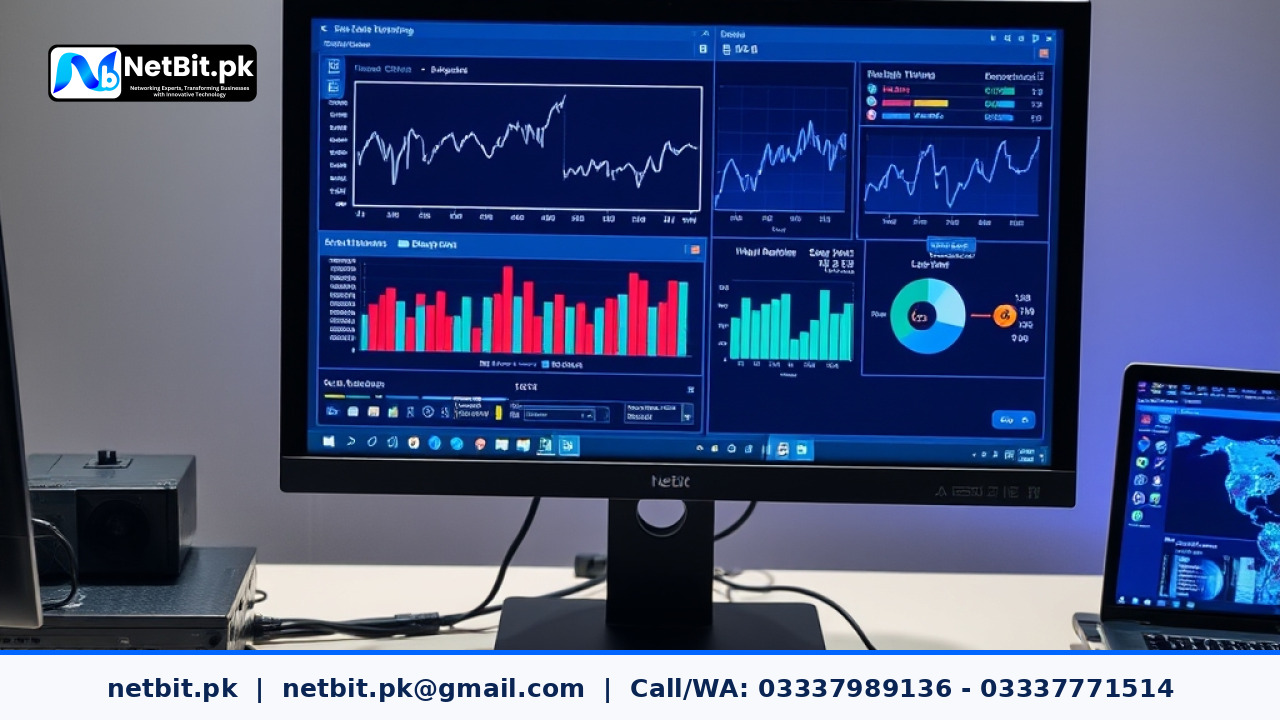
- Centralized Visibility and Reporting: Support engineers can view a single dashboard that shows the exact patch health of every machine across departments.
- Standardized Software Versions: When all computers run the same approved software versions, troubleshooting common office applications becomes faster and easier.
- Bandwidth Optimization: Caching updates locally prevents multiple machines from saturating office internet lines simultaneously.
Limitations and Practical Challenges to Consider
While automated patch management technology solves many maintenance headaches, IT teams must also be aware of its limitations and manage them carefully:
Potential Software Conflicts
Sometimes an operating system update can cause unexpected conflicts with specialized custom software, accounting tools, or legacy printer drivers. Pushing an update blindly without prior testing can halt everyday office operations.
Off-Network and Roaming Laptops
Laptops used by remote staff or field workers are not always connected to the office local area network. Support policies must account for cloud-based agents or virtual private network connections so that roaming machines do not fall behind on critical patches.
Failed Installations and Reboots
Not every patch installs cleanly on the first try. Machines may lack sufficient disk space, or pending restarts from earlier tasks might block new installations. Ongoing maintenance requires regular verification of failed update logs.
Best Practices for Implementing Automated Patching
To get the best results from automated patch technology, maintenance teams should follow a structured and sensible routine:
- Maintain an Accurate Hardware and Software Inventory: Know every computer, server, and application running within your organization before automating updates.
- Create a Pilot Test Group: Never push fresh updates to all machines at once. Deploy patches to a small test group of non-critical workstations first. Observe them for twenty-four to forty-eight hours to ensure stability.
- Establish Maintenance Windows: Pick clear, predictable times for automated deployments and system restarts. Inform team members in advance so unsaved work is protected.
- Audit Logs and Health Reports Weekly: Review the central dashboard every week to spot machines that missed updates due to power issues or network disconnections.
- Keep Adequate Backups: Always ensure system state backups are verified before pushing major operating system service packs or kernel updates.
By understanding how patch management technology works and combining it with reliable routine support, businesses can maintain stable, fast, and secure computing environments.
Build Reliable IT Infrastructure with NetBit Software House
Managing computers, software updates, local networks, and daily technical issues on your own takes time away from growing your business. When systems crash or slow down unexpectedly, it creates stress, missed deadlines, and lost revenue for your entire team. You do not have to carry the burden of complex IT maintenance alone.
At NetBit, our dedicated engineers at netbit tech software house provide end-to-end maintenance and support tailored to your everyday operational needs. Whether you operate an expanding enterprise or a local institution in Balochistan, netbit khuzdar delivers hands-on technical care that keeps your systems running smoothly, securely, and without interruption. Explore our full range of technology solutions at netbit.pk and let our experienced professionals protect your operations. Take the first step toward complete peace of mind today by reaching out to netbit software, and let our trusted team handle your technology so you can focus on your true business goals with total confidence.


Reader comments.
Share your question, suggestion or experience related to this article.
No comments yet
There are no approved comments on this article yet. You can be the first person to leave one.